How to check the condition of a Dell G15 battery?
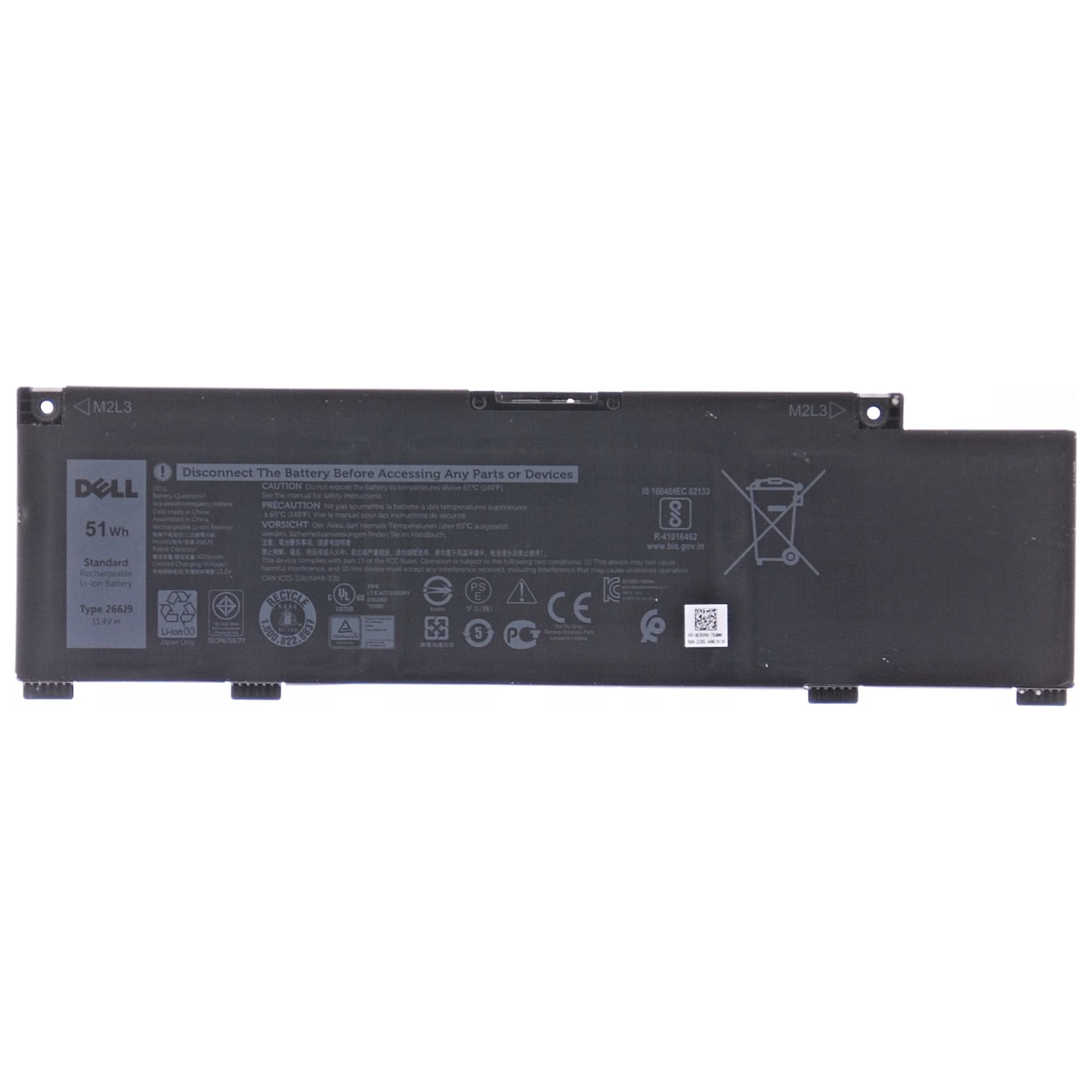
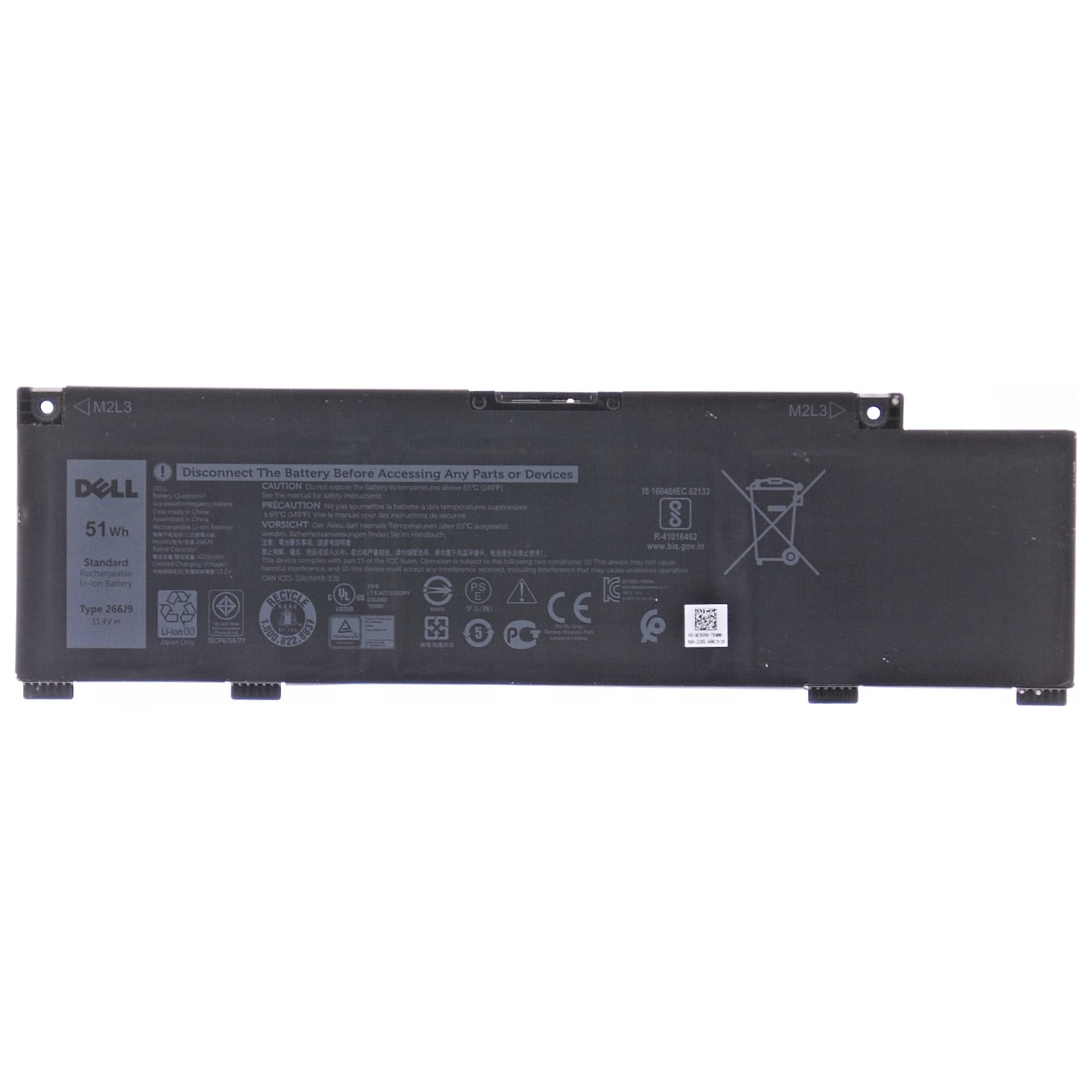
New Genuine Dell G3 15 3500 3590 Battery 51Wh
Status:
Open Feb 04, 2026 - 11:27 AM
1answer
Answer
Feb 04, 2026 - 11:27 AM
To check the condition of a Dell G15 battery, right-click the battery icon on the taskbar and select "Dell Power Manager" or "Battery Health." You can also run the Dell SupportAssist application to view detailed battery health information.
View More Product Details
New Genuine Dell G3 15 3500 3590 Battery 51Wh
Description: New Genuine Dell Battery Features and Technical Specifications: Number of Cells: 3 Capacity: 51Wh Voltage: 11.4V Colour: Black Compatible Part #s: 266J9 0266J9 M4GWP 0M4GWP PN1VN 0PN1VN***** The laptop model numbers are compatible with 2 batteries, this is the 51Wh there's also MV07...
See More
View all New Genuine Dell G3 15 3500 3590 Battery 51Wh Questions & Answers