Answer
Feb 04, 2026 - 11:26 AM
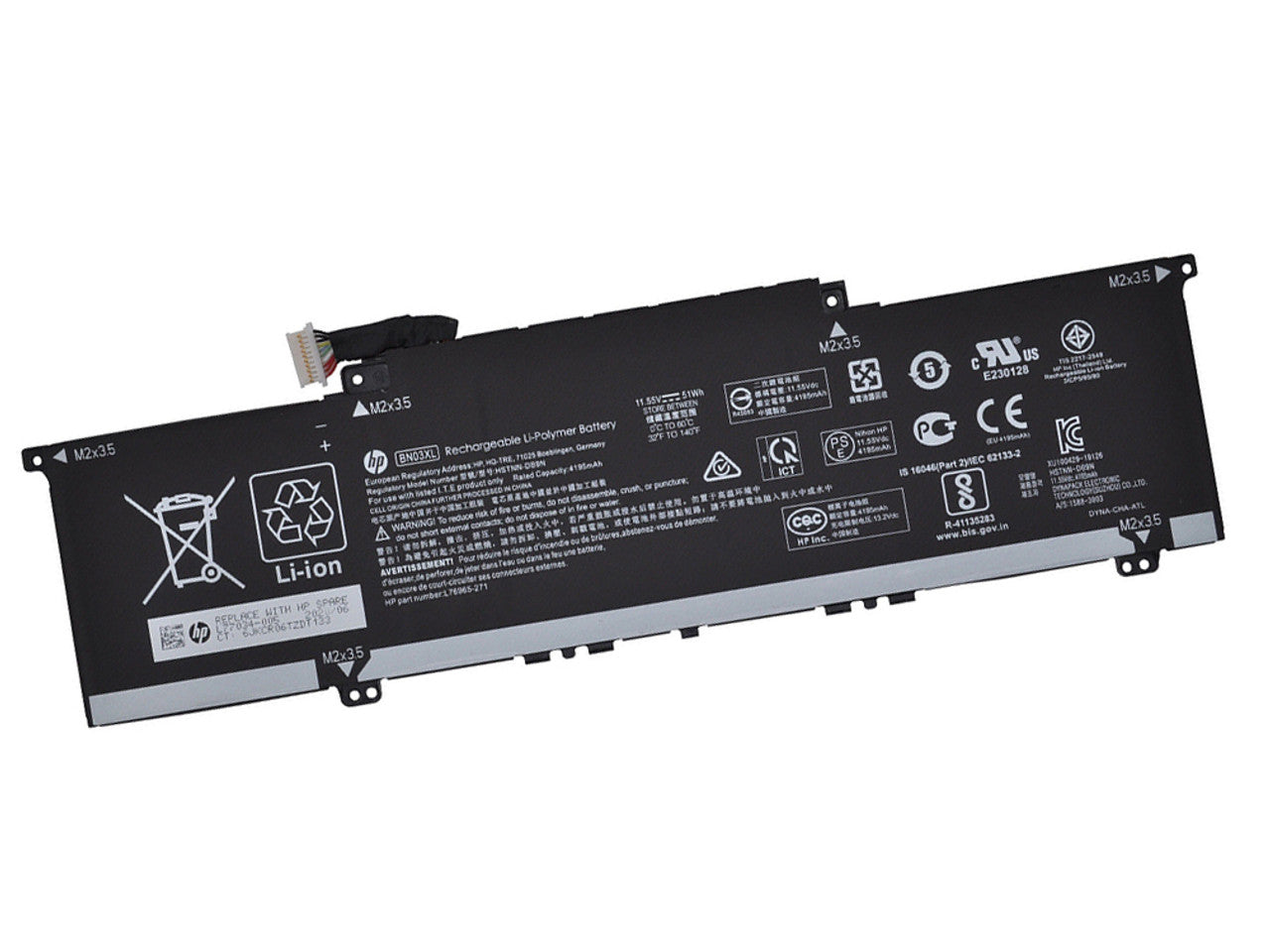
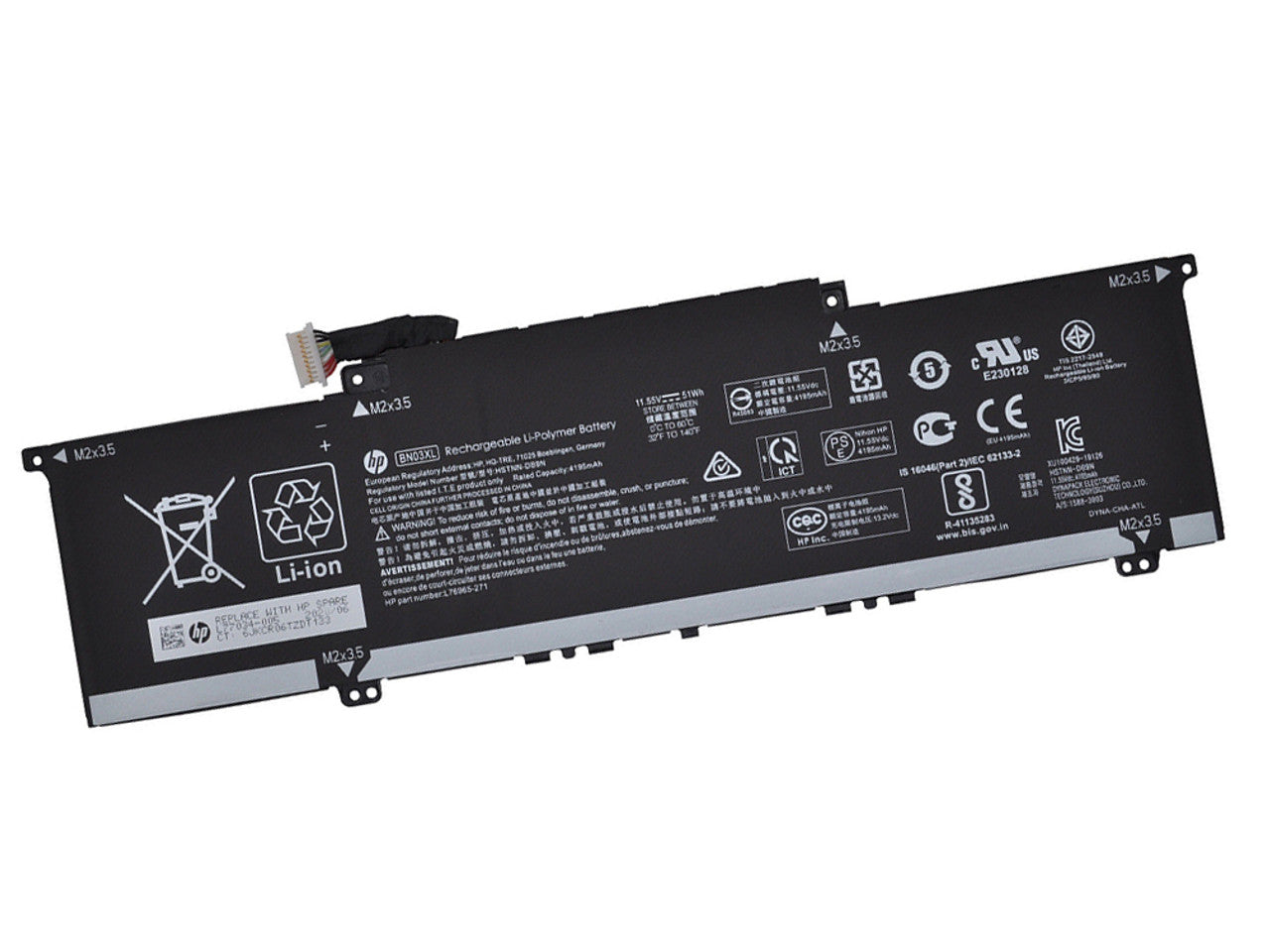
To check the battery specifications on an HP laptop, press "Windows + X" and select "Device Manager," then expand the "Batteries" section to see basic information. For detailed specifications, you can run "HP Support Assistant" or use the command "powercfg /batteryreport" in Command Prompt to generate a full battery report.