Answer
Jan 27, 2026 - 03:15 PM
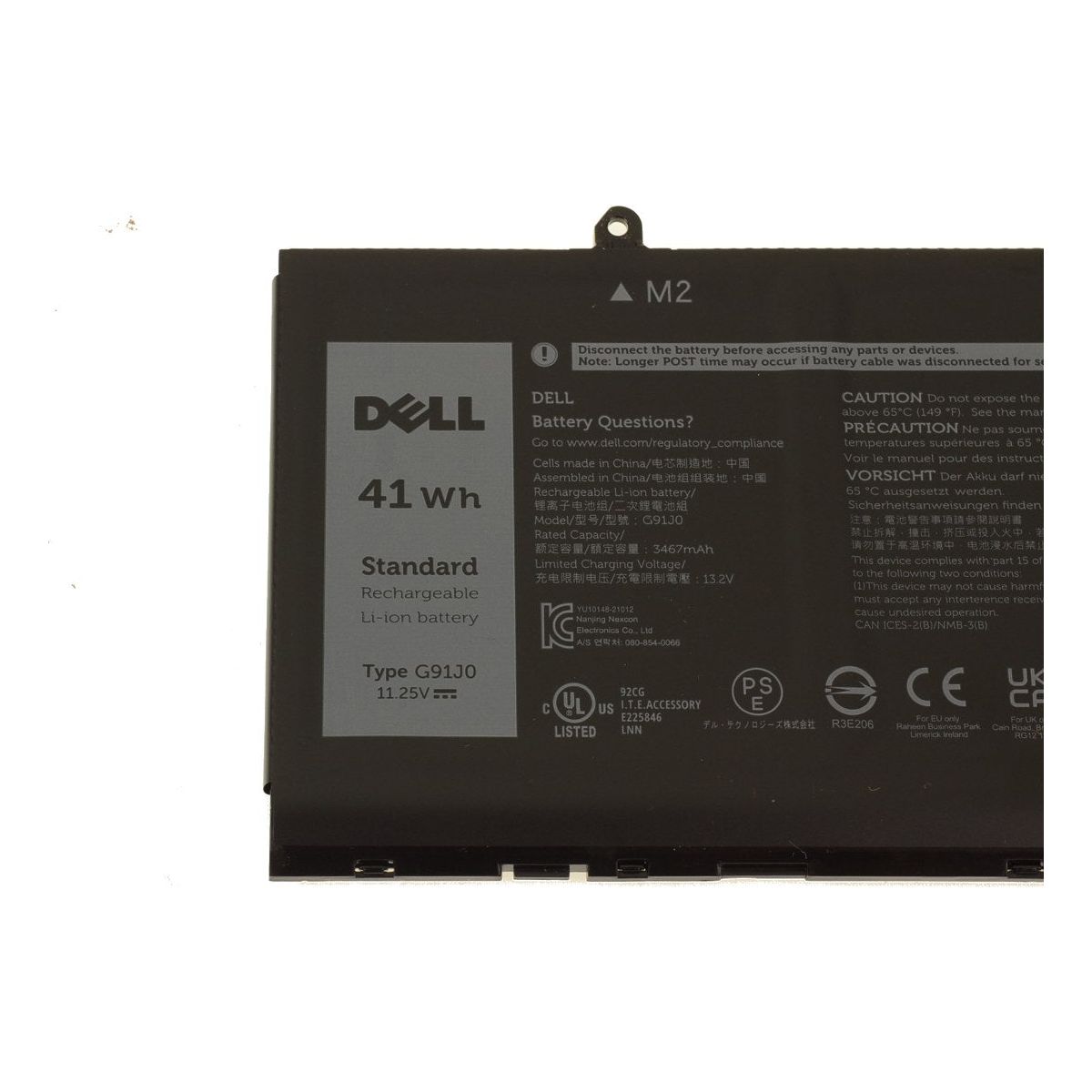
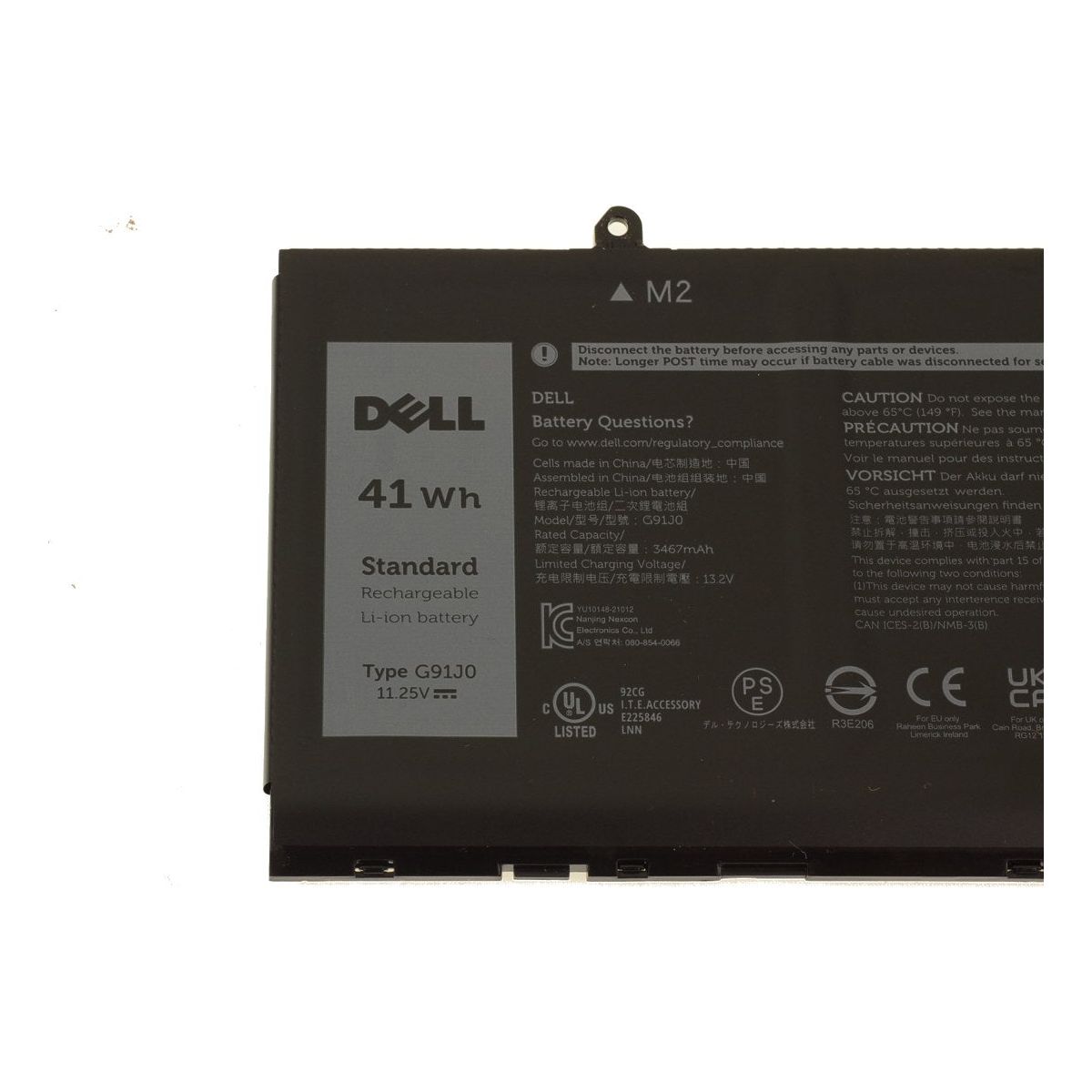
To find battery information on a Dell laptop, click on the battery icon in the system tray and select "Battery settings" or "Power & battery settings." Alternatively, you can run the "Dell Power Manager" app or enter "Command Prompt" and type `powercfg /batteryreport` to generate a detailed battery report.