Answer
Jan 27, 2026 - 03:08 PM
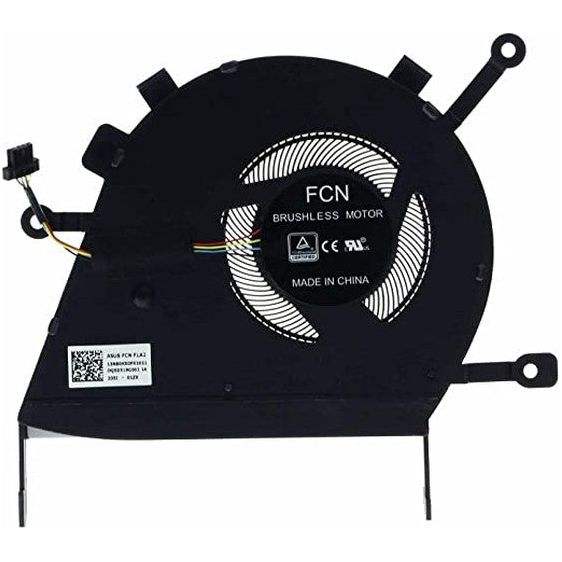
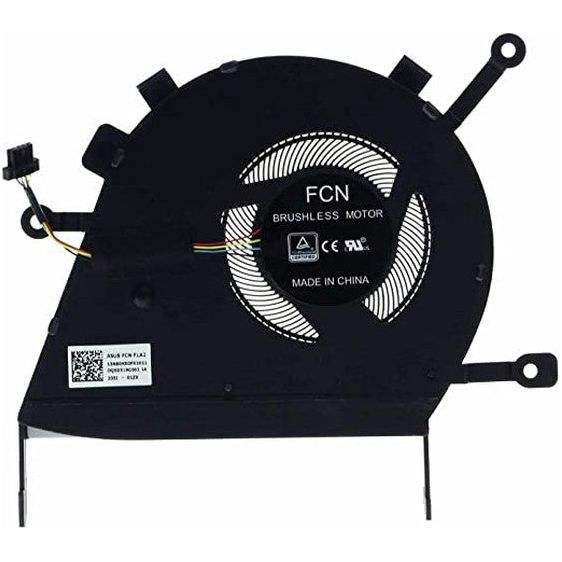
To fix the ASUS motherboard CPU fan error, first ensure the CPU fan is securely connected to the correct CPU_FAN header on the motherboard. If the fan is working but the error persists, enter the BIOS and adjust the fan speed settings or disable the CPU fan monitoring if you are using a different cooling solution. Save changes and restart your computer to see if the error is resolved.