How to see battery information on Mac?
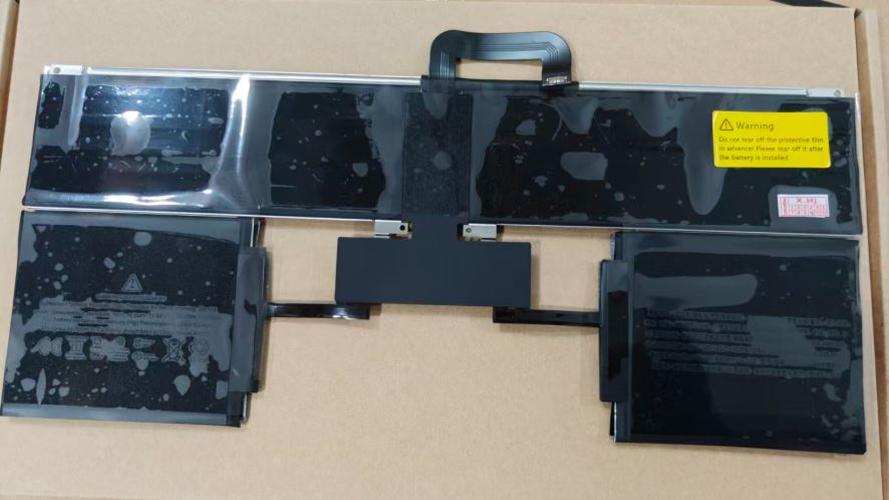
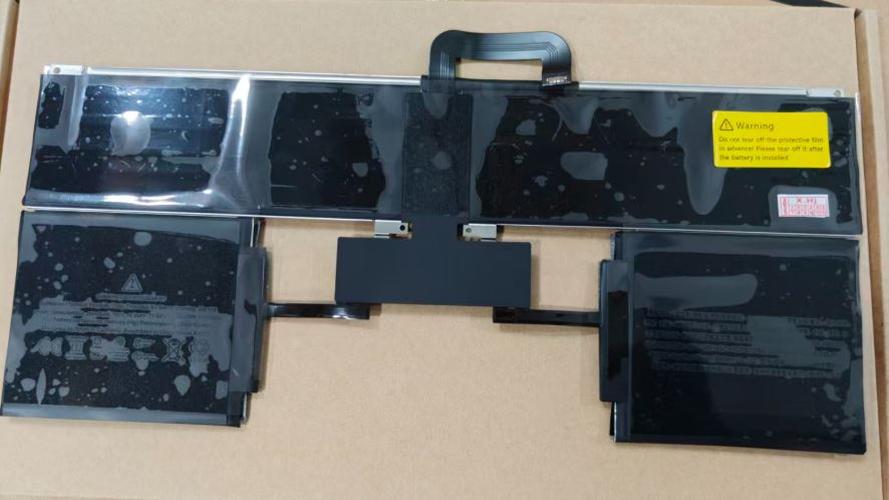
New Genuine Apple MacBook Air 13 Inch M2 2022 A2681 Battery 52.6WH
Batteries
Status:
Open Jan 27, 2026 - 03:05 PM
1answer
Answer
Jan 27, 2026 - 03:05 PM
To see battery information on a Mac, click the Apple menu , select "System Settings" (or "System Preferences" on older versions), then choose "Battery." For more detailed info, hold the Option key and click the battery icon in the menu bar, or open "System Information" and select "Power" under the "Hardware" section.
View More Product Details
Browse by Category
Batteries
View our complete selection of Batteries to find the one that suites your needs.
View All
View all Batteries Questions & Answers
View all New Genuine Apple MacBook Air 13 Inch M2 2022 A2681 Battery 52.6WH Questions & Answers