How to check battery health on an ASUS?
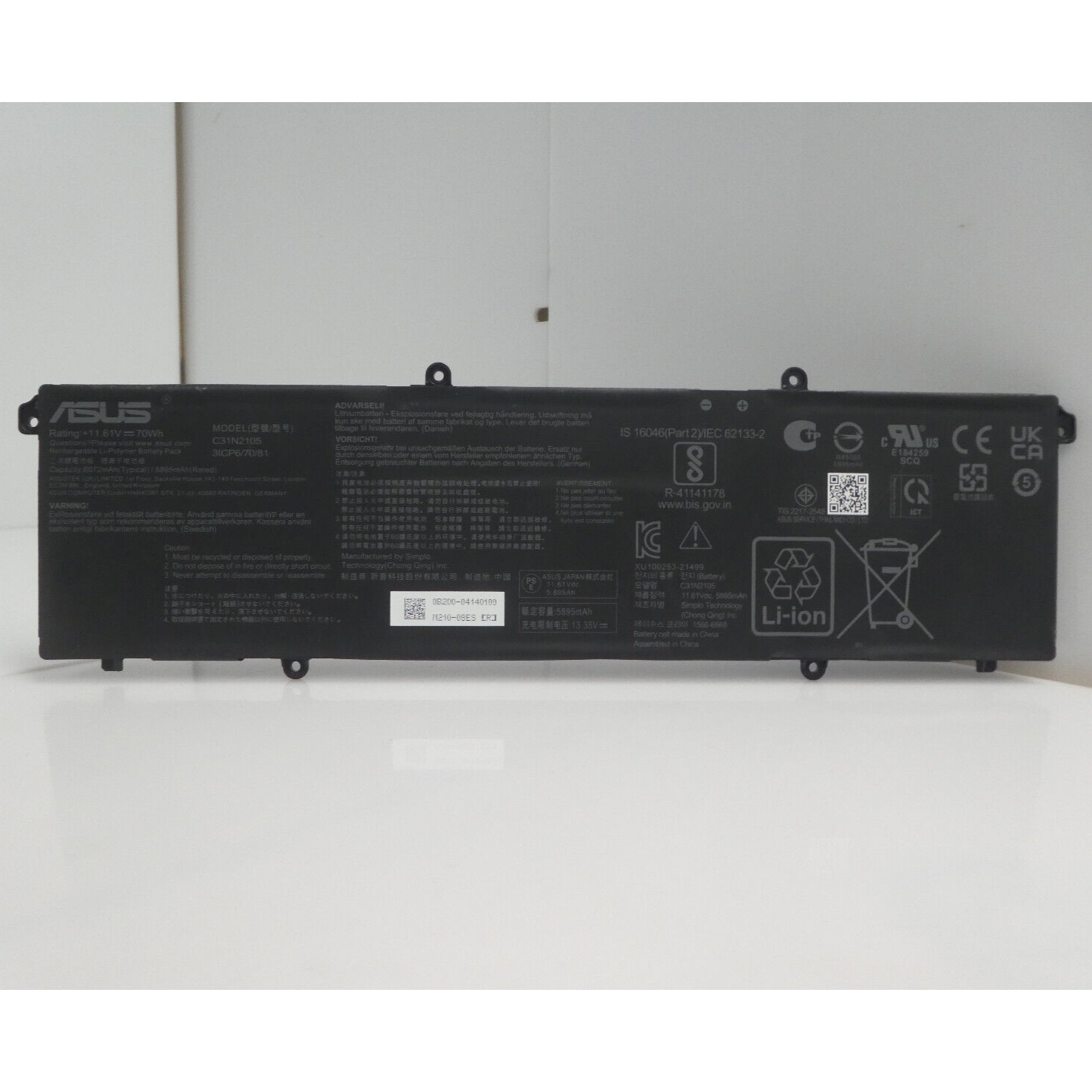
New Genuine Asus K3402ZA K3502ZA Battery 70WH
Status:
Open Jan 14, 2026 - 12:07 PM
1answer
Answer
Jan 14, 2026 - 12:07 PM
To check battery health on an ASUS laptop, press **Win + X** and select **Windows PowerShell (Admin)** or **Command Prompt (Admin)**, then type `powercfg /batteryreport` and press Enter. This will generate a battery report saved as an HTML file, which you can open to view detailed battery health information.
View More Product Details
New Genuine Asus K3402ZA K3502ZA Battery 70WH
New Genuine Asus K3402ZA K3502ZA Battery 70WH New Genuine Asus Battery Features and Technical Specifications: Number of Cells: 3 Capacity: 70WH Voltage: 11.61V *** Please note that there are two compatible types. This battery does NOT have an interface line/wire. Please closely compare with your ori...
See More
View all New Genuine Asus K3402ZA K3502ZA Battery 70WH Questions & Answers