How do I find out the specs of my ASUS laptop?
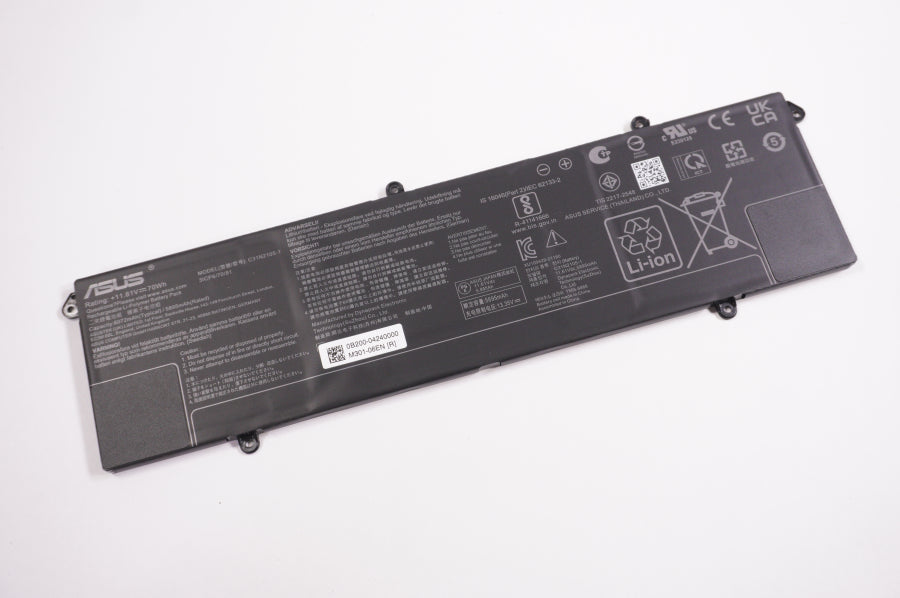
New C31N2105-1 Asus Laptop 70Wh 11.61V 5895 mAh Battery
Status:
Open Jan 14, 2026 - 12:02 PM
1answer
Answer
Jan 14, 2026 - 12:02 PM
To find out the specs of your ASUS laptop, press the Windows key + R, type "dxdiag," and press Enter to view detailed system information. Alternatively, you can go to Settings > System > About to see your device specifications.
View More Product Details
View all New C31N2105-1 Asus Laptop 70Wh 11.61V 5895 mAh Battery Questions & Answers