Answer
Dec 22, 2025 - 09:19 AM
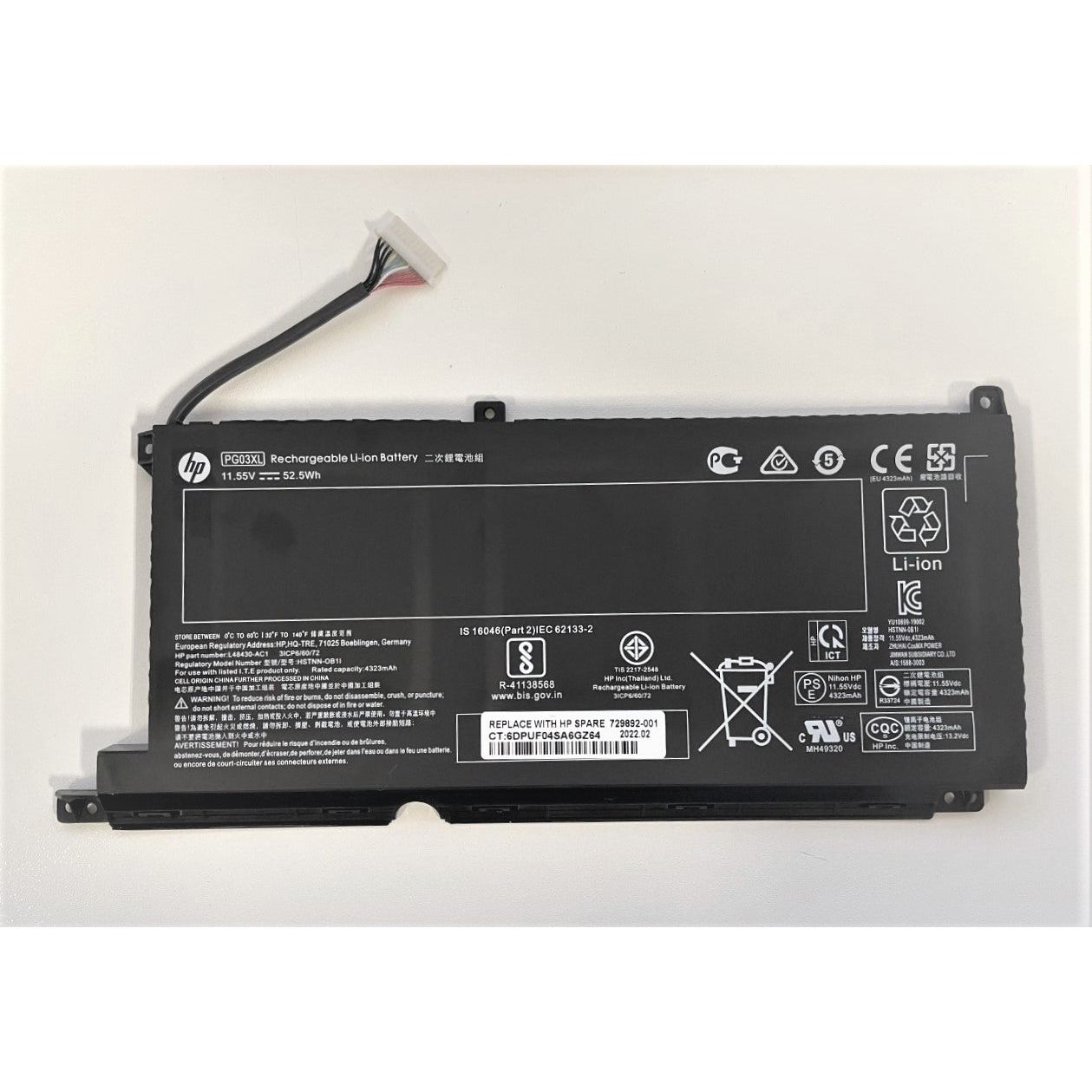
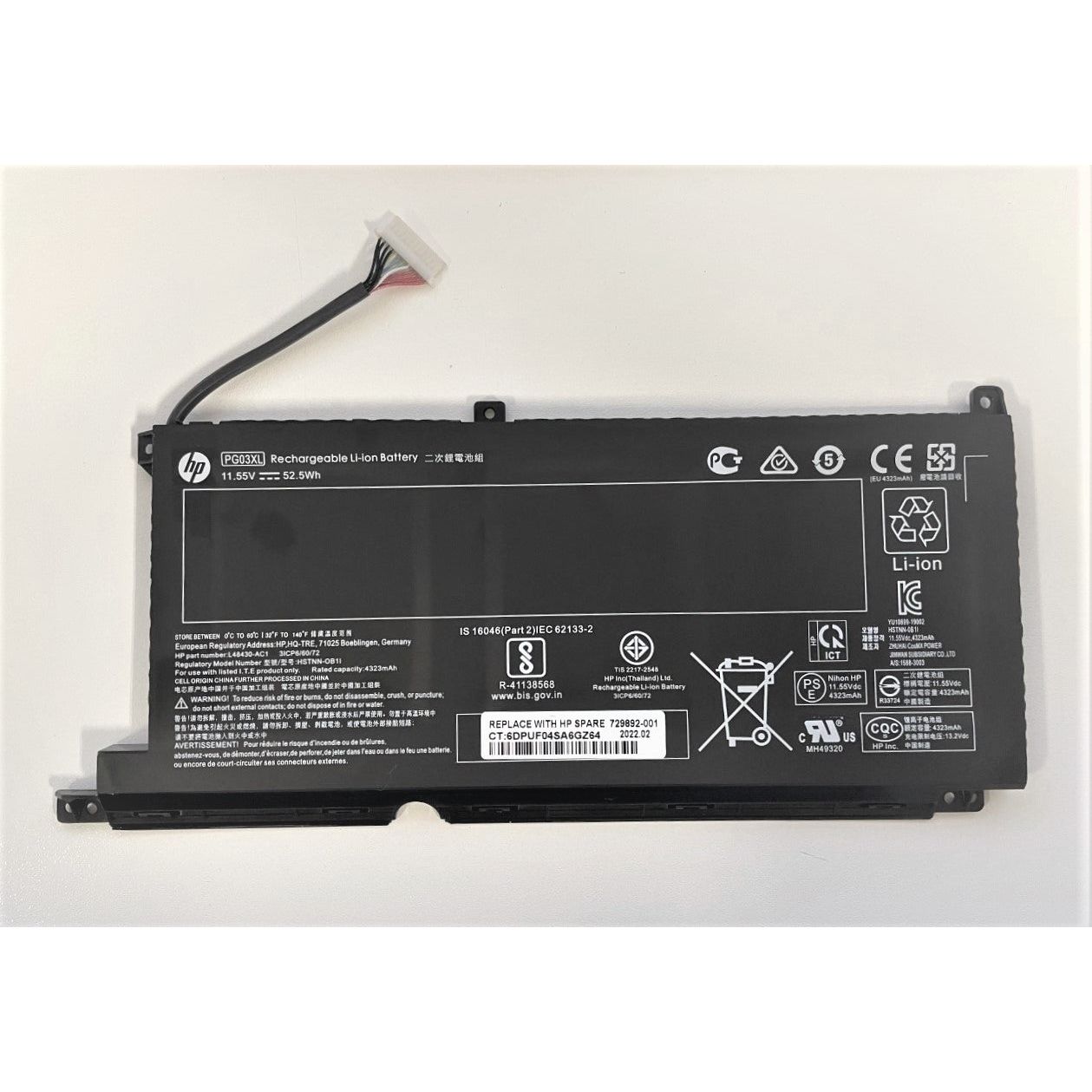
To find battery information on an HP laptop, press **Windows + X** and select **Device Manager**, then expand the "Batteries" section. Alternatively, you can run the **HP Battery Check** tool in HP Support Assistant or generate a battery report by typing **powercfg /batteryreport** in Command Prompt.