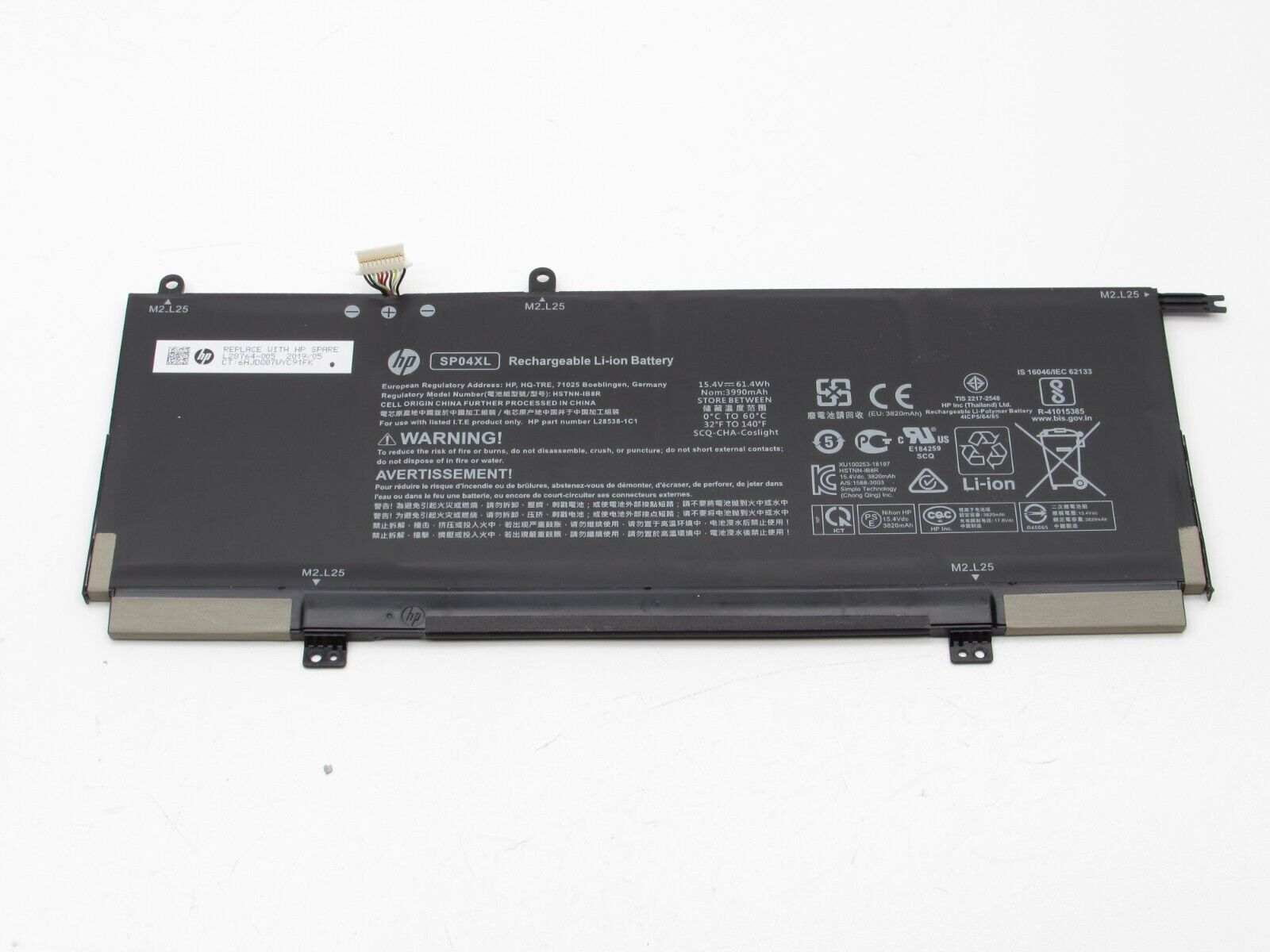
How to identify HP laptop battery?
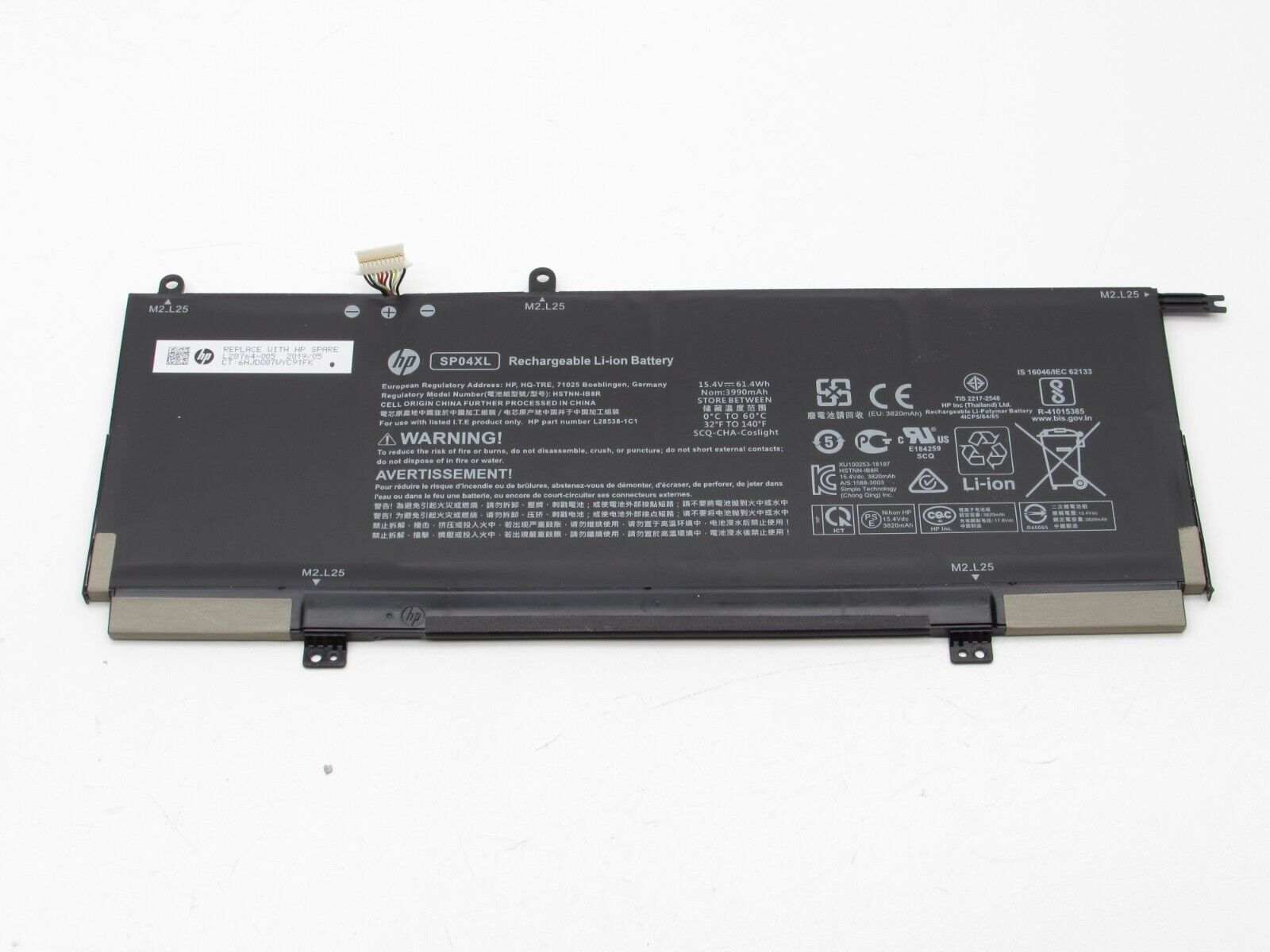
New Genuine HP Spectre X360 HSTNN-OB1B L28538-AC1 L28764-005 SP04XL TPN-Q204 Battery 61.4WH
Batteries
Status:
Open Dec 22, 2025 - 09:14 AM
1answer
Answer
Dec 22, 2025 - 09:14 AM
To identify an HP laptop battery, remove the battery from your laptop and look for the label on its underside. The label typically includes the battery part number (such as "HP 807956-001" or "HS04"), model number, and voltage information. You can use this part number to find compatible replacements or further details about your battery.
View More Product Details
Browse by Category
Batteries
View our complete selection of Batteries to find the one that suites your needs.
View All
View all Batteries Questions & Answers
View all New Genuine HP Spectre X360 HSTNN-OB1B L28538-AC1 L28764-005 SP04XL TPN-Q204 Battery 61.4WH Questions & Answers