How do I check my ASUS laptop specifications?
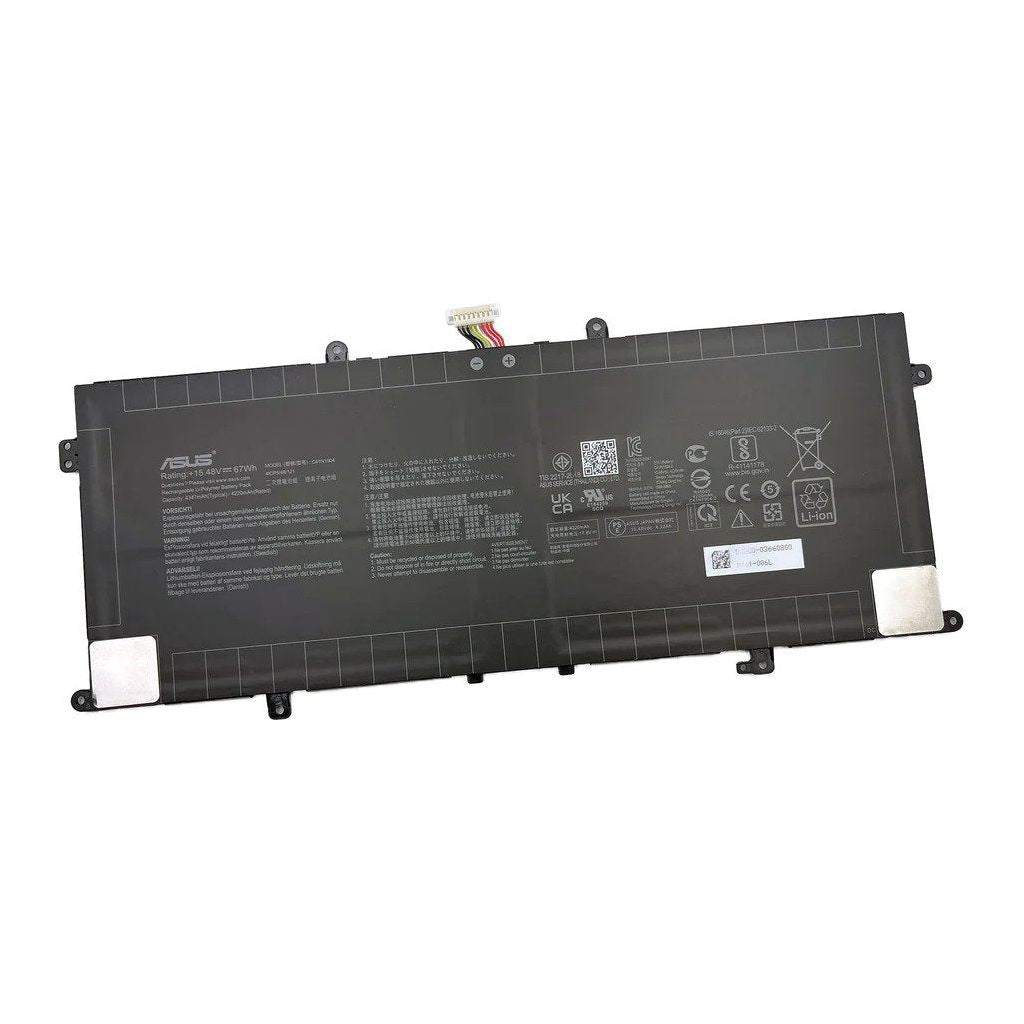
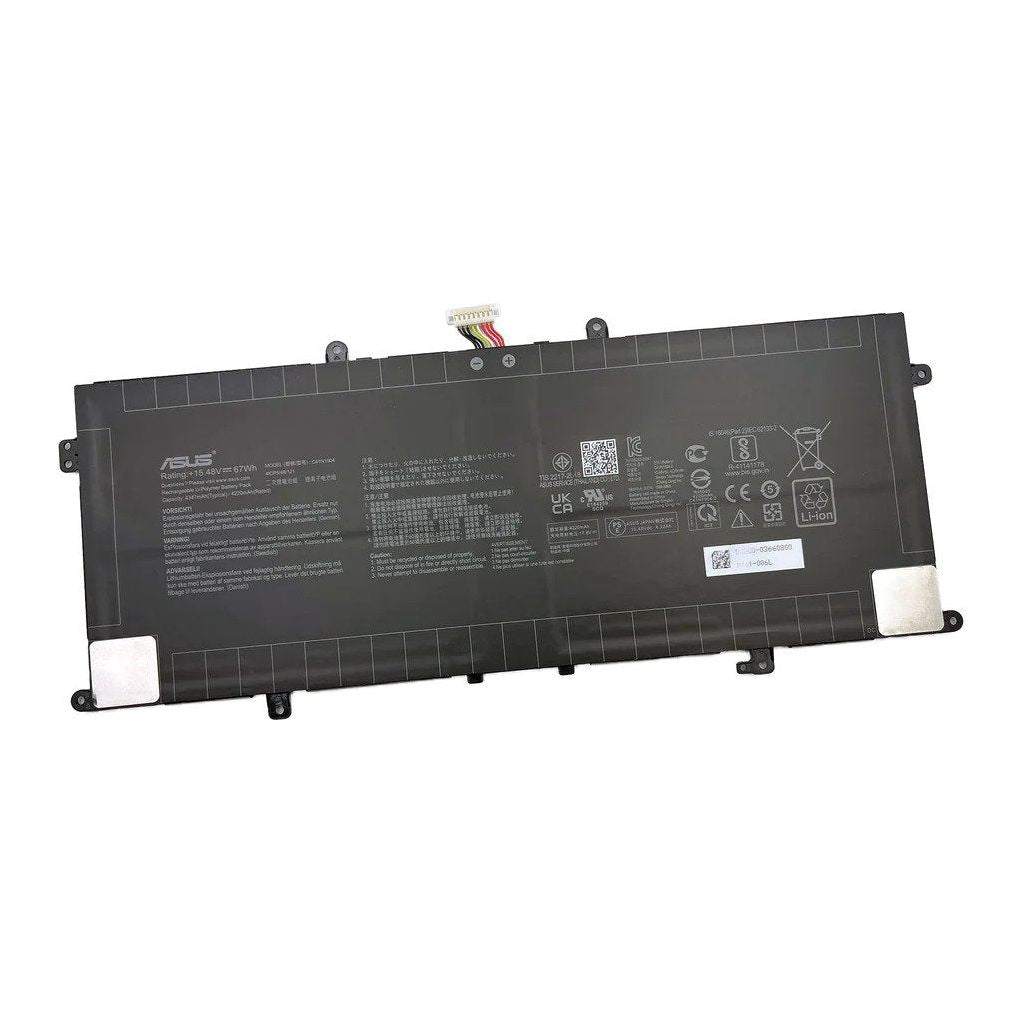
New Genuine Asus 0B200-03660000 C41N1904 Battery 67WH
Batteries
Status:
Open Dec 22, 2025 - 09:10 AM
1answer
Answer
Dec 22, 2025 - 09:10 AM
To check your ASUS laptop specifications, press the Windows key + R, type "dxdiag," and press Enter to view system information like processor, RAM, and graphics. You can also go to Settings > System > About for basic device details.
View More Product Details
Browse by Category
Batteries
View our complete selection of Batteries to find the one that suites your needs.
View All
View all Batteries Questions & Answers
View all New Genuine Asus 0B200-03660000 C41N1904 Battery 67WH Questions & Answers