Answer
Dec 22, 2025 - 09:09 AM
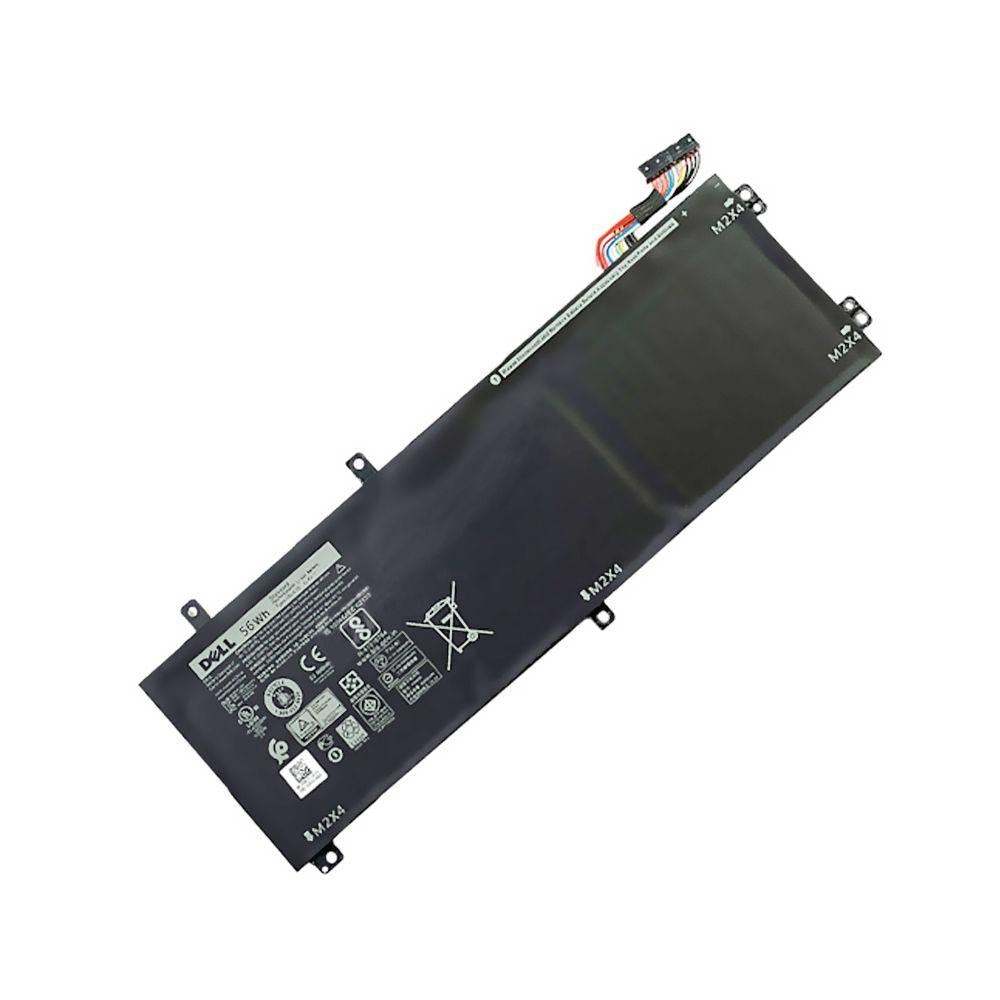
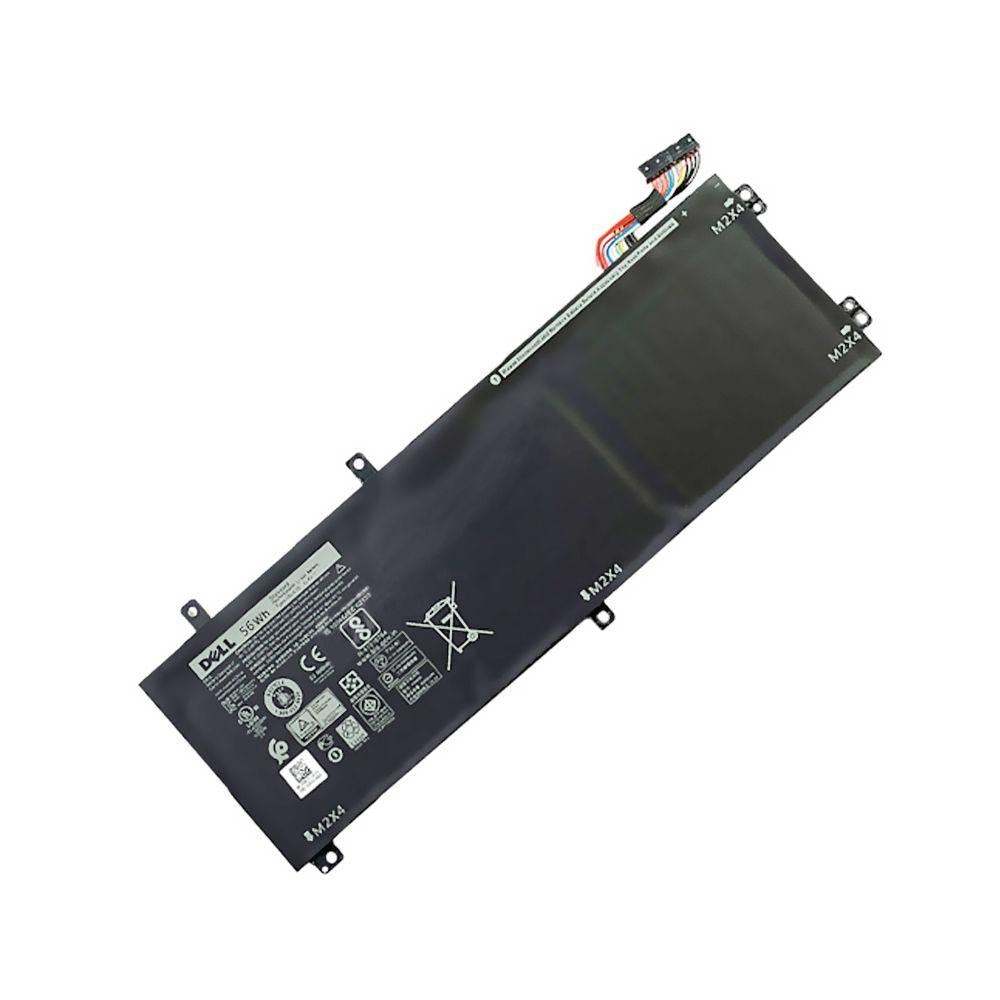
To check your Dell battery part number, turn off your laptop, remove the battery, and look for a label on the battery itself; the part number is usually marked as "Type" or "P/N" followed by a combination of letters and numbers. Alternatively, you can use Dell’s SupportAssist software to identify battery details within your system.