Answer
Dec 22, 2025 - 09:09 AM
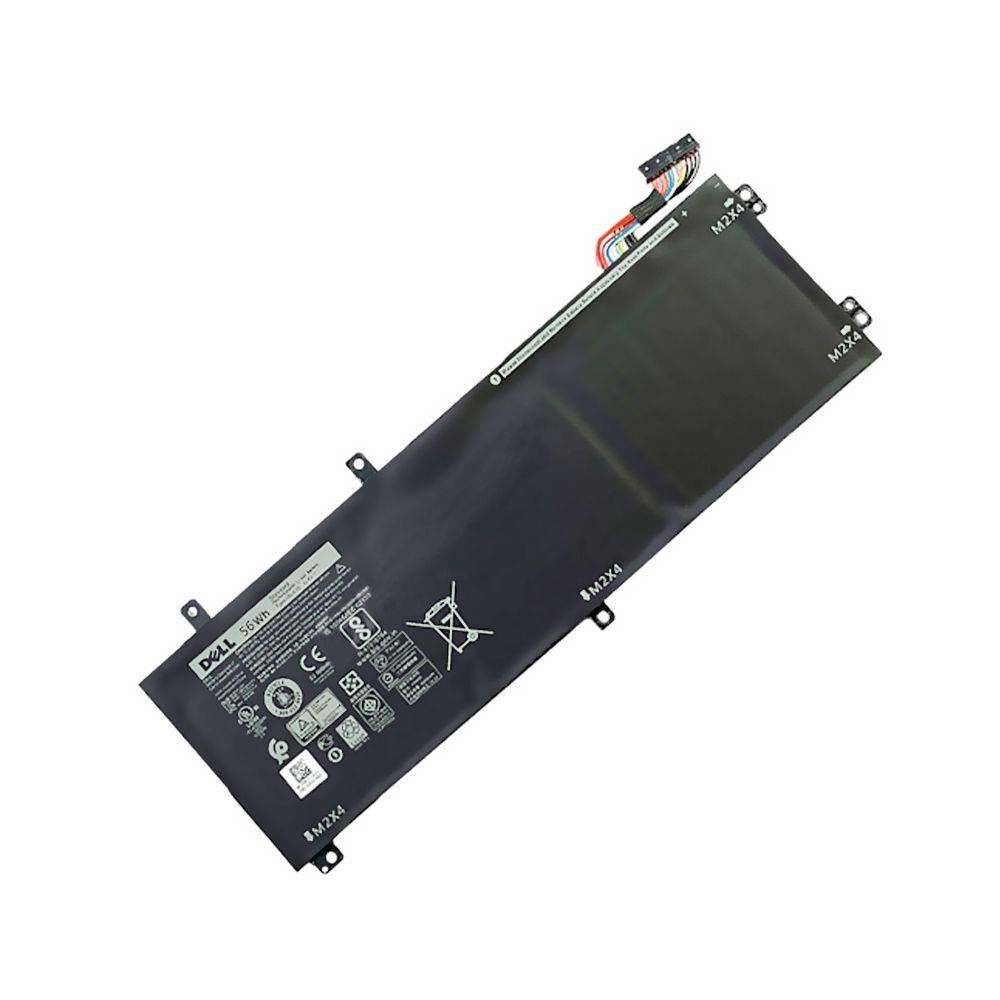
To find battery information on a Dell laptop, right-click the battery icon in the system tray and select "Dell Power Manager" or "Battery Health." Alternatively, you can enter the BIOS by pressing F2 at startup and check the battery status under the "Battery Information" section.