How do I know which Dell XPS battery I have?
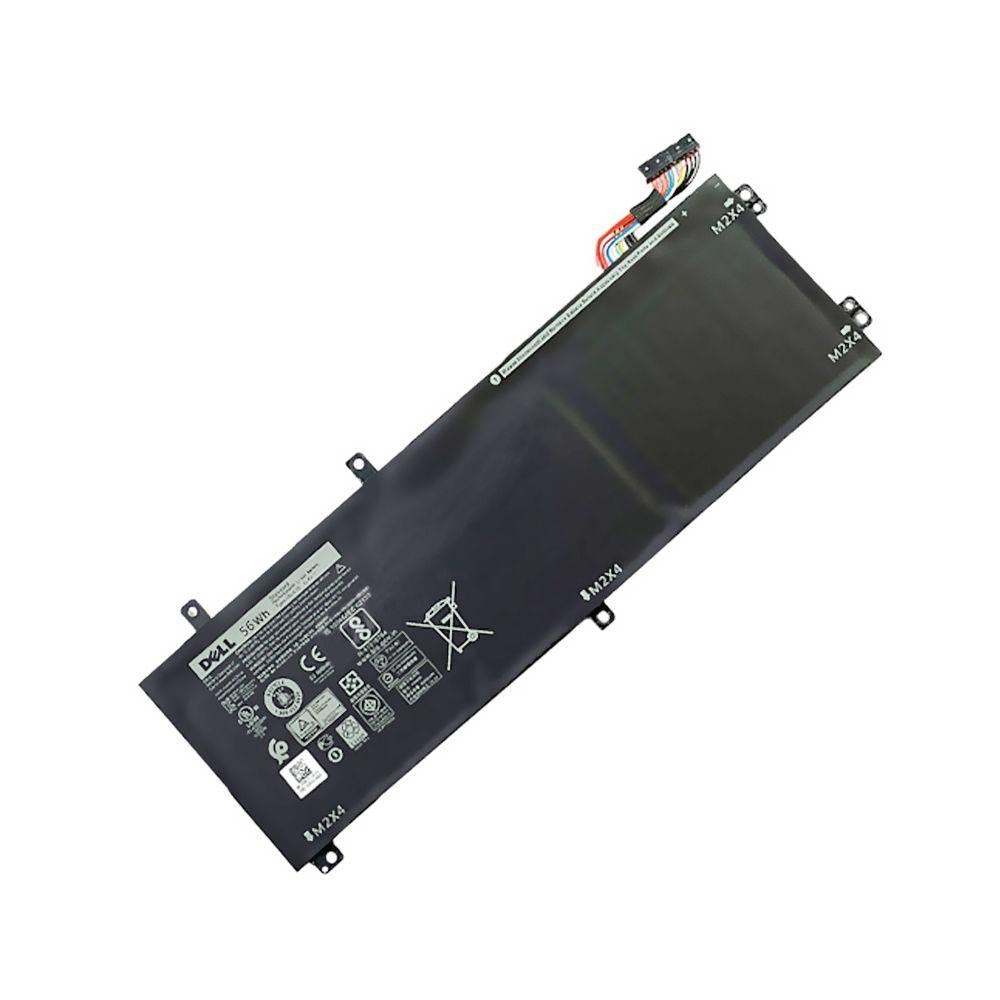
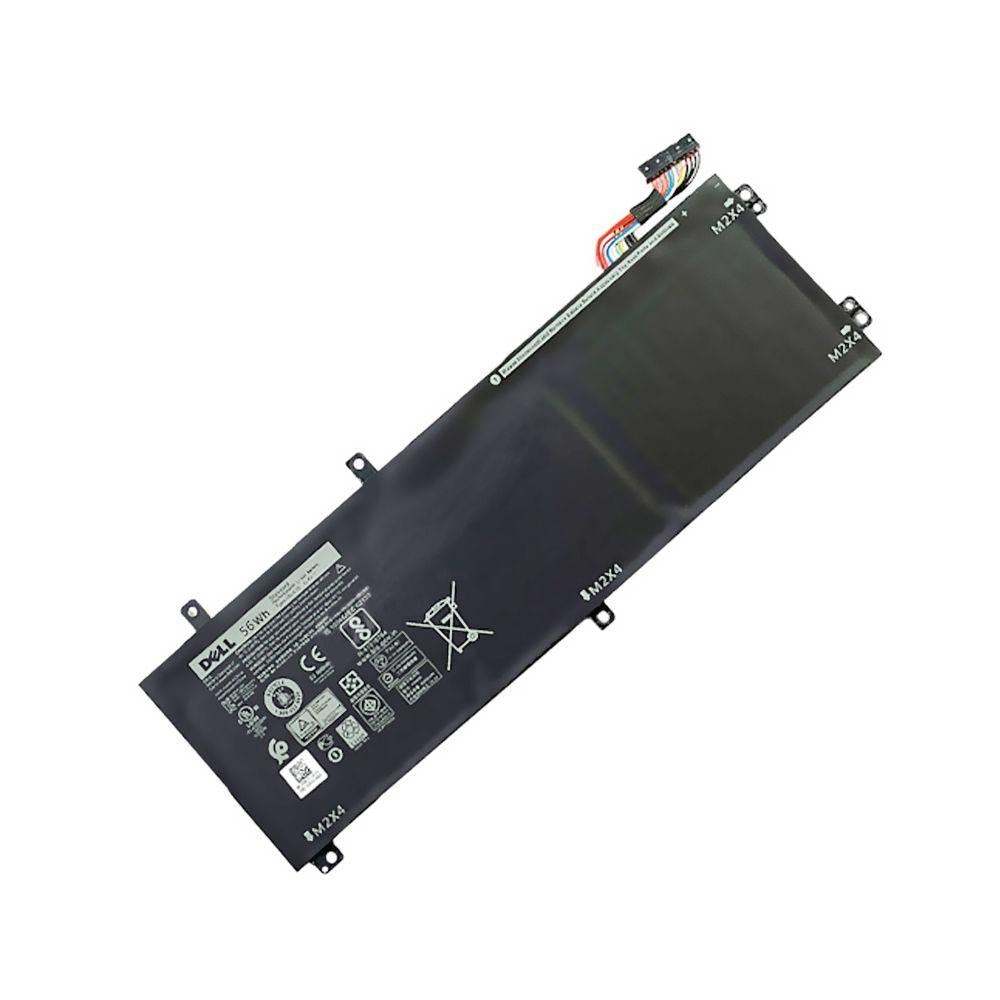
New Genuine Dell XPS 15 9560 9570 7590 Battery 56Wh H5H20
Status:
Open Dec 22, 2025 - 09:09 AM
1answer
Answer
Dec 22, 2025 - 09:09 AM
To find out which Dell XPS battery you have, turn off your laptop, remove the bottom cover, and look for a label on the battery itself—it should list the part number or model number. Alternatively, you can check your laptop’s Service Tag on Dell’s support website to see the compatible battery model.
View More Product Details
New Genuine Dell XPS 15 9560 9570 7590 Battery 56Wh H5H20
New Genuine Dell Battery. Features and Technical Specifications: Number of Cells: 3Capacity: 56WhVoltage: 11.4VColour: Black Compatible Part #'s: H5H20, 0H5H20, 5D91C, CP6DF **** Please make sure that you choose the correct battery for your laptop **** This might require that you open the base c...
See More
View all New Genuine Dell XPS 15 9560 9570 7590 Battery 56Wh H5H20 Questions & Answers