Answer
Dec 22, 2025 - 09:08 AM
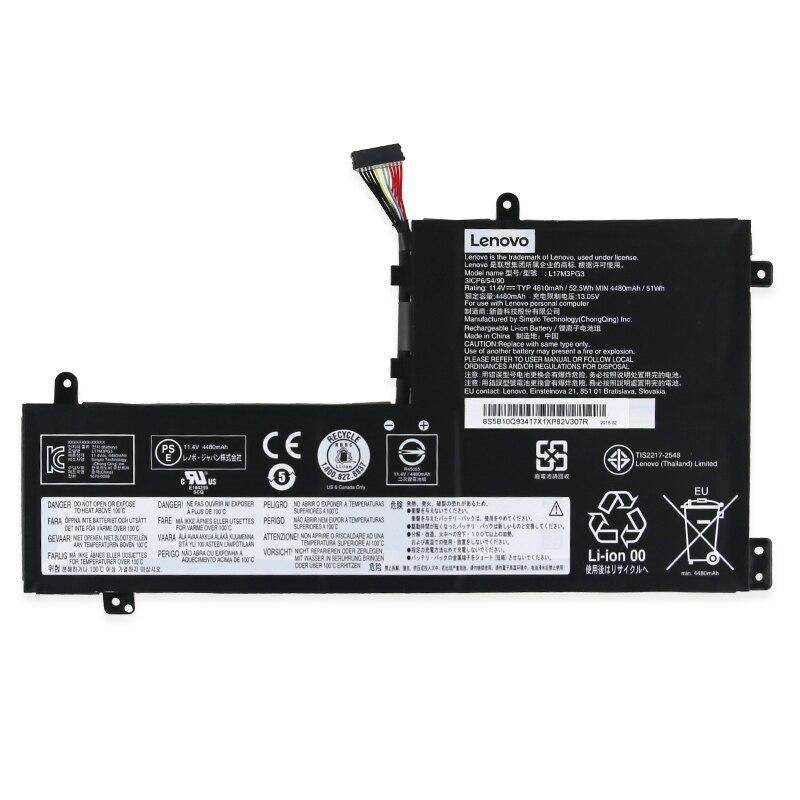
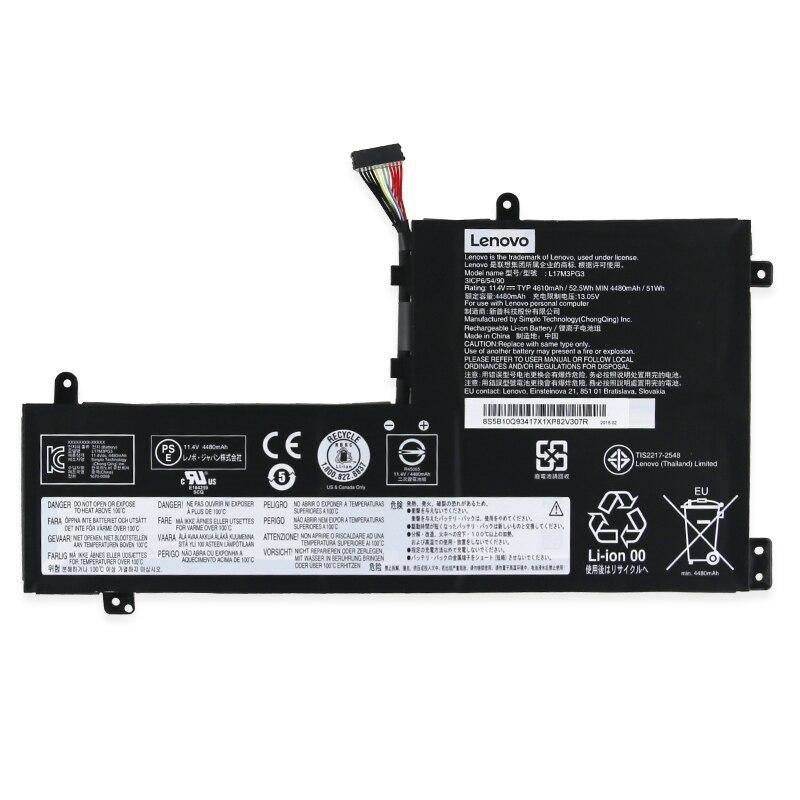
To reset a Lenovo battery, turn off your laptop and unplug it from any power source. Use the small pinhole reset button (usually on the bottom of the laptop) by pressing it with a paperclip for about 10 seconds, then release and turn your laptop back on. This process can help recalibrate the battery and resolve some charging issues.