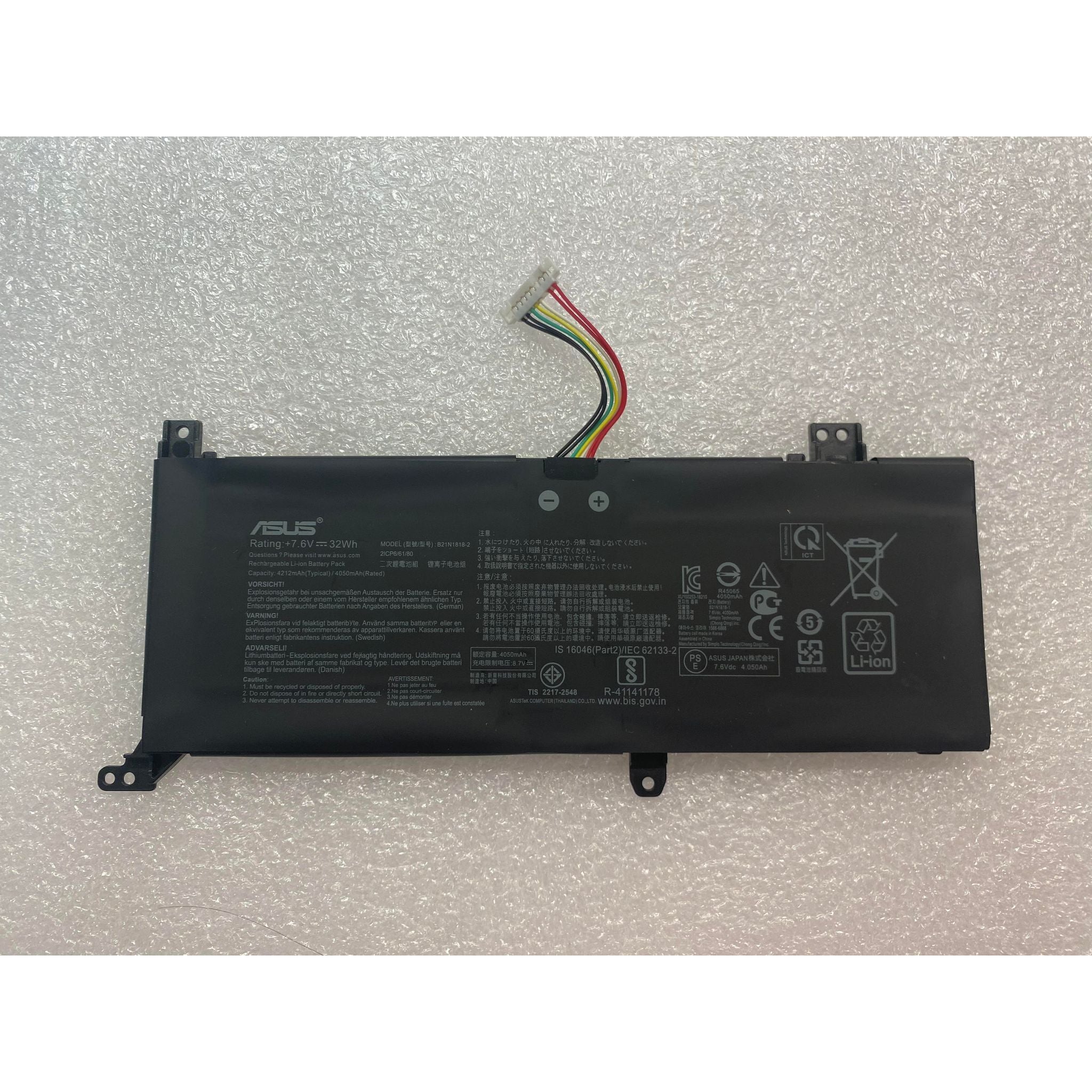
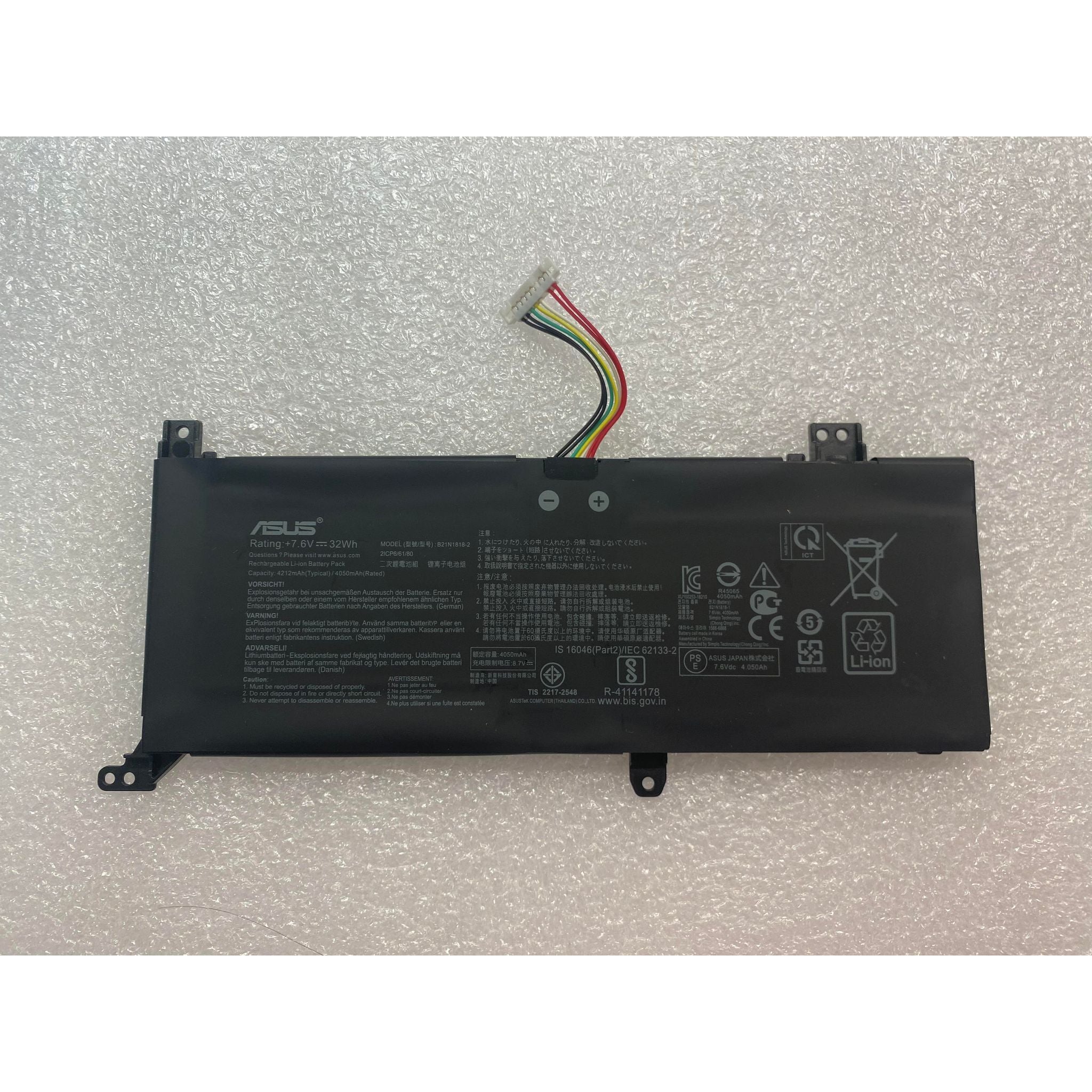
How to check original ASUS battery?
New Genuine Asus X515DA X515EA X515FA Battery 32WH
Status:
Open Oct 17, 2025 - 05:03 AM
1answer
Answer
Oct 17, 2025 - 05:03 AM
To check if your ASUS battery is original, look for the ASUS logo, model number, and holographic security sticker on the battery itself. You can also verify the serial number on ASUS’s official website or contact ASUS customer support for authentication. Always purchase batteries from authorized ASUS dealers to ensure authenticity.
View More Product Details
New Genuine Asus X515DA X515EA X515FA Battery 32WH
***PLEASE SEE TAB PLACEMENT. COMPARE WITH YOUR ORIGINAL BATTERY. THIS IS TYPE 1 Description: New Genuine Asus Battery Features and Technical Specifications: Number of Cells: 2 Capacity: 32Wh Voltage: 7.6V Colour: Black Compatible Part #s: 0B200-03280500, B21N1818-1, C21N1818
Buy Now
View all New Genuine Asus X515DA X515EA X515FA Battery 32WH Questions & Answers