Answer
Oct 17, 2025 - 04:54 AM
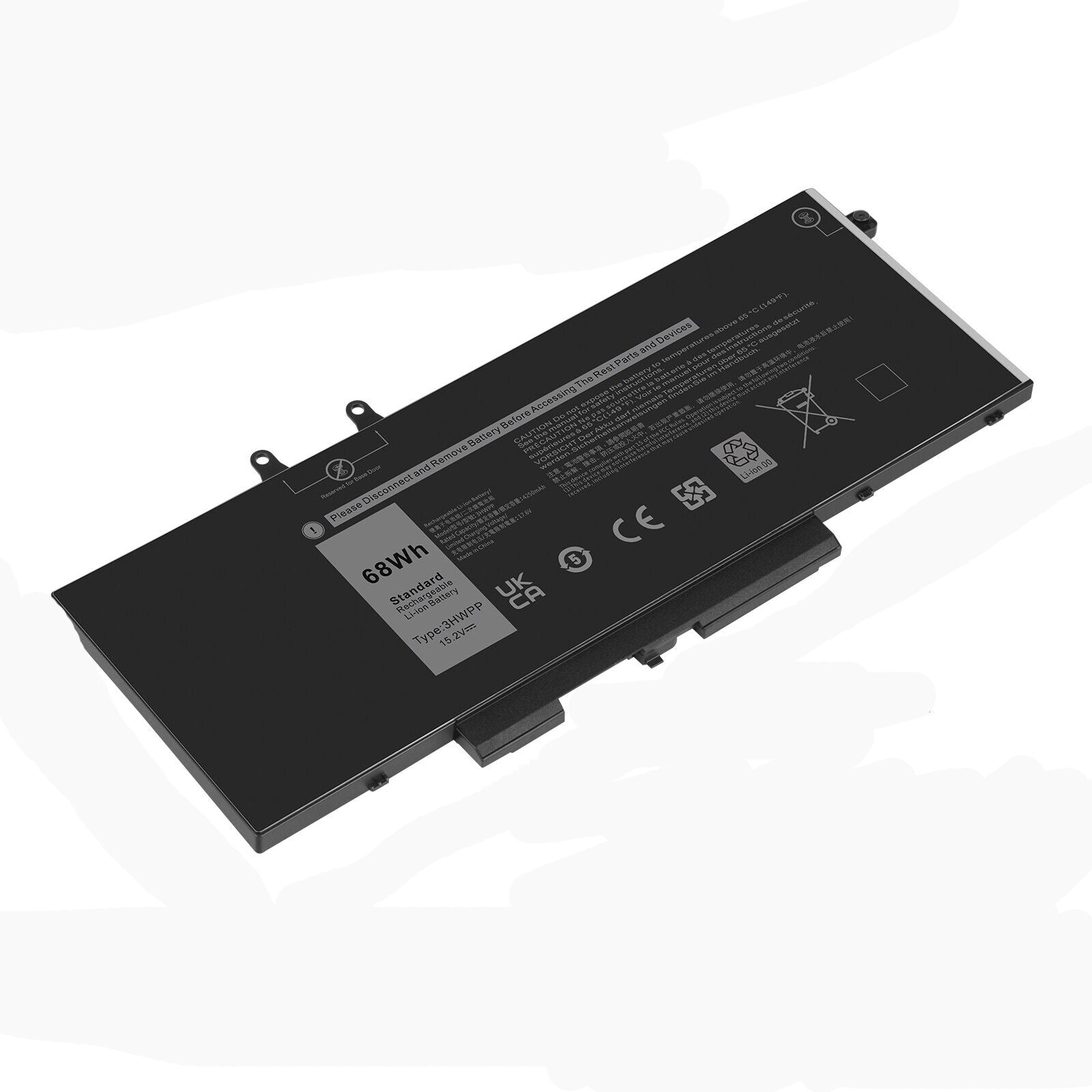
To find battery information on a Dell laptop, press **F2** during startup to enter the BIOS, where you can view detailed battery health and status. Alternatively, you can use the **Dell Power Manager** app or run the command **powercfg /batteryreport** in Command Prompt to generate a battery report.