Answer
Oct 17, 2025 - 04:52 AM
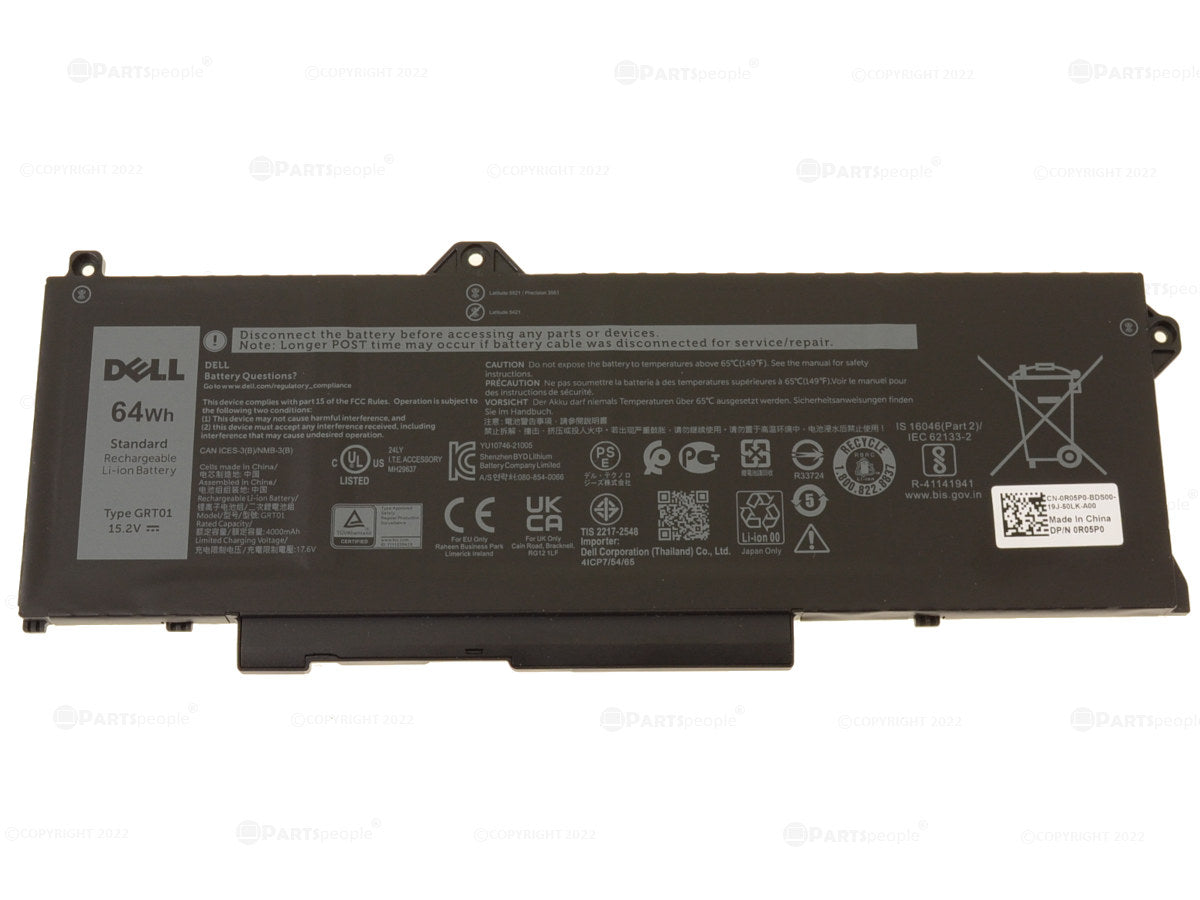
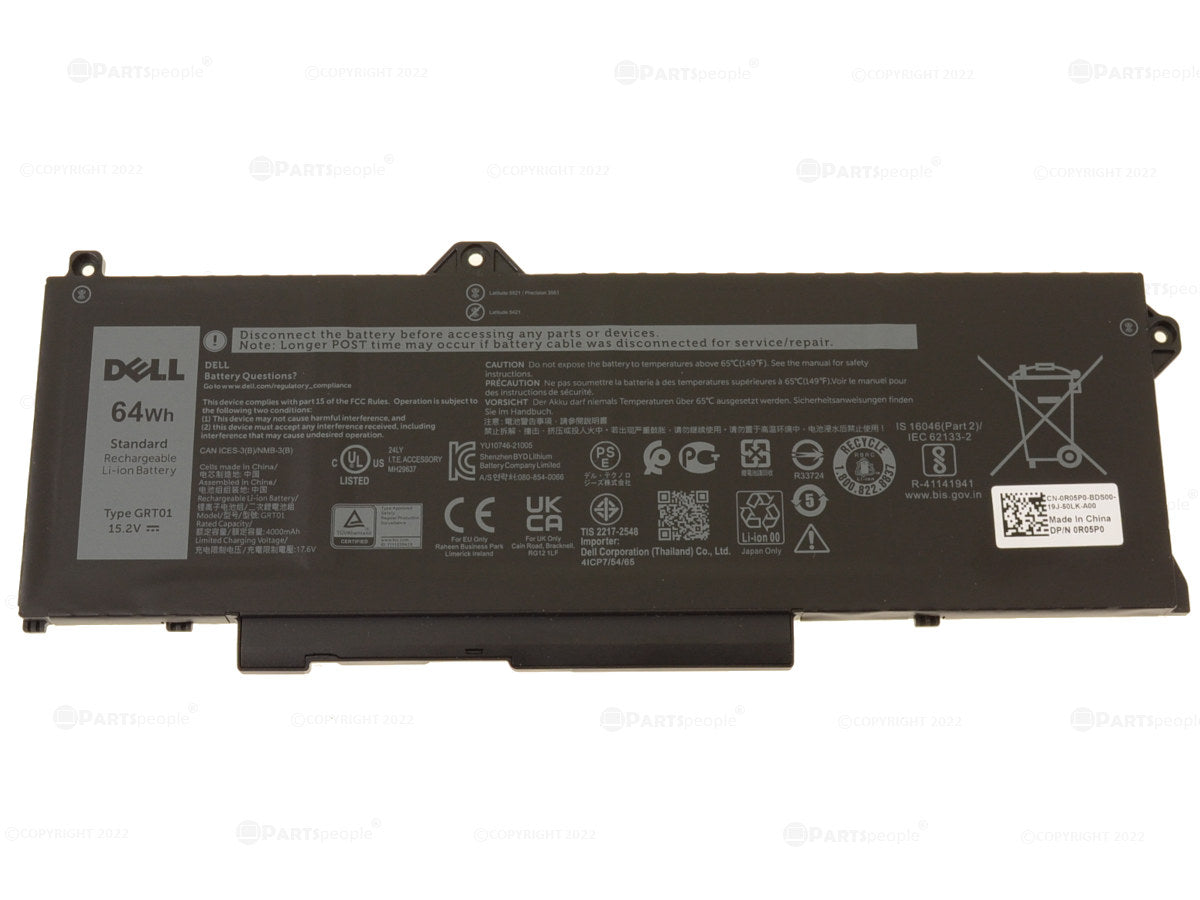
To check Dell laptop battery details, press Windows + X and select "Device Manager," then expand the "Batteries" section for basic information. For more details, open Command Prompt and type `powercfg /batteryreport` to generate a battery report with health and usage statistics.