Answer
Oct 17, 2025 - 04:49 AM
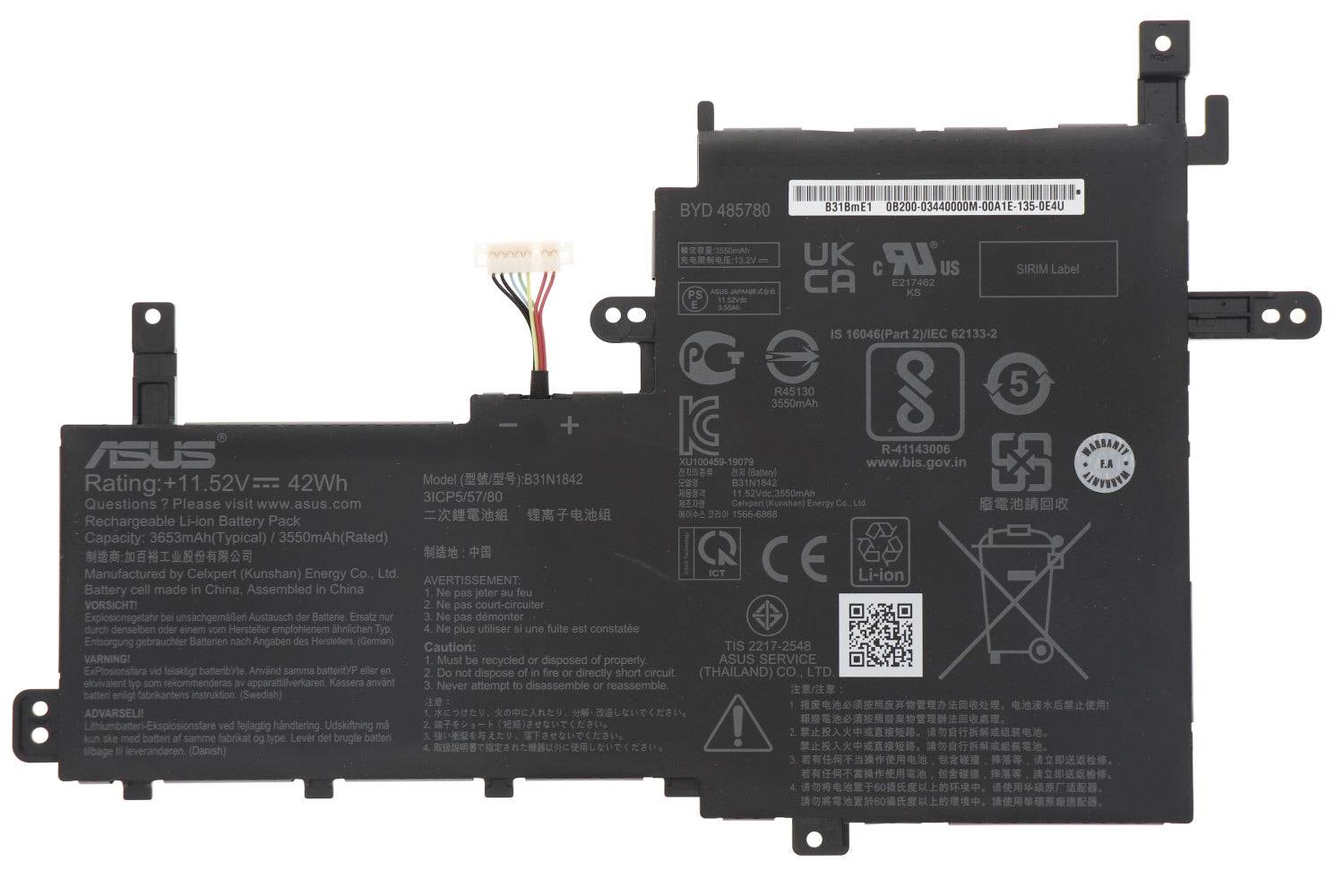
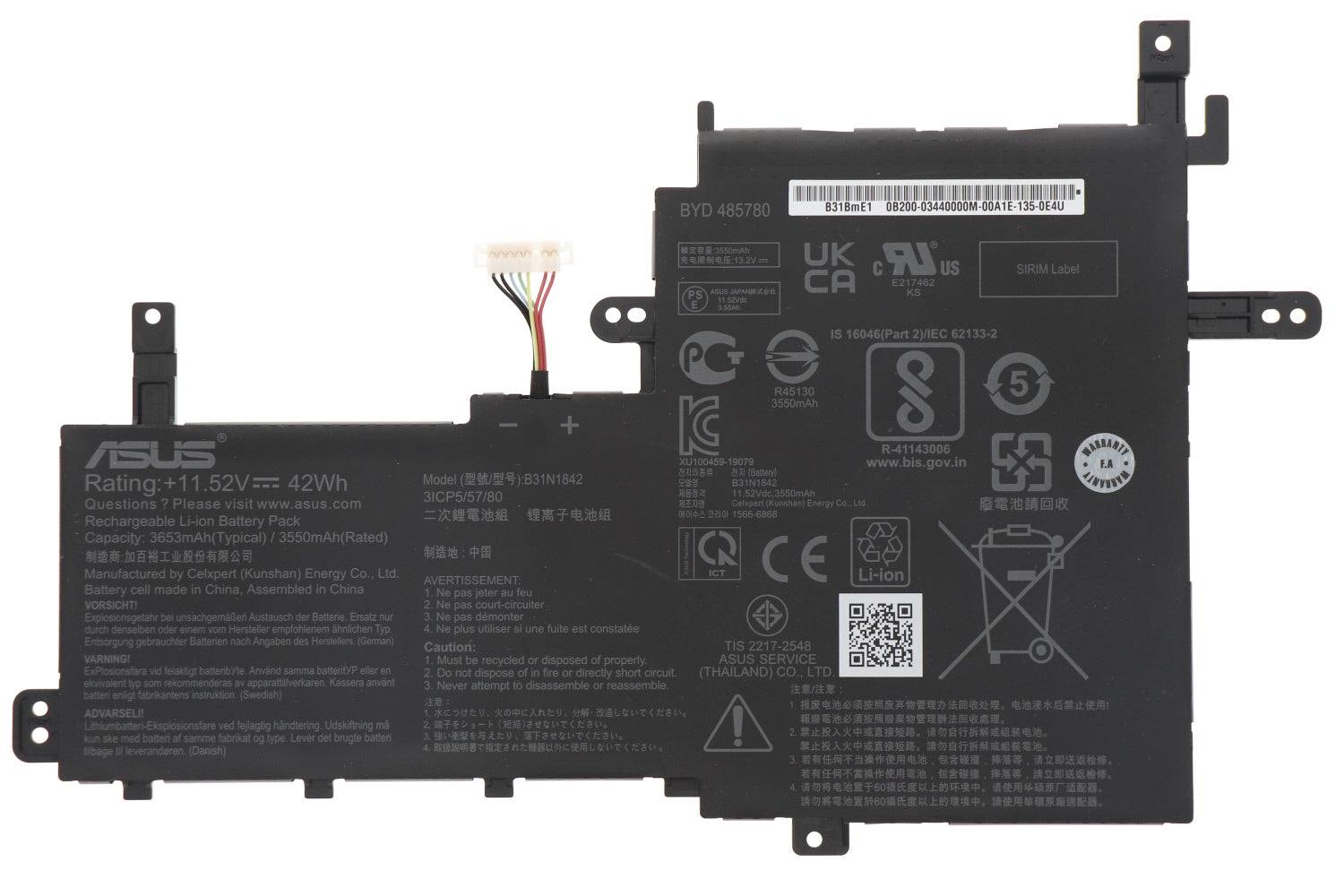
You can check your laptop battery details by typing **"cmd"** in the Windows search bar, opening Command Prompt, and entering the command **"powercfg /batteryreport"**. This will generate a battery report with information like battery health, capacity, and cycles, usually saved as an HTML file in your user folder. Alternatively, you can check battery details in the Windows Settings under **System > Power & battery**.