How to check battery life on ASUS?
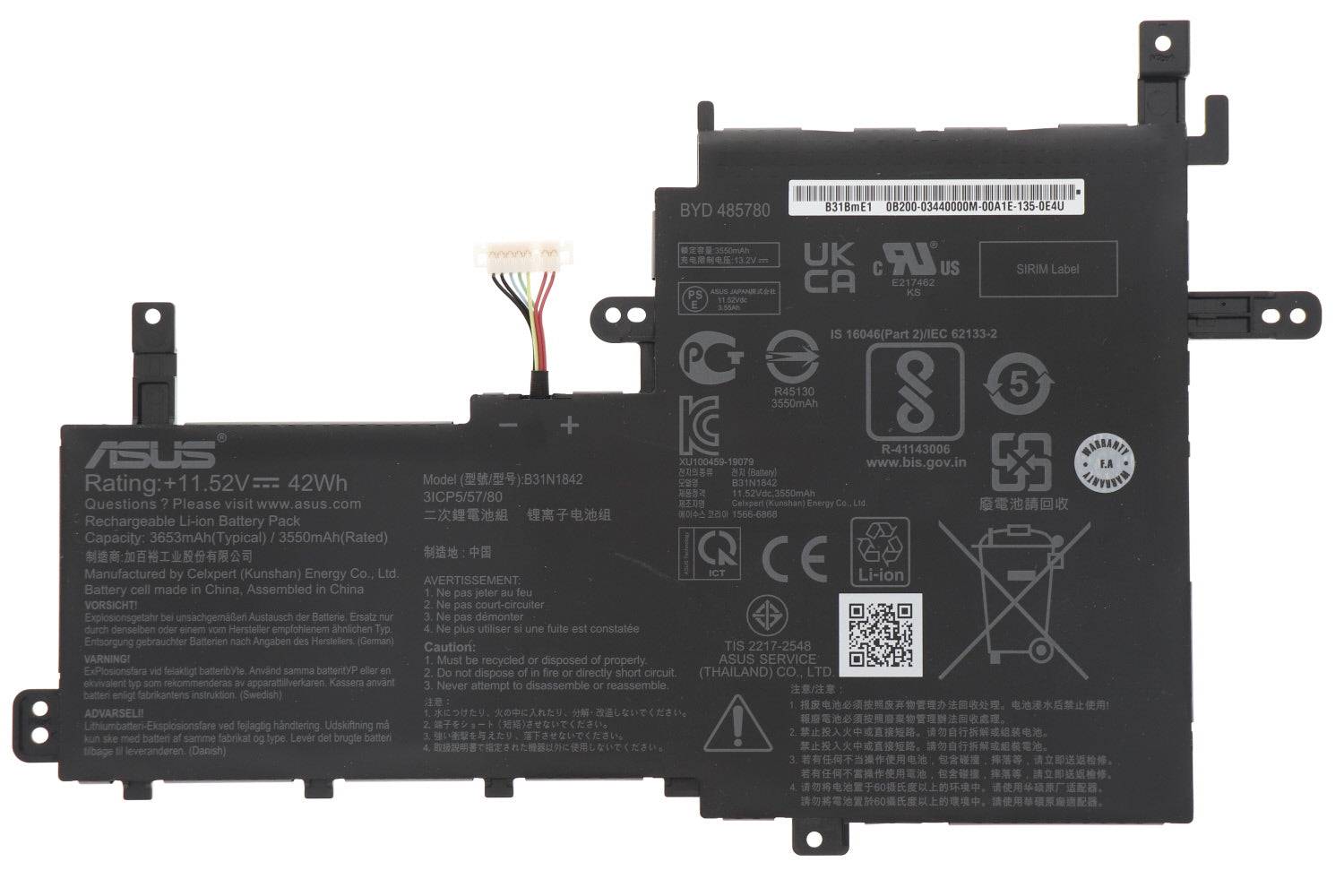
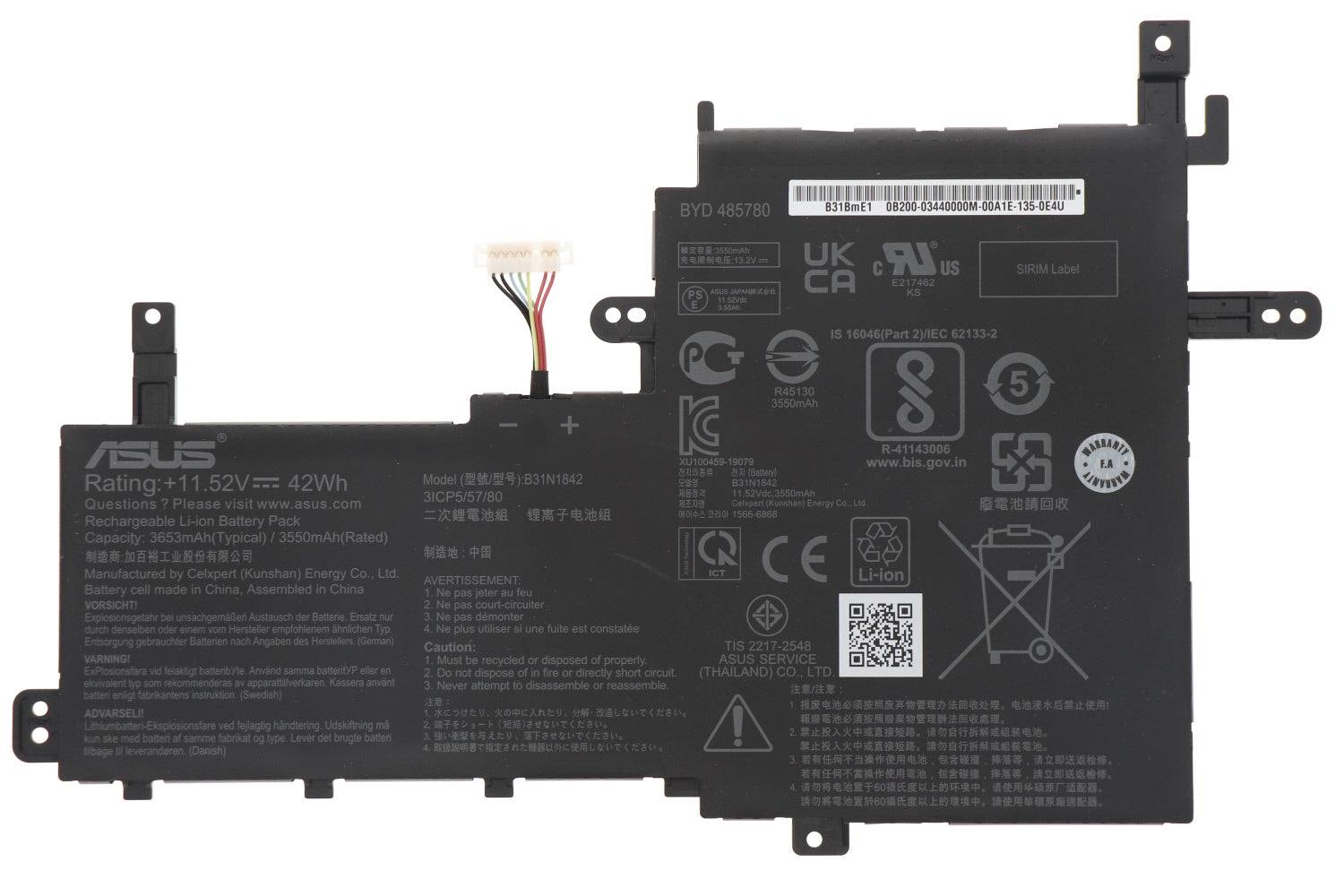
Genuine Asus VivoBook 0B200-03440000 B31N1842 Battery 42WH
Status:
Open Oct 17, 2025 - 04:49 AM
1answer
Answer
Oct 17, 2025 - 04:49 AM
To check the battery life on an ASUS laptop, click on the battery icon in the system tray at the bottom-right corner of your screen to view the remaining battery percentage and estimated time. You can also go to Settings > System > Power & Battery for more detailed information about your battery usage and health.
View More Product Details
Genuine Asus VivoBook 0B200-03440000 B31N1842 Battery 42WH
New Genuine Asus BatteryFeatures and Technical Specifications: Number of Cells: 3 Capacity: 42WH Voltage: 11.52V Colour: Black Buy genuine B31N1842 Asus battery with 42WH capacity and 11.52V voltage. The black color battery features 3 cells. Shop now! B31N1842
Buy Now
View all Genuine Asus VivoBook 0B200-03440000 B31N1842 Battery 42WH Questions & Answers