Answer
Oct 17, 2025 - 04:47 AM
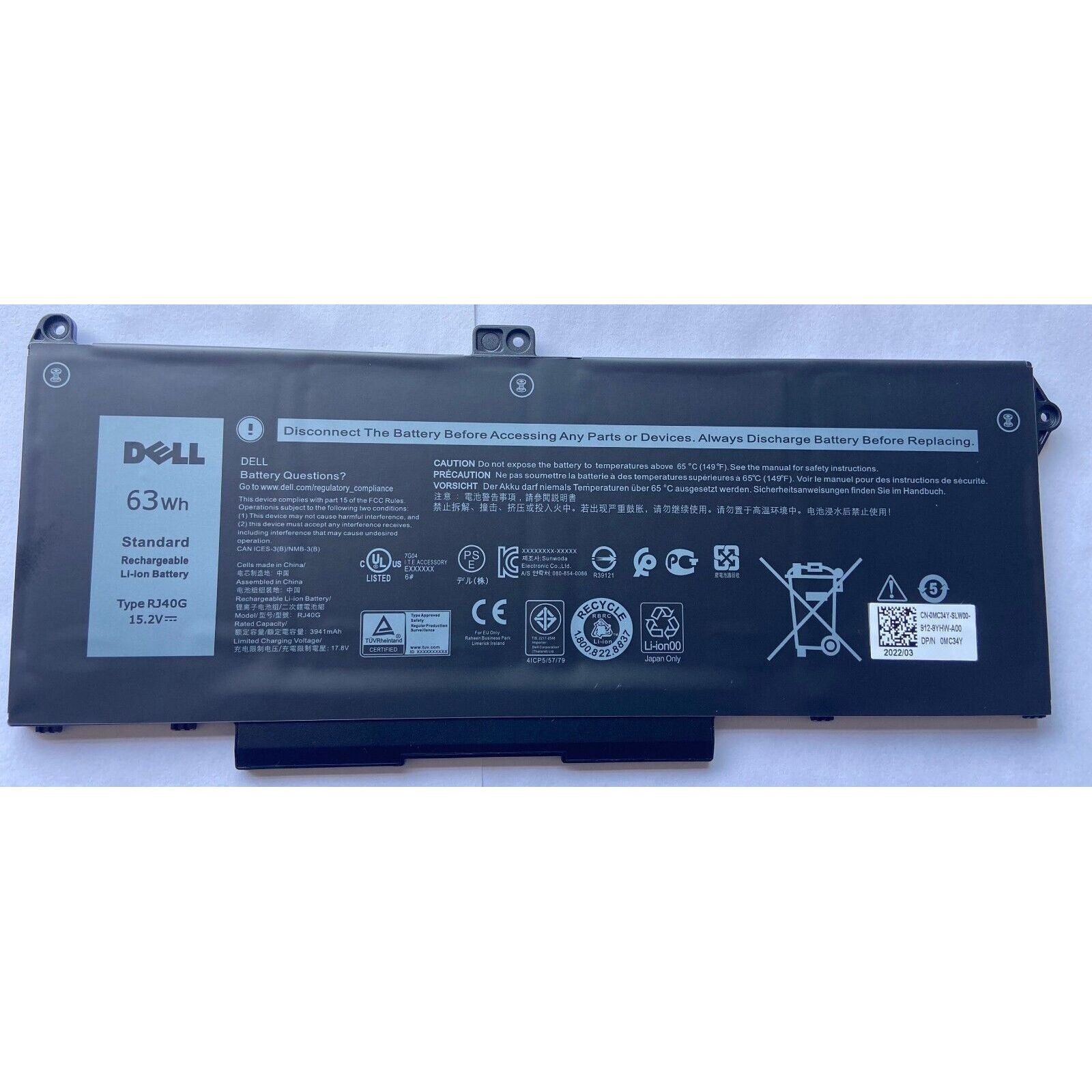
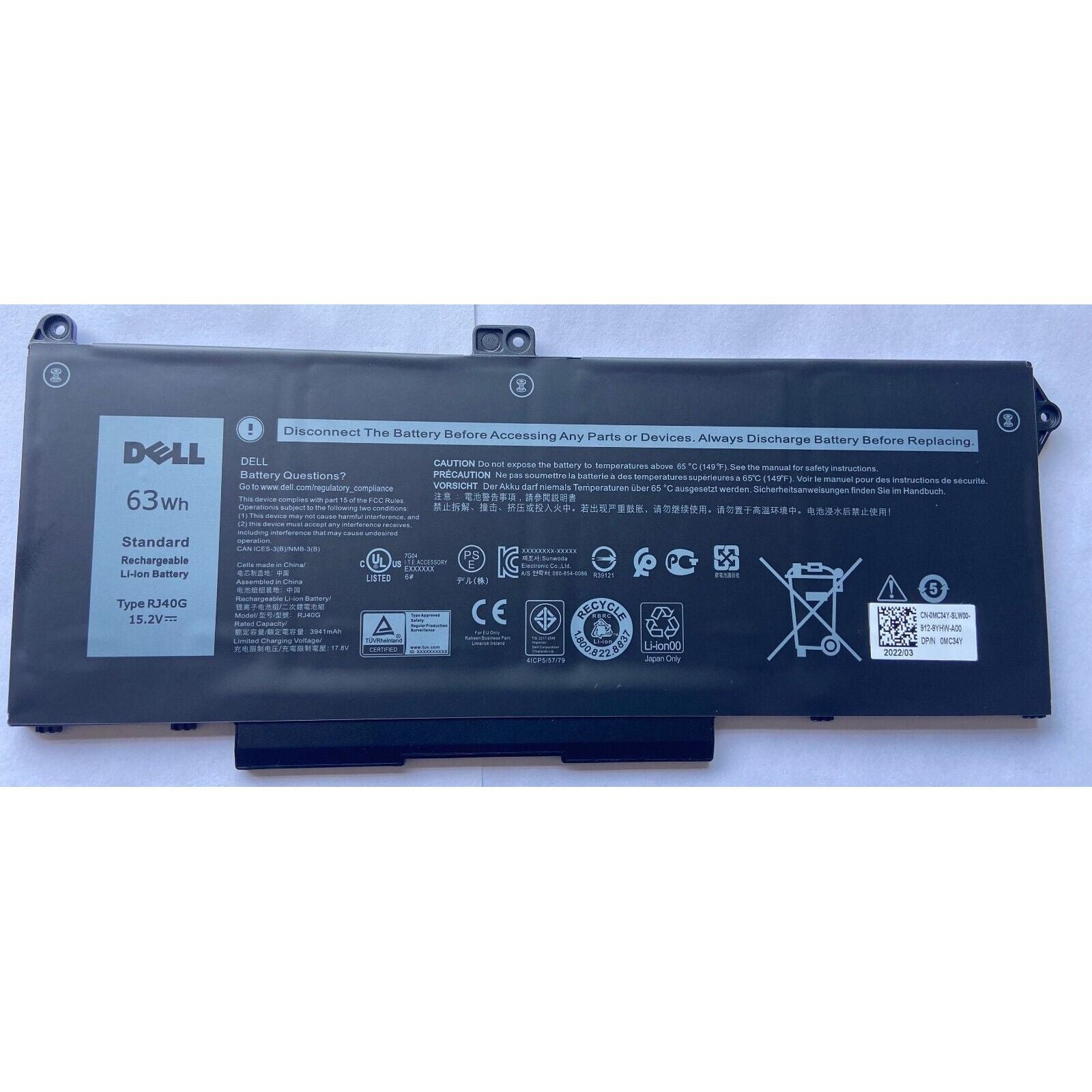
To check your Dell laptop battery details, press **Windows + X** and select **Device Manager**, then expand **Batteries** to view battery information. For more detailed stats, type **"cmd"** in the search bar, right-click **Command Prompt**, select **Run as administrator**, and enter **powercfg /batteryreport** to generate a detailed battery report.