How do I find out what battery my Dell laptop has?
New Genuine Dell Latitude 5420 5520 Battery 63WH
Status:
Open Oct 17, 2025 - 04:47 AM
1answer
Answer
Oct 17, 2025 - 04:47 AM
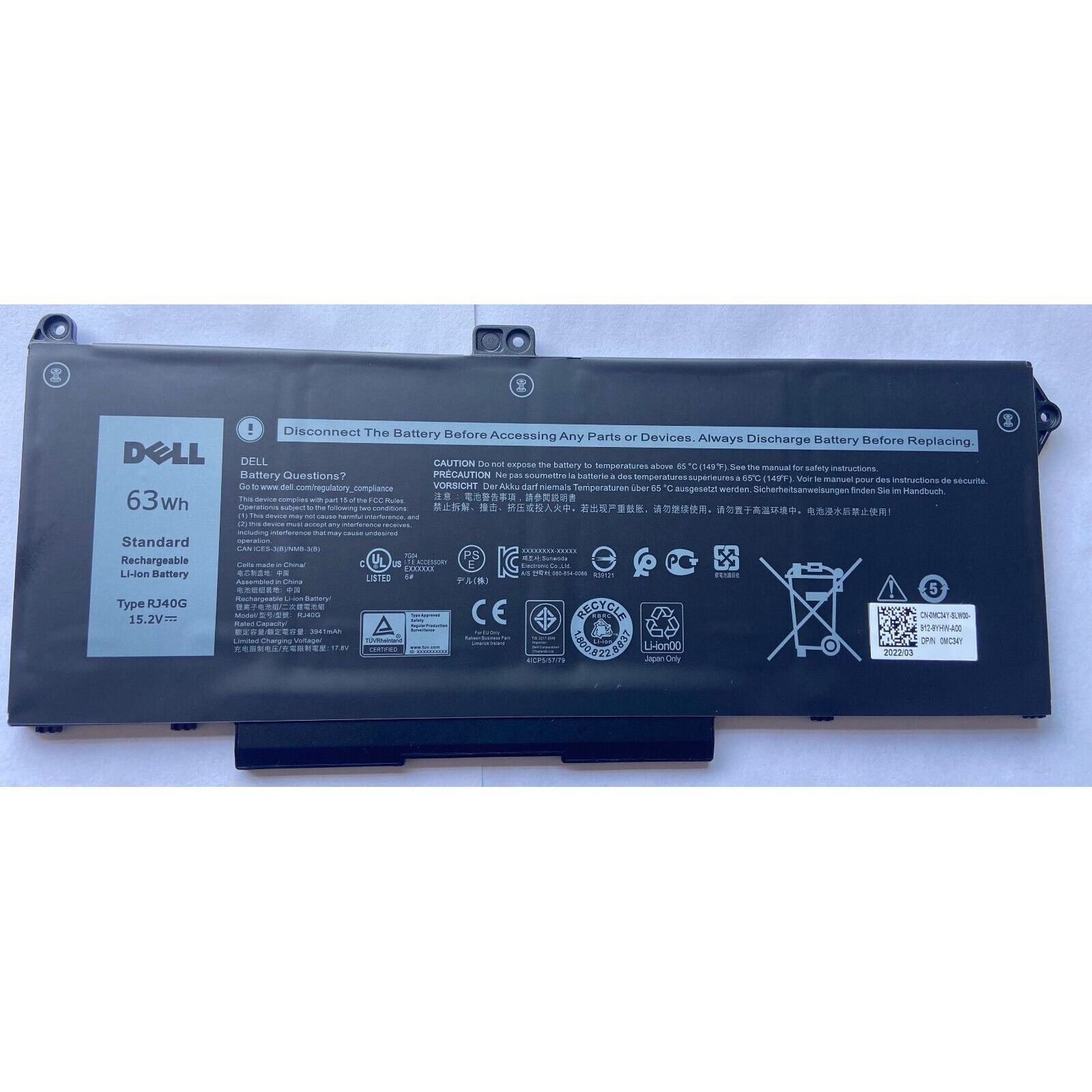
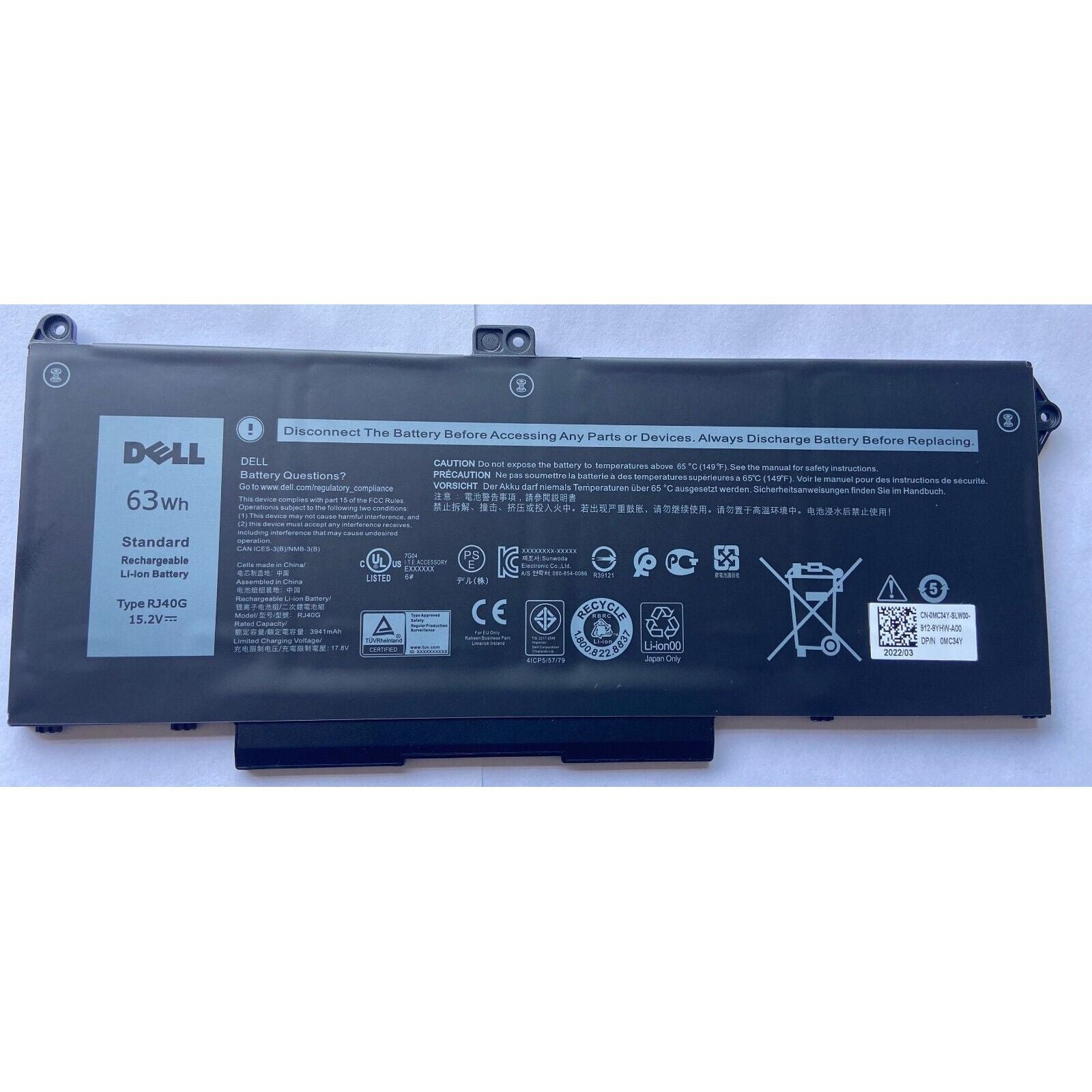
You can find out what battery your Dell laptop has by checking the battery label, which is usually visible after removing the battery from its compartment (if it's removable). Alternatively, you can look up your laptop’s model on the Dell Support website or use the Dell Power Manager app to view battery details.
View More Product Details
New Genuine Dell Latitude 5420 5520 Battery 63WH
New Genuine Dell Battery *** Please open up your laptop and compare with your original battery. There are two batteries that share the same models, however they have different specs *** Features and Technical Specifications: Number of Cells: 4 Capacity: 63WH Voltage: 15.2V
View Details
View all New Genuine Dell Latitude 5420 5520 Battery 63WH Questions & Answers