How to check battery information on Dell laptop?
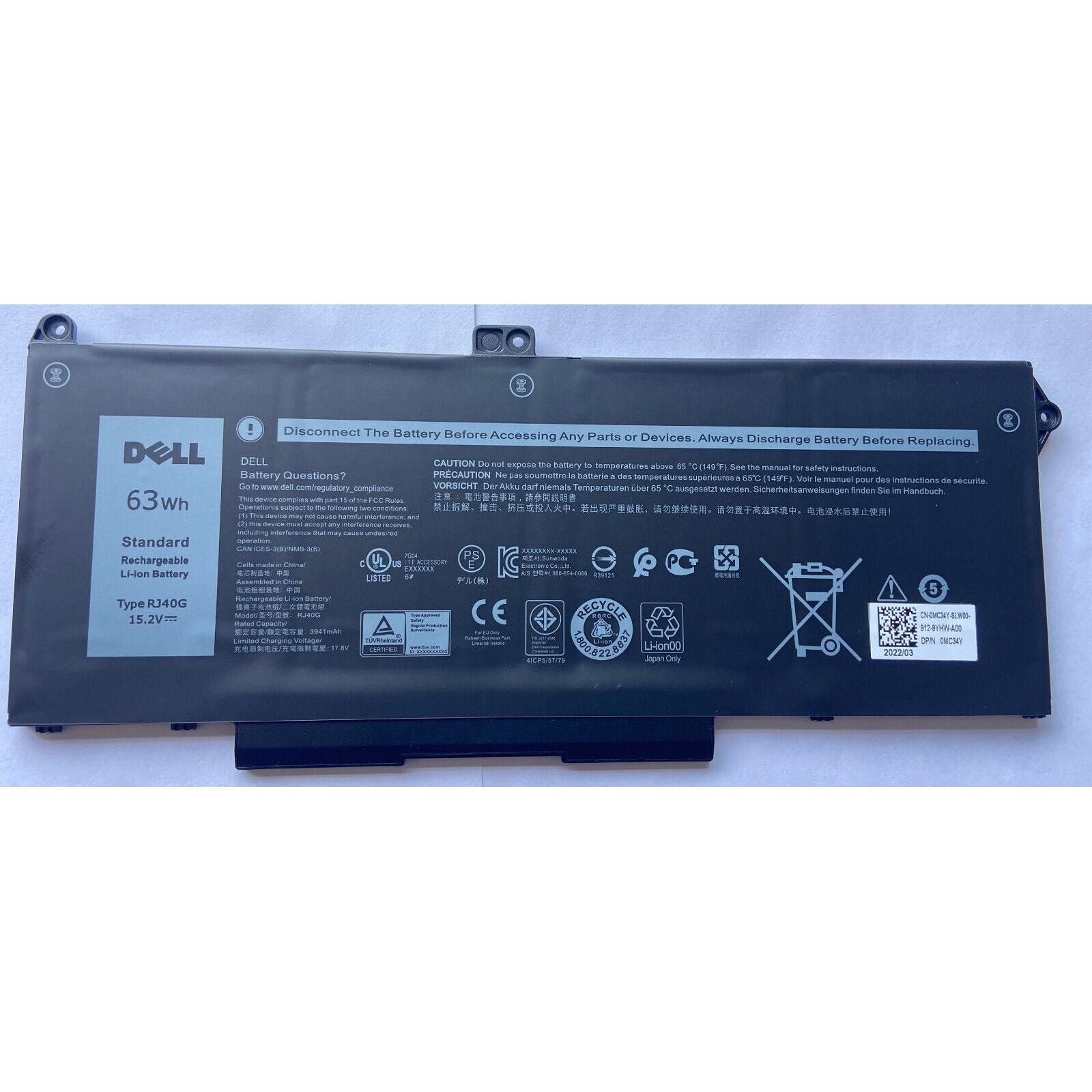
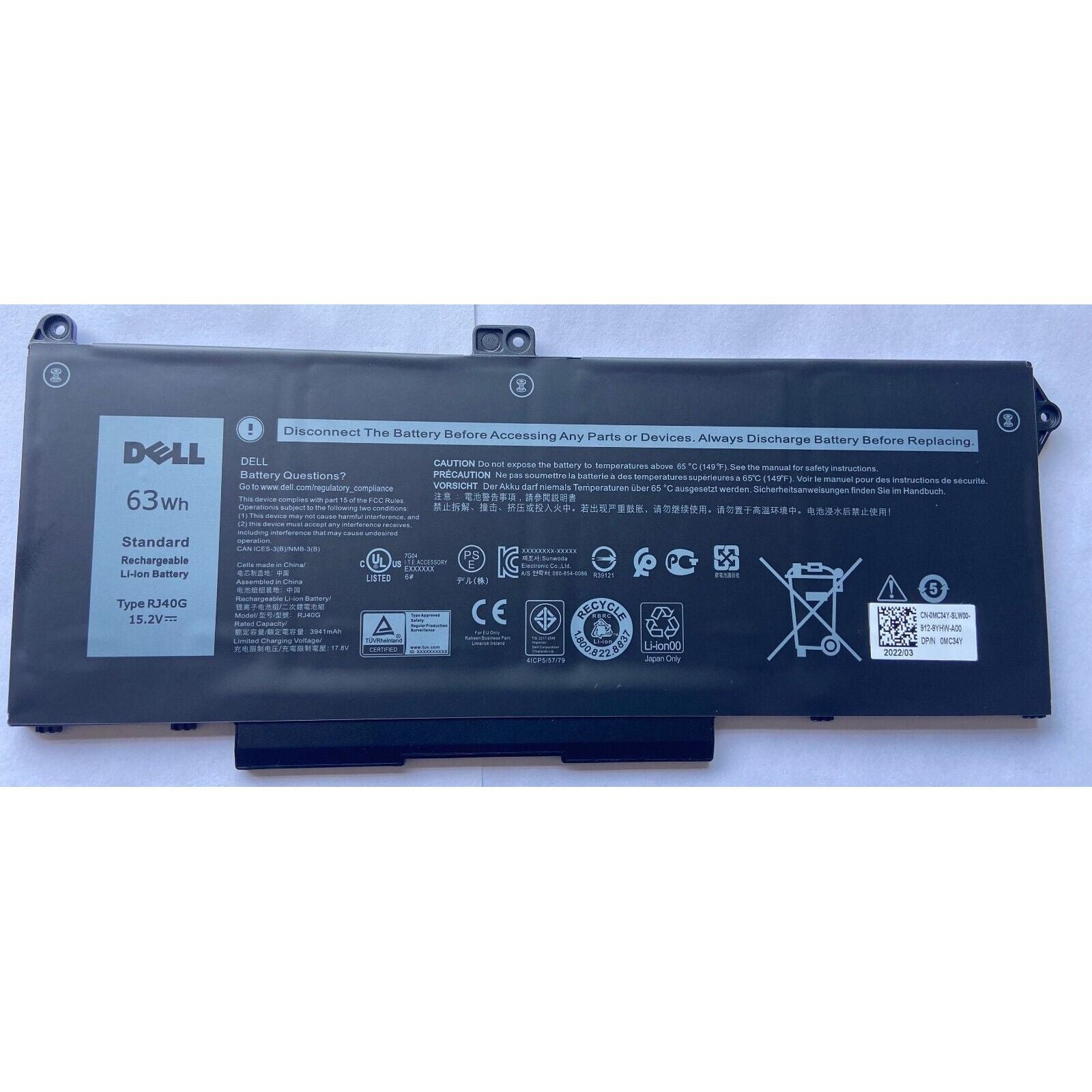
New Genuine Dell Latitude 5420 5520 Battery 63WH
Status:
Open Oct 17, 2025 - 04:47 AM
1answer
Answer
Oct 17, 2025 - 04:47 AM
To check battery information on a Dell laptop, press **F2** at startup to enter the BIOS, where you can view detailed battery health under the "Battery Information" section. Alternatively, you can run the **Dell Power Manager** app or use the Windows command prompt and type `powercfg /batteryreport` to generate a battery report.
View More Product Details
New Genuine Dell Latitude 5420 5520 Battery 63WH
New Genuine Dell Battery *** Please open up your laptop and compare with your original battery. There are two batteries that share the same models, however they have different specs *** Features and Technical Specifications: Number of Cells: 4 Capacity: 63WH Voltage: 15.2V
View Details
View all New Genuine Dell Latitude 5420 5520 Battery 63WH Questions & Answers