How to check Dell battery part number?
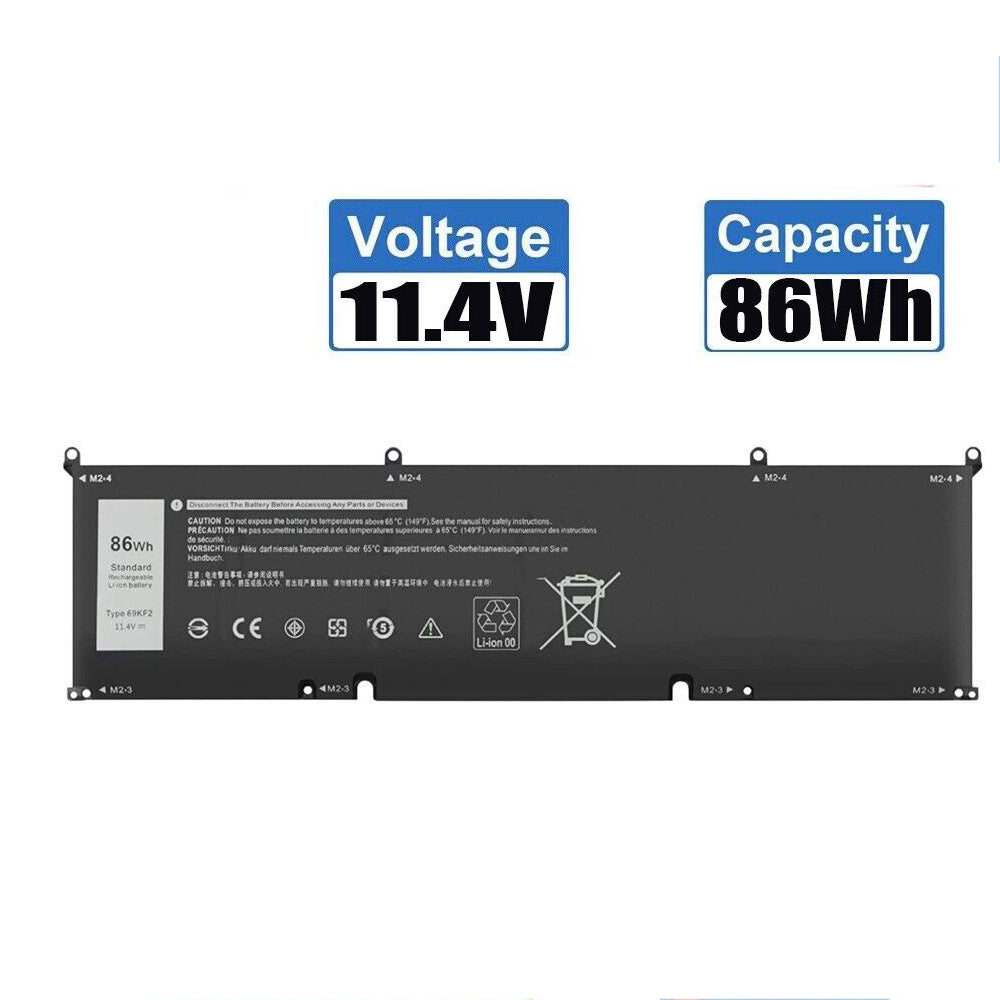
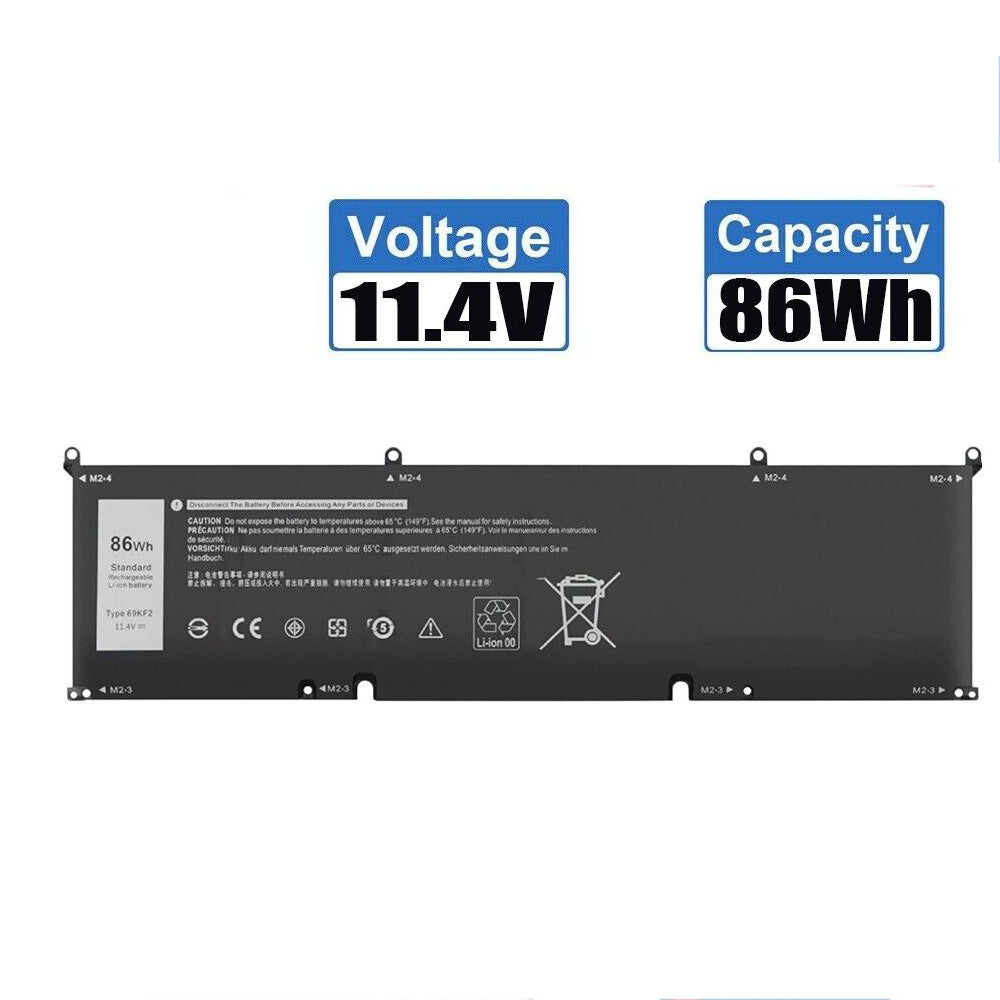
New Compatible Dell 069KF2 69KF2 70N2F M59JH Battery 86WH
Batteries
Status:
Open Oct 17, 2025 - 04:46 AM
1answer
Answer
Oct 17, 2025 - 04:46 AM
To check your Dell battery part number, remove the battery from your laptop and look for a sticker or label on the battery itself—it typically displays the part number as "DP/N" followed by a series of numbers and letters. Alternatively, you can use Dell’s SupportAssist software or check the battery information in your laptop’s BIOS.
View More Product Details
Browse by Category
Batteries
View our complete selection of Batteries to find the one that suites your needs.
View All
View all Batteries Questions & Answers
View all New Compatible Dell 069KF2 69KF2 70N2F M59JH Battery 86WH Questions & Answers