How to setup Dell monitor HDMI?
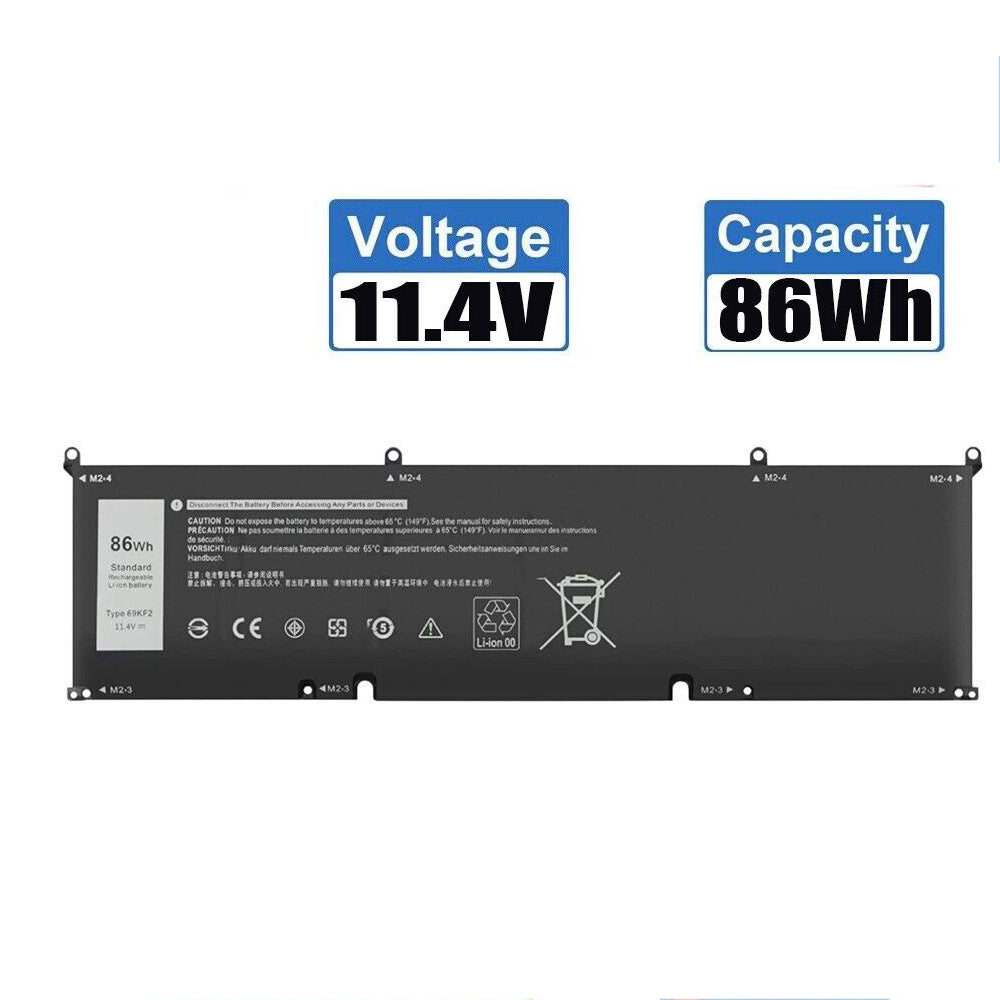
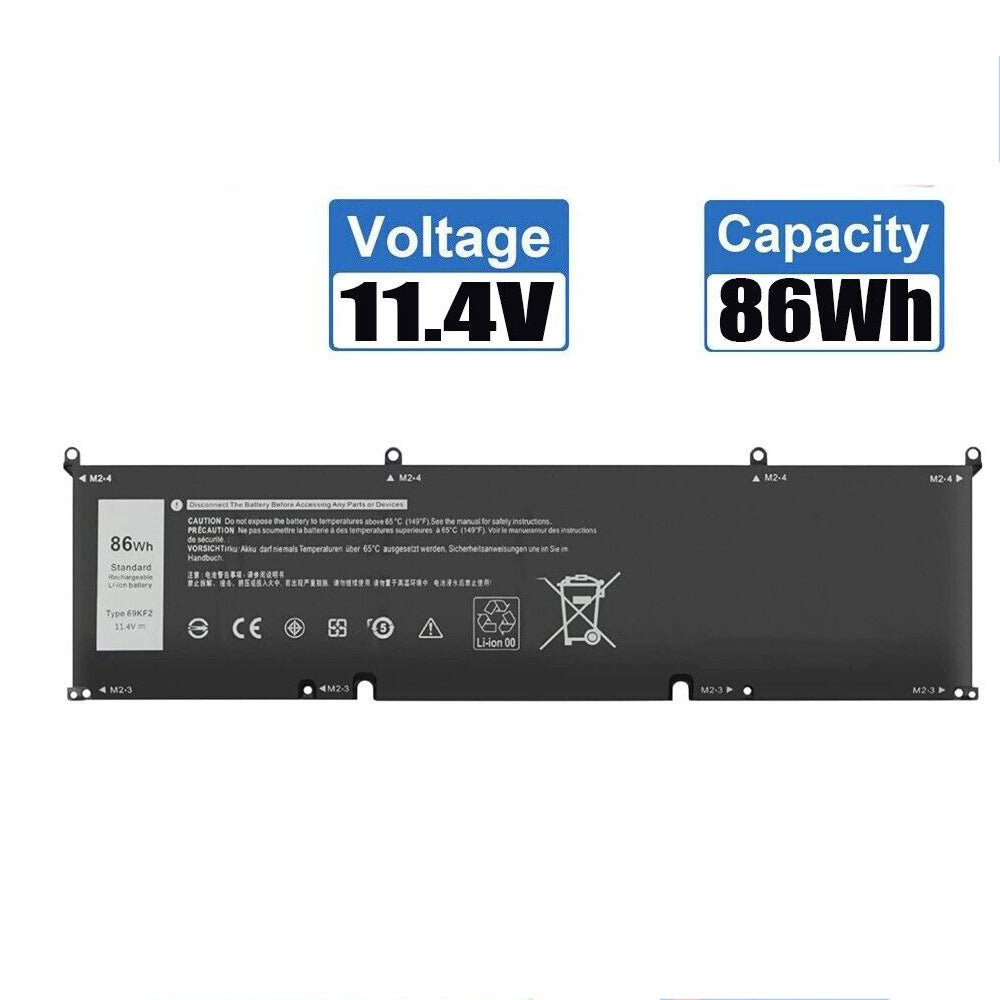
New Compatible Dell 069KF2 69KF2 70N2F M59JH Battery 86WH
Batteries
Status:
Open Oct 17, 2025 - 04:46 AM
1answer
Answer
Oct 17, 2025 - 04:46 AM
To set up your Dell monitor using HDMI, connect one end of the HDMI cable to your computer’s HDMI port and the other end to the HDMI port on the monitor. Then, power on both devices and use the monitor’s input/source button to select HDMI as the input source. Your computer should automatically detect the monitor; if not, adjust the display settings on your computer.
View More Product Details
Browse by Category
Batteries
View our complete selection of Batteries to find the one that suites your needs.
View All
View all Batteries Questions & Answers
View all New Compatible Dell 069KF2 69KF2 70N2F M59JH Battery 86WH Questions & Answers