Answer
Aug 21, 2025 - 06:40 PM
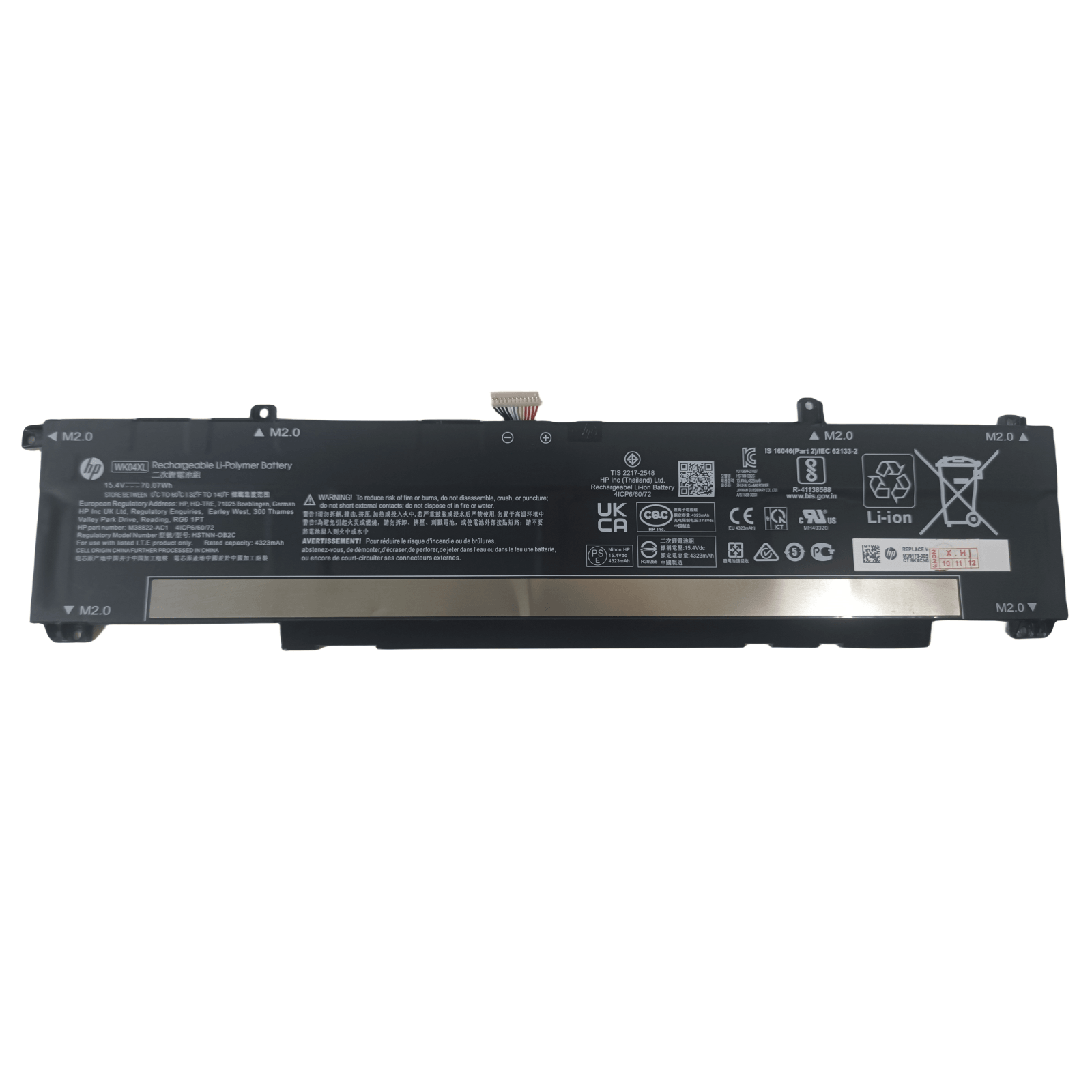
To check your HP laptop battery details, you can use the built-in Windows tool by opening Command Prompt and typing `powercfg /batteryreport`, which generates a report in the specified directory. Alternatively, you can use HP Support Assistant, which provides battery status and health information directly within the software.