Answer
Aug 21, 2025 - 06:39 PM
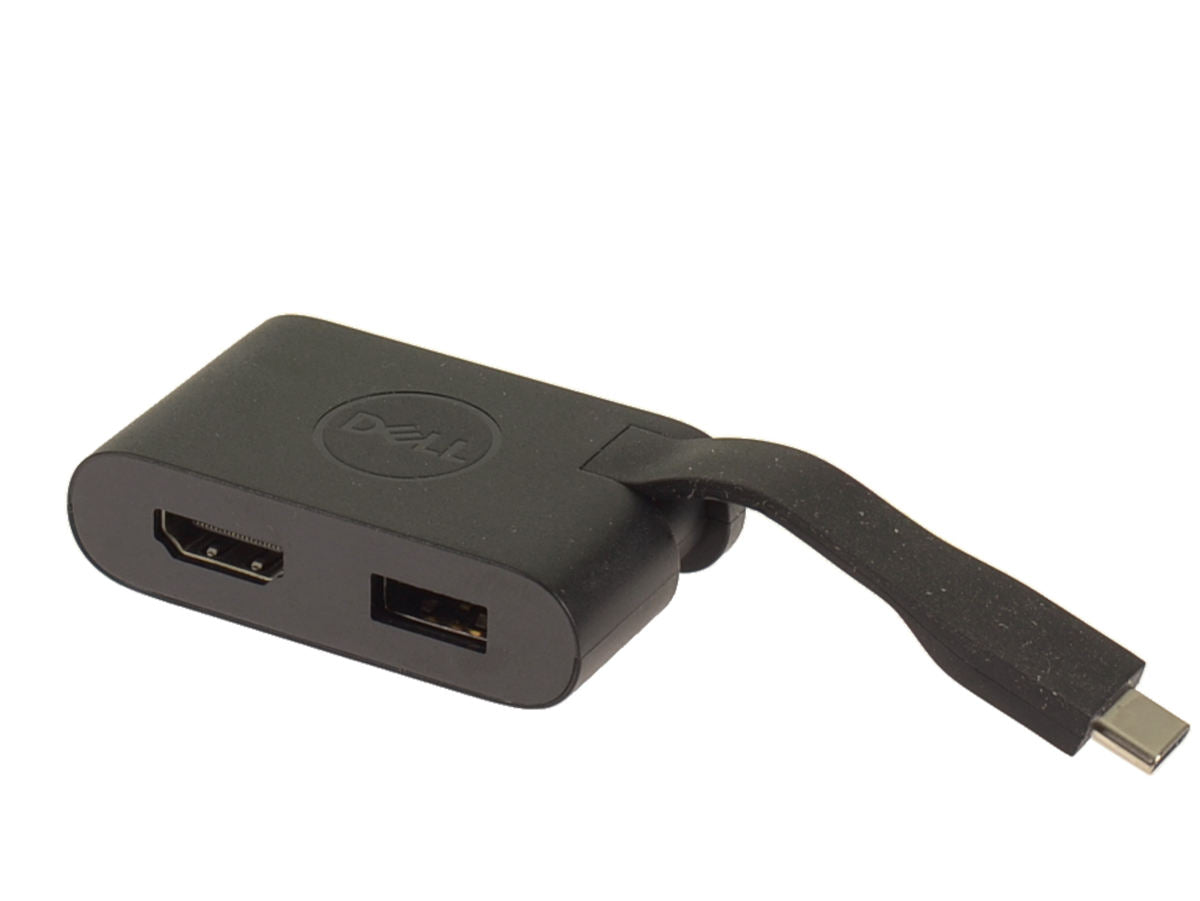
To get your USB-C to HDMI adapter working, first ensure that your device supports video output via USB-C, as not all USB-C ports have this capability. Connect the USB-C end of the adapter to your device and the HDMI end to your monitor or TV, then select the correct HDMI input on your display. If it doesn't work, check for driver updates or try using a different cable or adapter.