How to check battery model number?
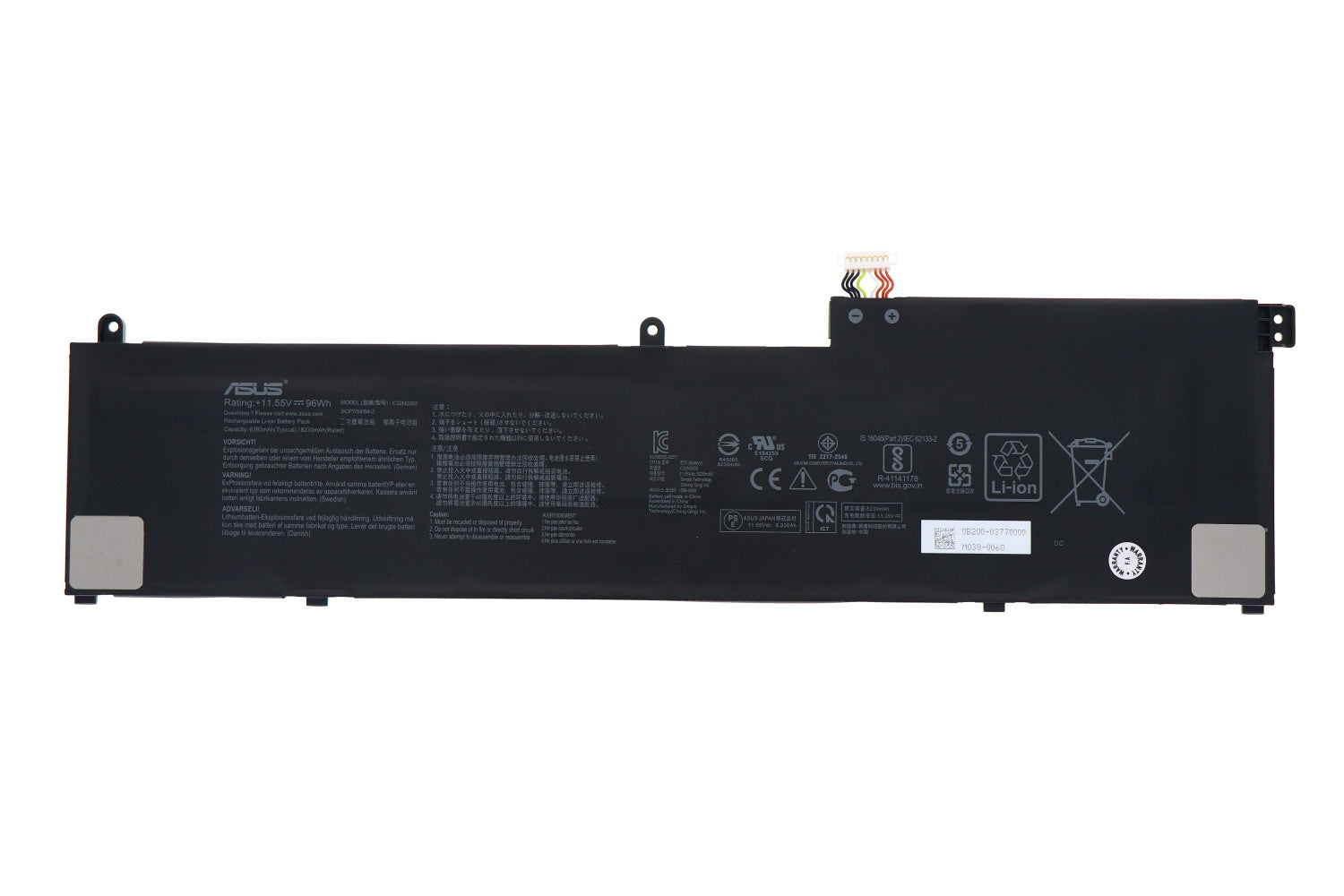
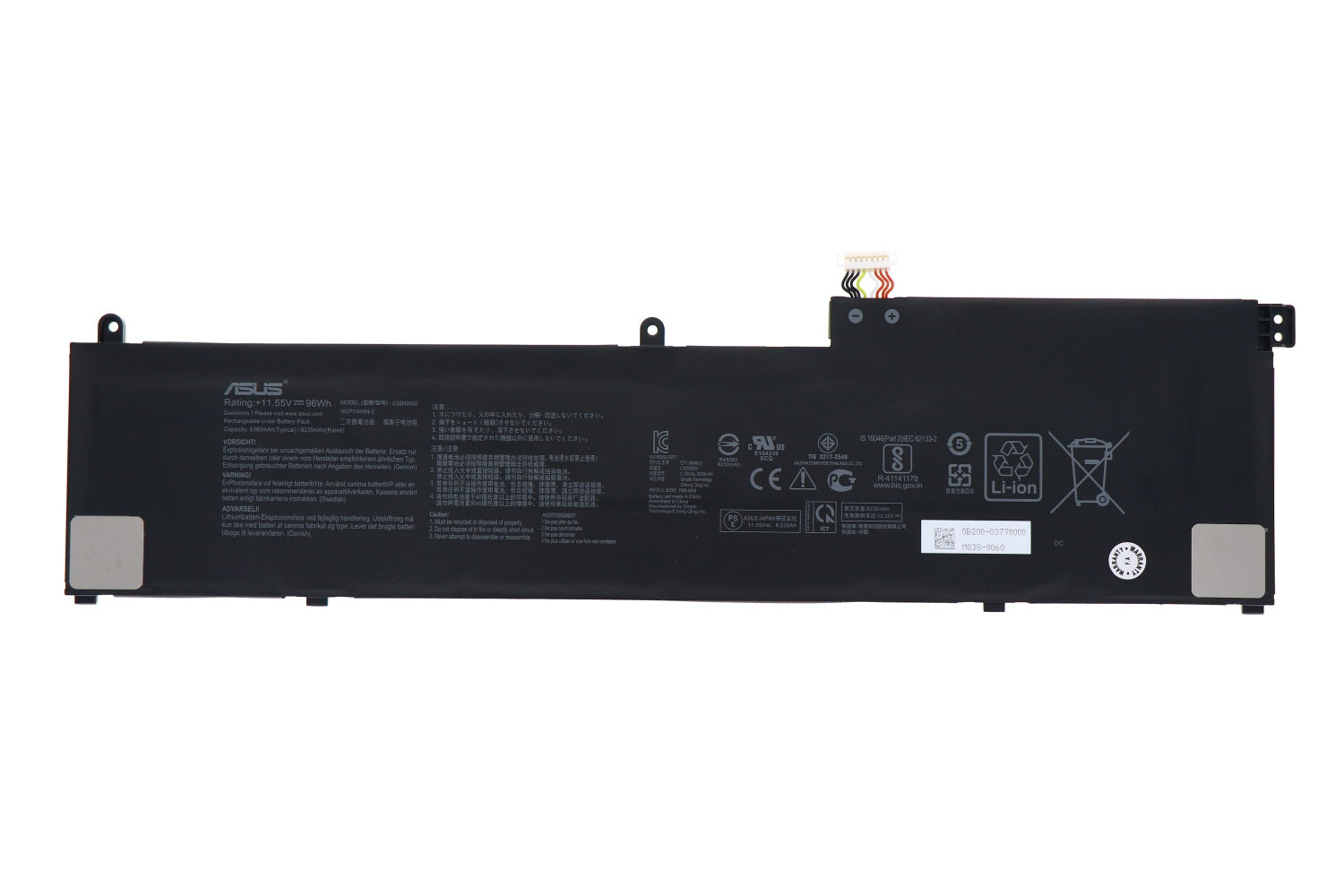
Asus ZenBook 0B200-03770000 C32N2002 Laptop Battery 96WH
Status:
Open Aug 20, 2025 - 05:32 PM
1answer
Answer
Aug 20, 2025 - 05:32 PM
To check the battery model number, remove the battery from your device and look for a label on the battery itself, which typically includes the model number, voltage, and other specifications. If the battery is not removable, refer to the device's manual or manufacturer's website for battery information. Alternatively, you can use system information tools on computers or settings menus on smartphones to find battery details.
View More Product Details
Asus ZenBook 0B200-03770000 C32N2002 Laptop Battery 96WH
New Genuine Asus Battery *** There is more than one version of this battery, however they are NOT interchangeable. Please compare with your original prior to placing an order *** Features and Technical Specifications: Number of Cells: 6 Capacity: 96WH Voltage: 11.55V Colour: Black
Buy Now
View all Asus ZenBook 0B200-03770000 C32N2002 Laptop Battery 96WH Questions & Answers