How to check asus ZenBook battery health?
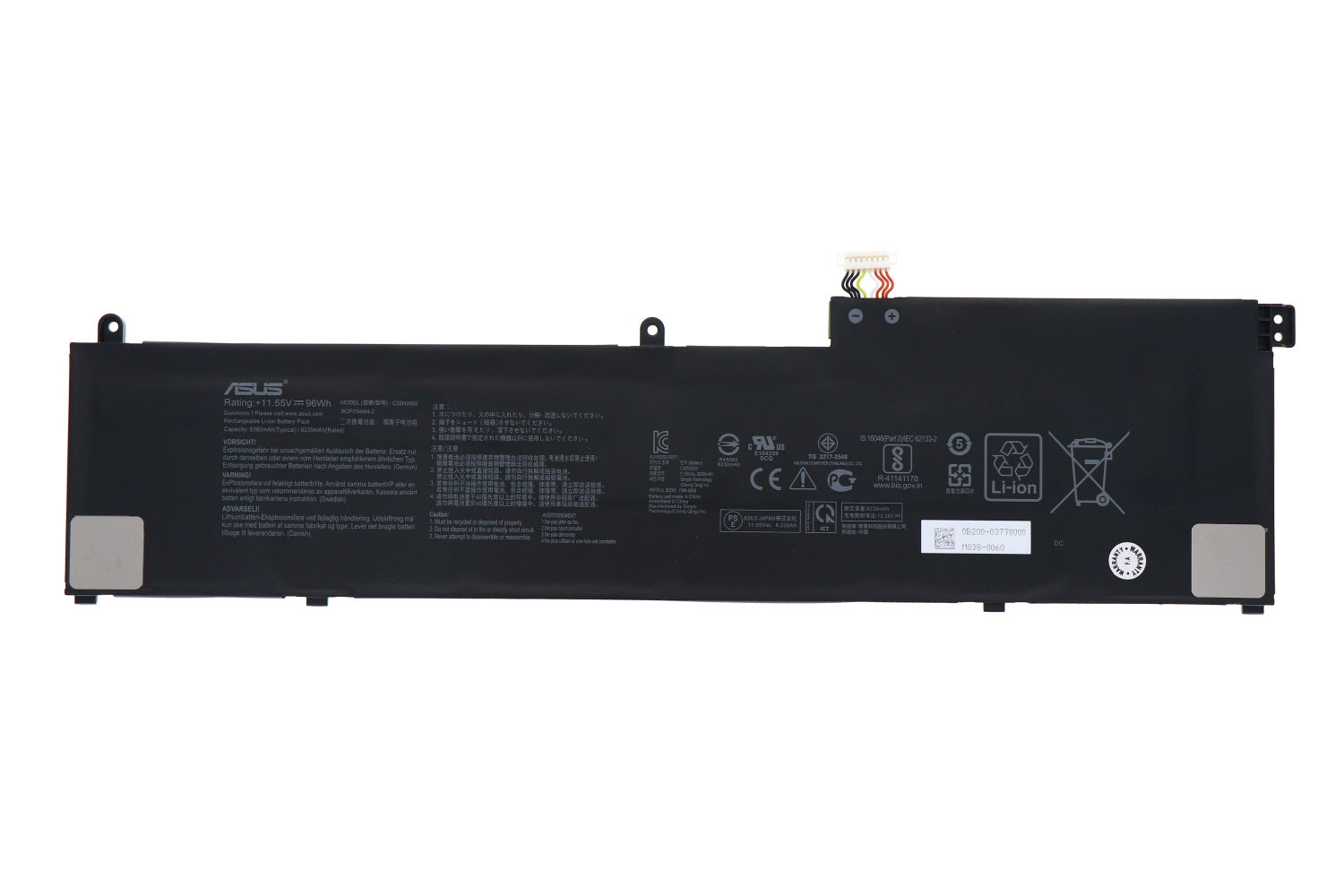
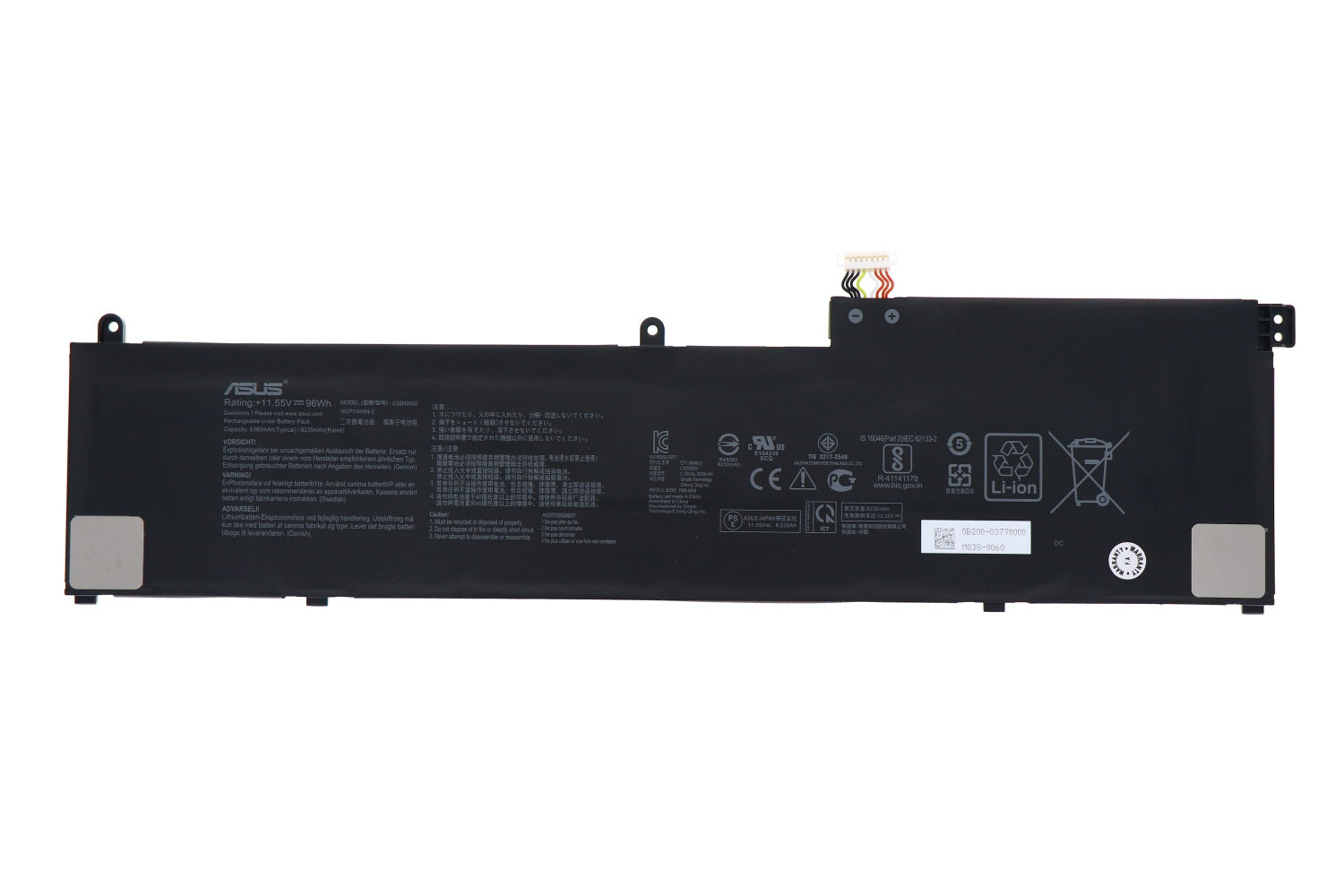
Asus ZenBook 0B200-03770000 C32N2002 Laptop Battery 96WH
Status:
Open Aug 20, 2025 - 05:32 PM
1answer
Answer
Aug 20, 2025 - 05:32 PM
To check the battery health of your ASUS ZenBook, you can use the built-in Windows Battery Report feature. Open the Command Prompt as an administrator and type `powercfg /batteryreport`, then press Enter. This generates a battery report file in your user directory, which you can open to review detailed information about your battery's health and performance.
View More Product Details
Asus ZenBook 0B200-03770000 C32N2002 Laptop Battery 96WH
New Genuine Asus Battery *** There is more than one version of this battery, however they are NOT interchangeable. Please compare with your original prior to placing an order *** Features and Technical Specifications: Number of Cells: 6 Capacity: 96WH Voltage: 11.55V Colour: Black
Buy Now
View all Asus ZenBook 0B200-03770000 C32N2002 Laptop Battery 96WH Questions & Answers