Answer
Aug 20, 2025 - 09:40 AM
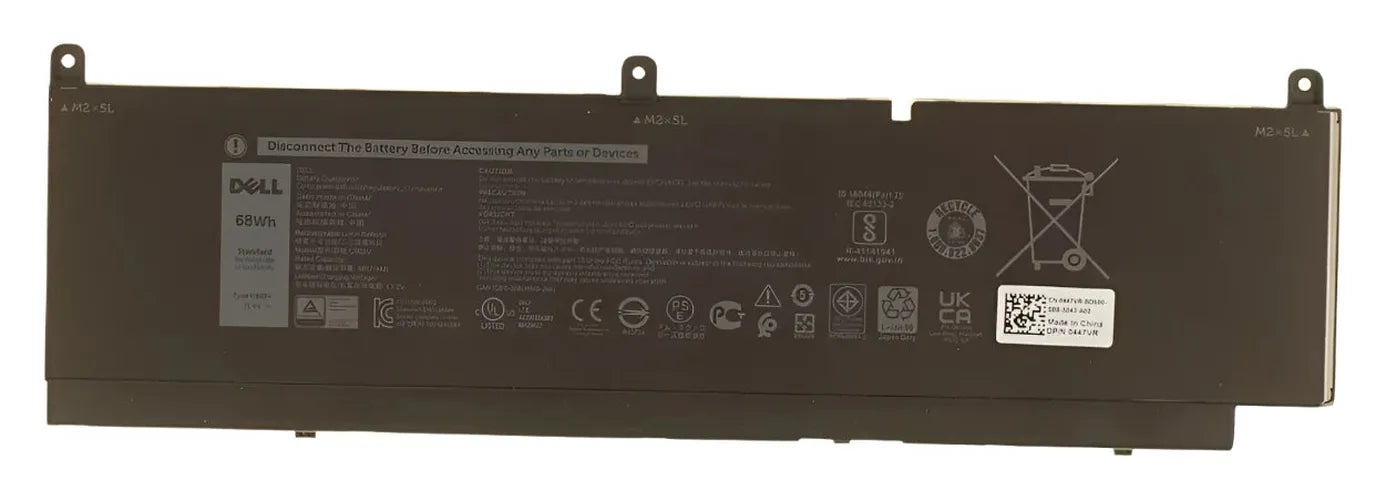
To remove the battery from a Dell 7560, first ensure the laptop is powered off and unplugged. Flip the laptop over and use a screwdriver to remove the screws securing the bottom cover, then gently lift the cover off. Locate the battery, disconnect its cable from the motherboard, and remove any screws securing the battery before lifting it out of the laptop.