How do I find information about my MacBook?
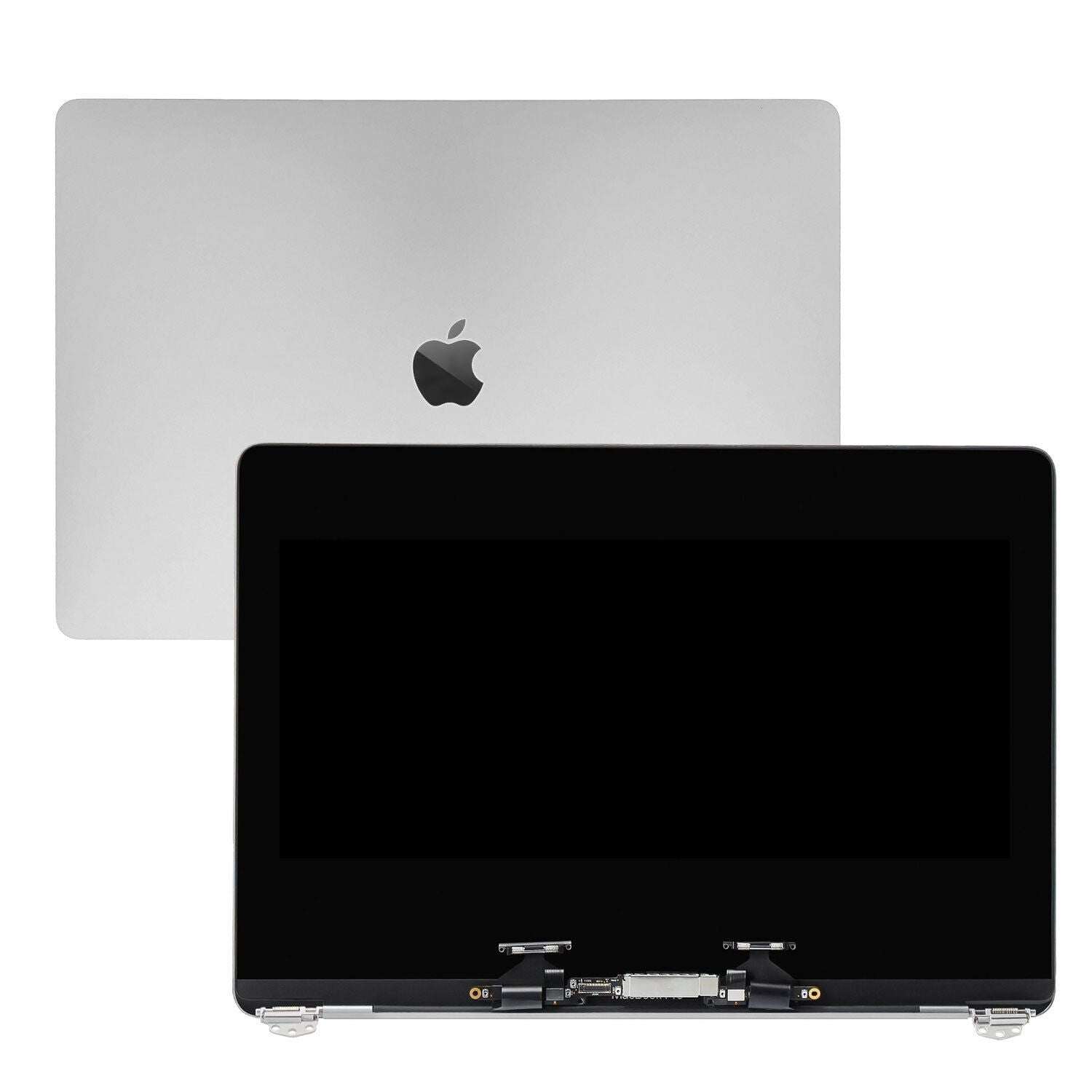
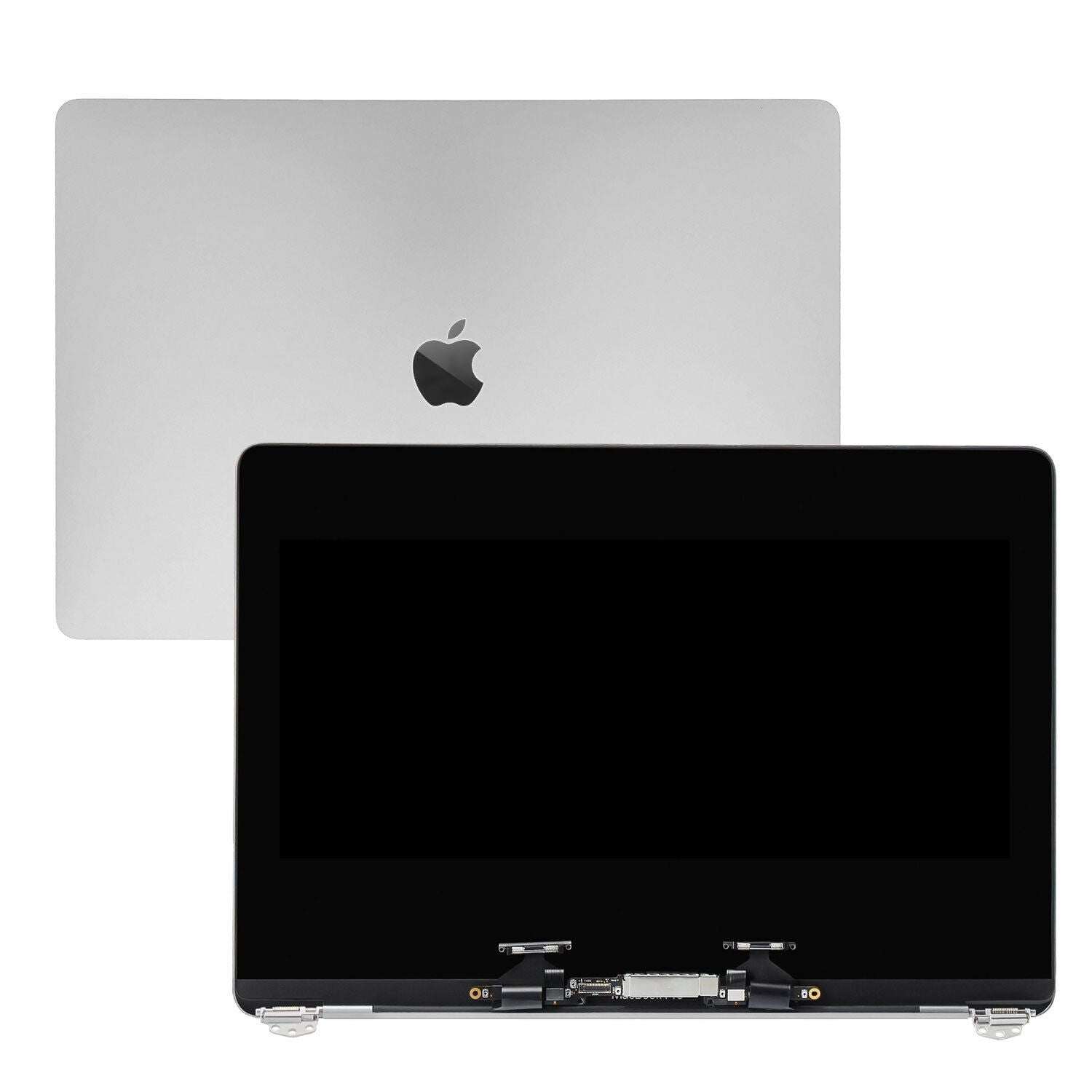
New Apple MacBook Pro 13" Retina A2338 M1 M2 2020 2022 LCD Screen Assembly Silver 661-17549
Screens
Status:
Open Aug 20, 2025 - 09:39 AM
1answer
Answer
Aug 20, 2025 - 09:39 AM
To find information about your MacBook, click on the Apple logo in the top-left corner of the screen and select "About This Mac." This will provide details such as the macOS version, model, processor, memory, and storage. For more detailed information, click on "System Report" within the same window.
View More Product Details
Browse by Category
Screens
View our complete selection of Screens to find the one that suites your needs.
View All
View all Screens Questions & Answers
View all New Apple MacBook Pro 13" Retina A2338 M1 M2 2020 2022 LCD Screen Assembly Silver 661-17549 Questions & Answers