Answer
Aug 20, 2025 - 09:37 AM
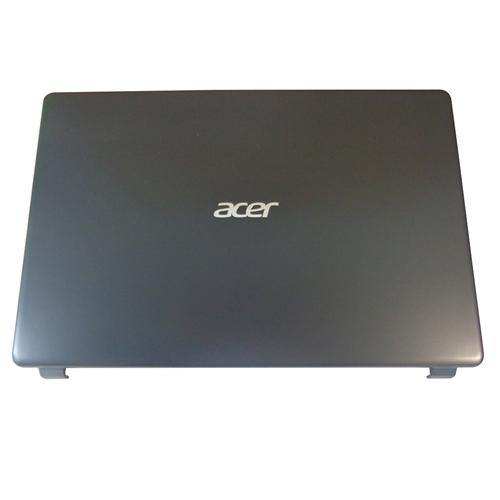
To open the back cover of an Acer Aspire 3, first turn off the laptop and disconnect all power sources. Use a small Phillips screwdriver to remove the screws from the bottom panel, keeping track of their positions. Gently pry open the back cover using a plastic opening tool or a similar non-metallic tool, starting from one corner and carefully working your way around the edges to avoid damaging the clips.