How to check ASUS phone model?
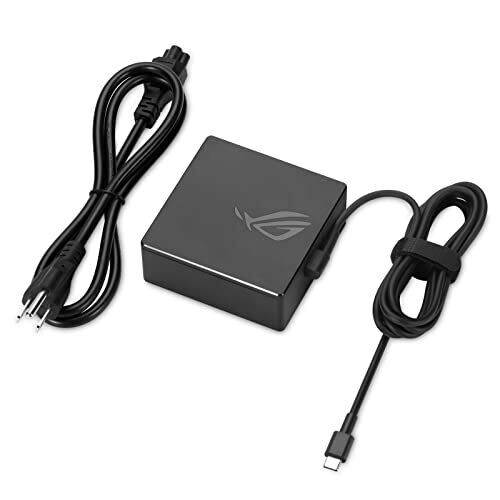
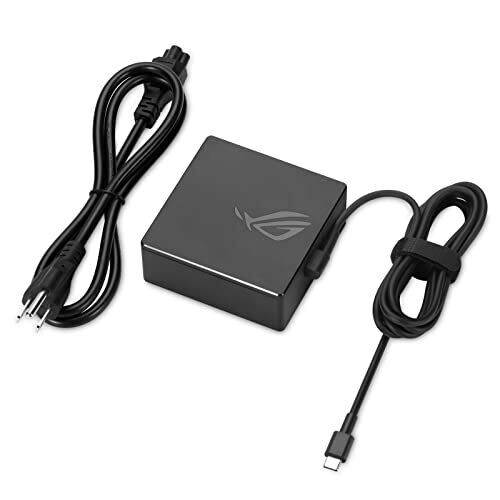
asus a20 100p1a New Genuine Asus 100W USB-C AC Adapter Charger A20-100P1A for ASUS ROG Flow X13 Z13 gv301 gz301
Status:
Open Aug 20, 2025 - 09:37 AM
1answer
Answer
Aug 20, 2025 - 09:37 AM
To check the model of your ASUS phone, you can go to "Settings," then tap on "About phone" or "System," and look for "Model number" or "Model name." Alternatively, you can also check the original packaging or look for a label on the back of the phone or under the battery if it's removable.
View More Product Details
View all asus a20 100p1a New Genuine Asus 100W USB-C AC Adapter Charger A20-100P1A for ASUS ROG Flow X13 Z13 gv301 gz301 Questions & Answers