How to configure Logitech USB receiver?
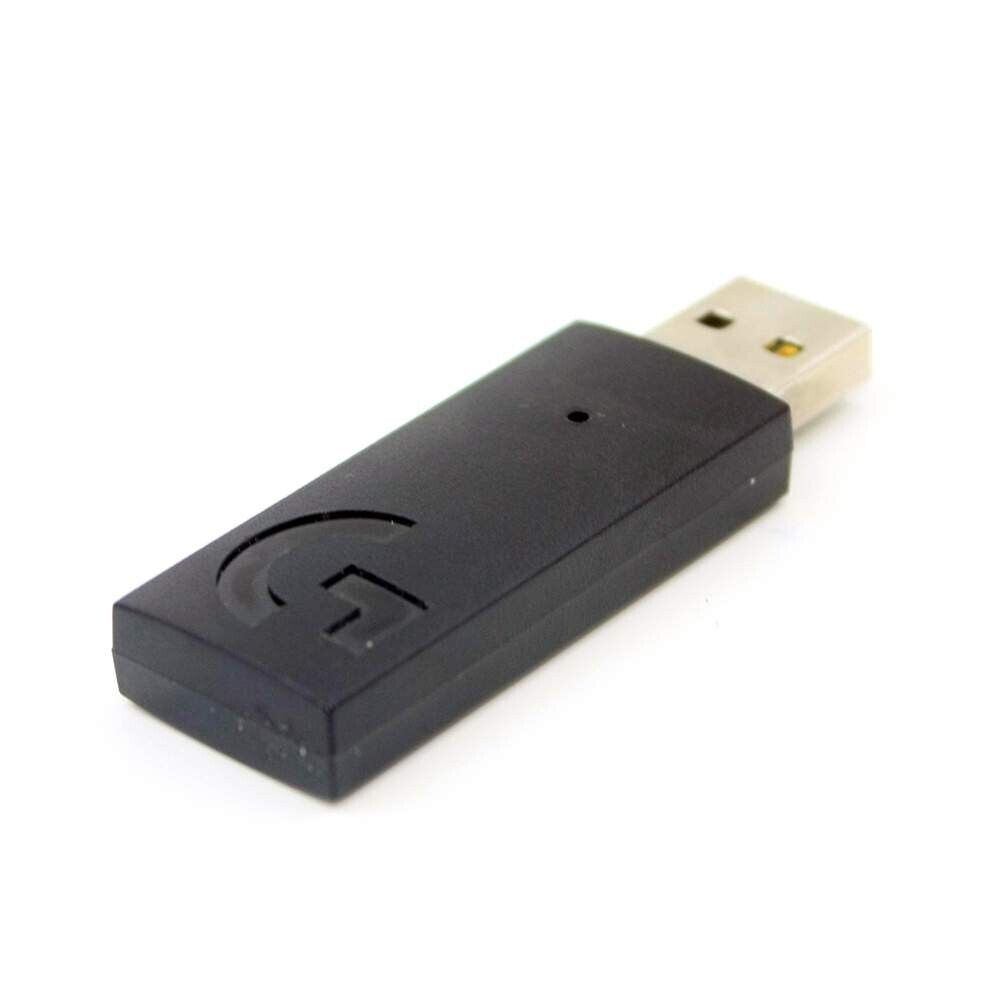
New Logitech G733 Wireless Gaming Headset USB Receiver Dongle Adapter A-00080
Accessories
Status:
Open Aug 20, 2025 - 09:37 AM
1answer
Answer
Aug 20, 2025 - 09:37 AM
To configure a Logitech USB receiver, first plug the receiver into a USB port on your computer. Then, turn on your Logitech device (such as a mouse or keyboard) and it should automatically pair with the receiver. If it doesn't connect automatically, you may need to download and install the Logitech Unifying Software from the Logitech website to manually pair the device with the receiver.
View More Product Details
Browse by Category
Accessories
View our complete selection of Accessories to find the one that suites your needs.
View All
View all Accessories Questions & Answers
View all New Logitech G733 Wireless Gaming Headset USB Receiver Dongle Adapter A-00080 Questions & Answers