Answer
Aug 20, 2025 - 09:35 AM
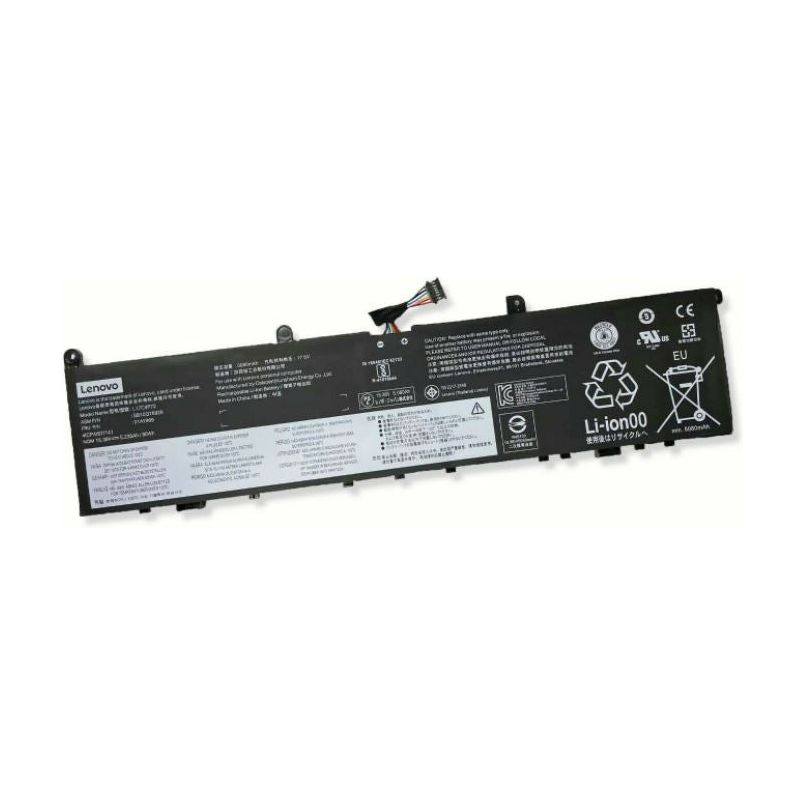
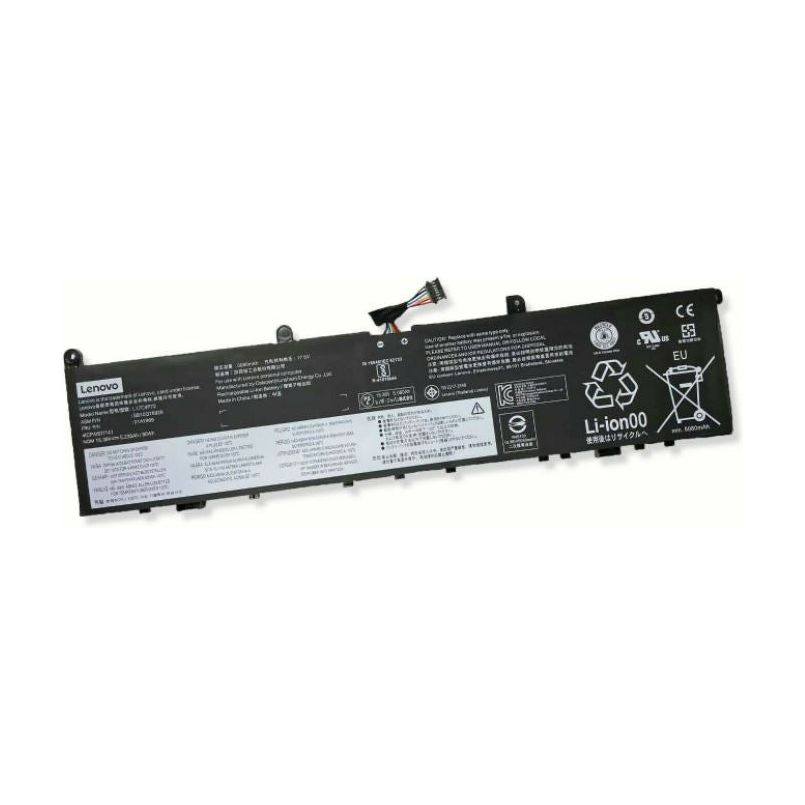
To identify your Lenovo laptop battery, first turn off and unplug your laptop, then remove the battery from its compartment, which is usually located on the underside of the laptop. Look for a label on the battery that includes details such as the part number, model number, or serial number, which are typically used for identification. If you're unable to remove the battery, you can also check the Lenovo Vantage software or the manufacturer's website for battery details using your laptop's model number.