Answer
Aug 20, 2025 - 09:35 AM
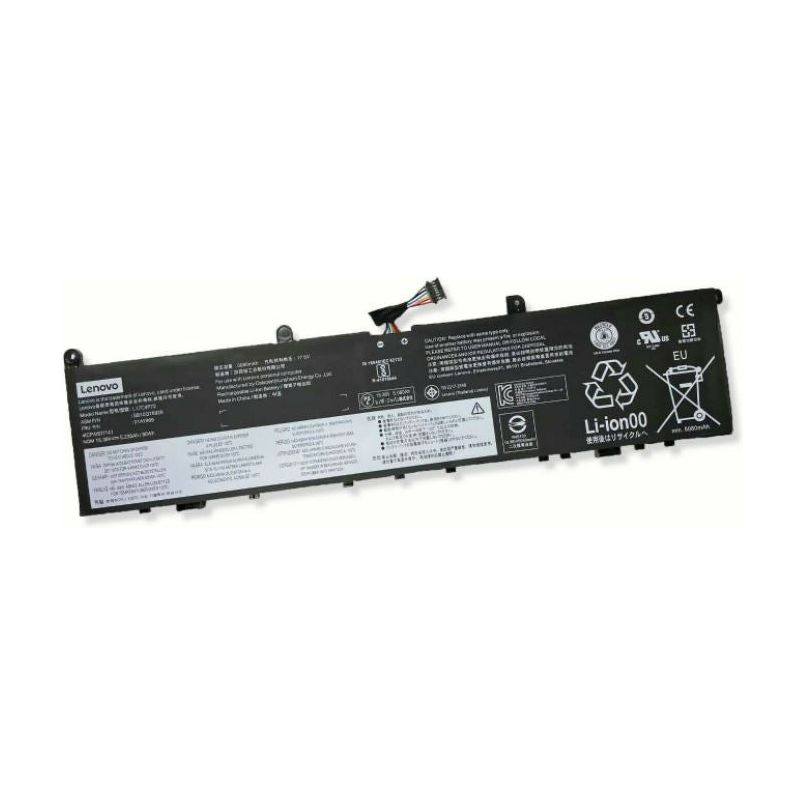
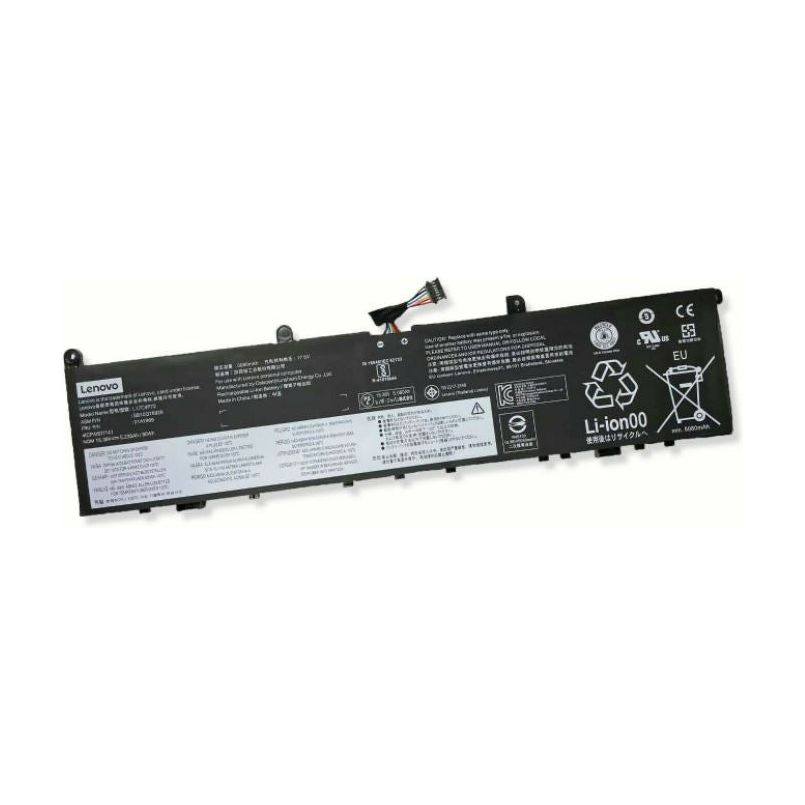
To determine the age of your Lenovo laptop, you can check the serial number or model number, usually found on a label on the bottom of the laptop. Once you have this information, visit the Lenovo website or use their support tools to find the manufacturing date. Alternatively, you can look up the release date of your specific model online to get an approximate age.