Answer
Aug 20, 2025 - 09:35 AM
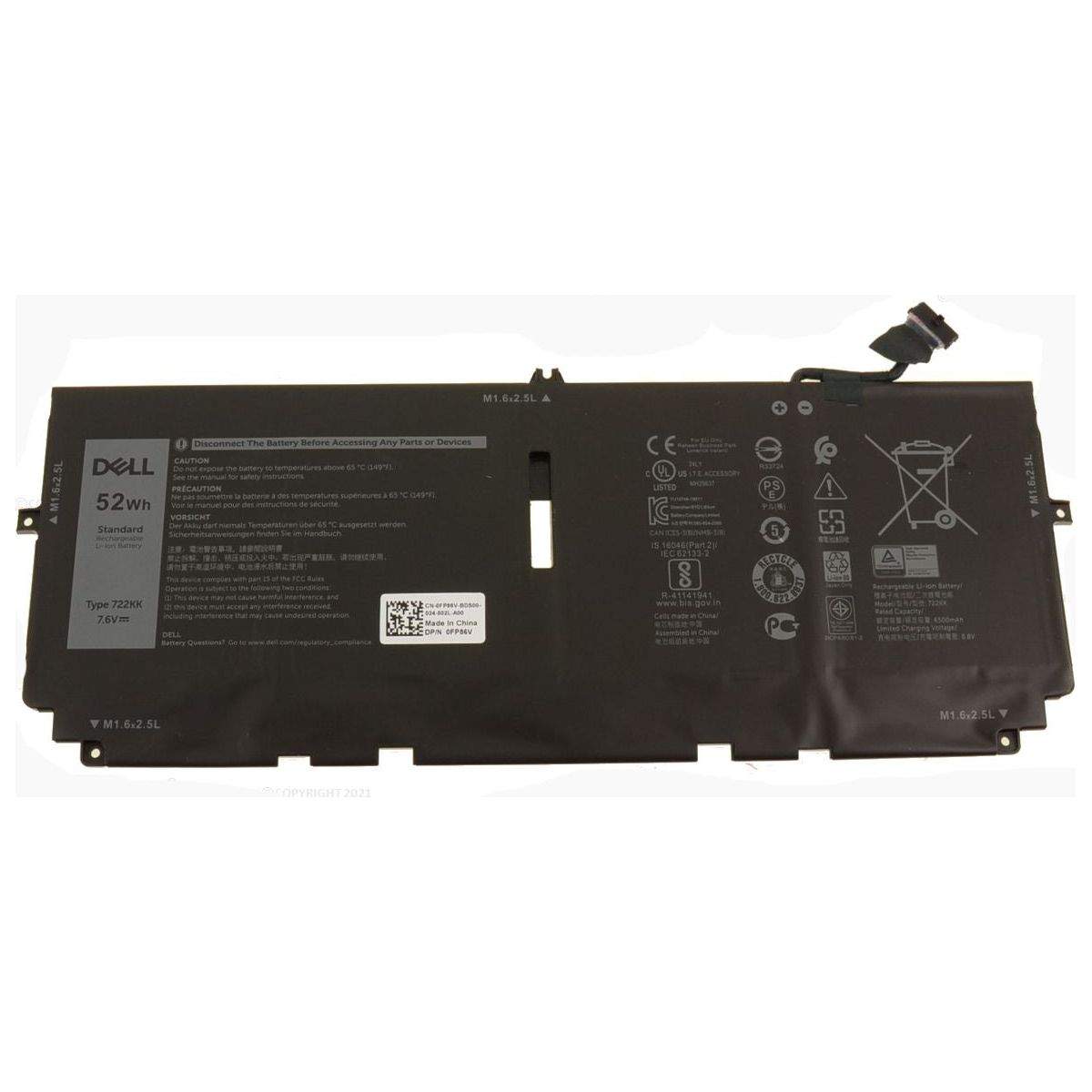
To find the battery information on your laptop, you can check the battery icon in the system tray or menu bar, which often provides basic details like charge percentage. For more detailed information, such as battery health and capacity, you can use built-in tools like "Battery Report" on Windows by typing `powercfg /batteryreport` in the Command Prompt, or "System Information" on a Mac by holding the Option key and clicking the Apple menu to select "System Information" and then navigating to the "Power" section.