Answer
Aug 20, 2025 - 09:32 AM
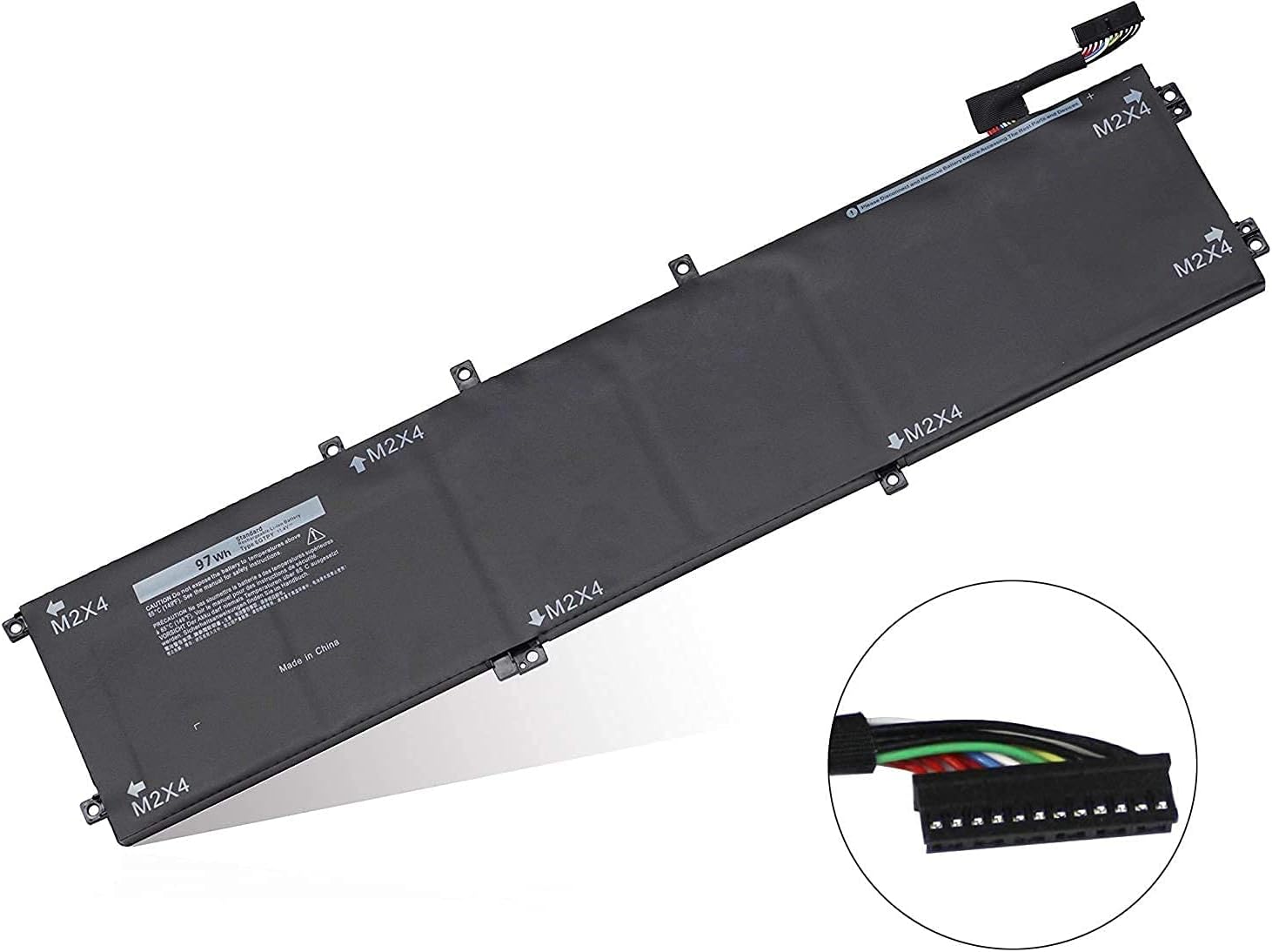
To find battery information on a Dell laptop, you can use the "Dell Power Manager" application, which provides details about the battery health, charge status, and settings. Alternatively, you can access the BIOS by restarting your laptop and pressing the F2 key during startup; the battery information is usually listed under the "Battery Information" section.