Answer
Aug 20, 2025 - 09:32 AM
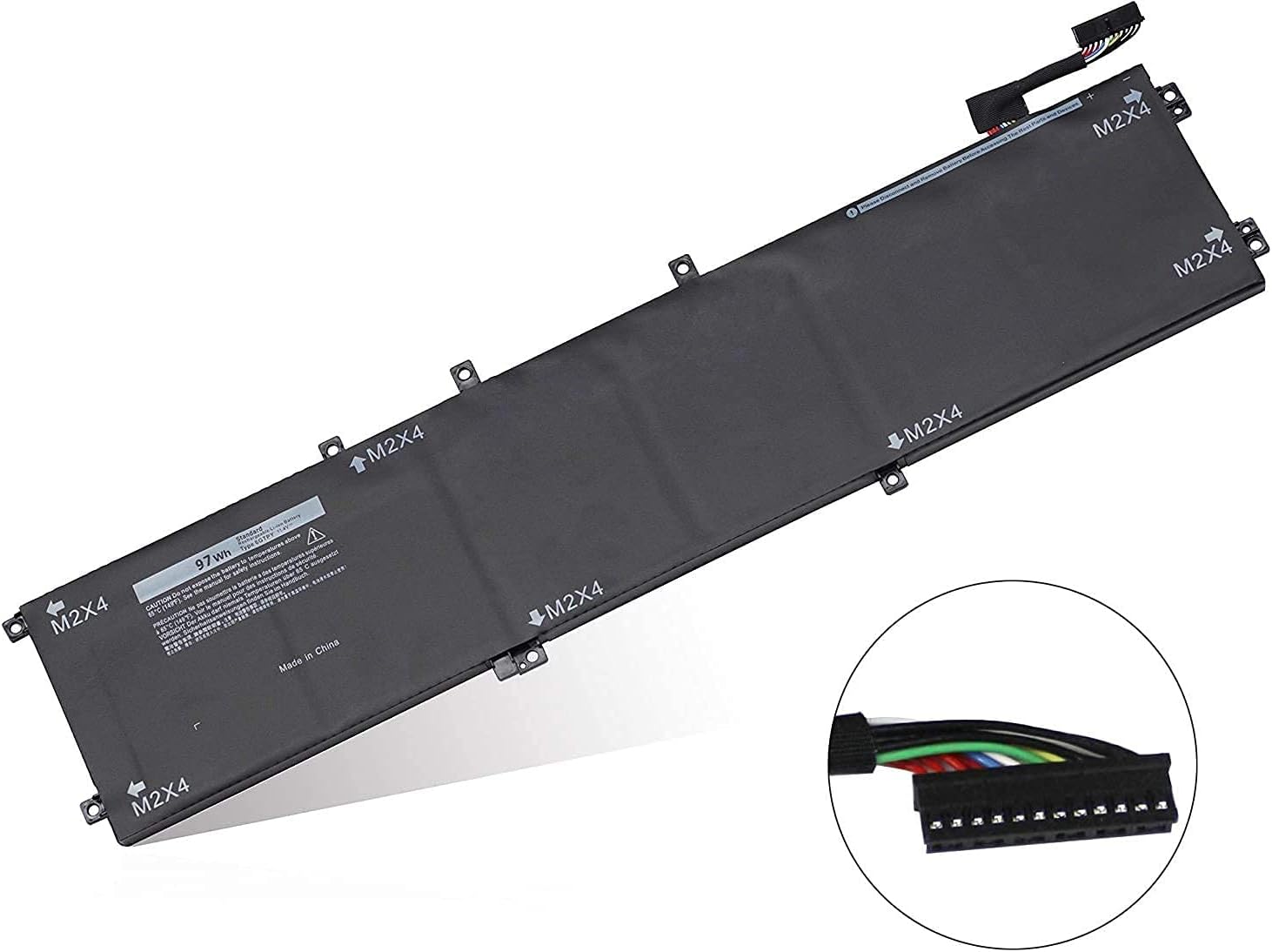
To find your Dell XPS battery model number, first turn off your laptop and disconnect it from any power source. Then, carefully remove the back panel by unscrewing the screws, which will allow you to see the battery. The model number is typically printed on a label on the battery itself. Always consult your laptop's manual for specific instructions related to your model.