How do I check battery capacity on Dell XPS?
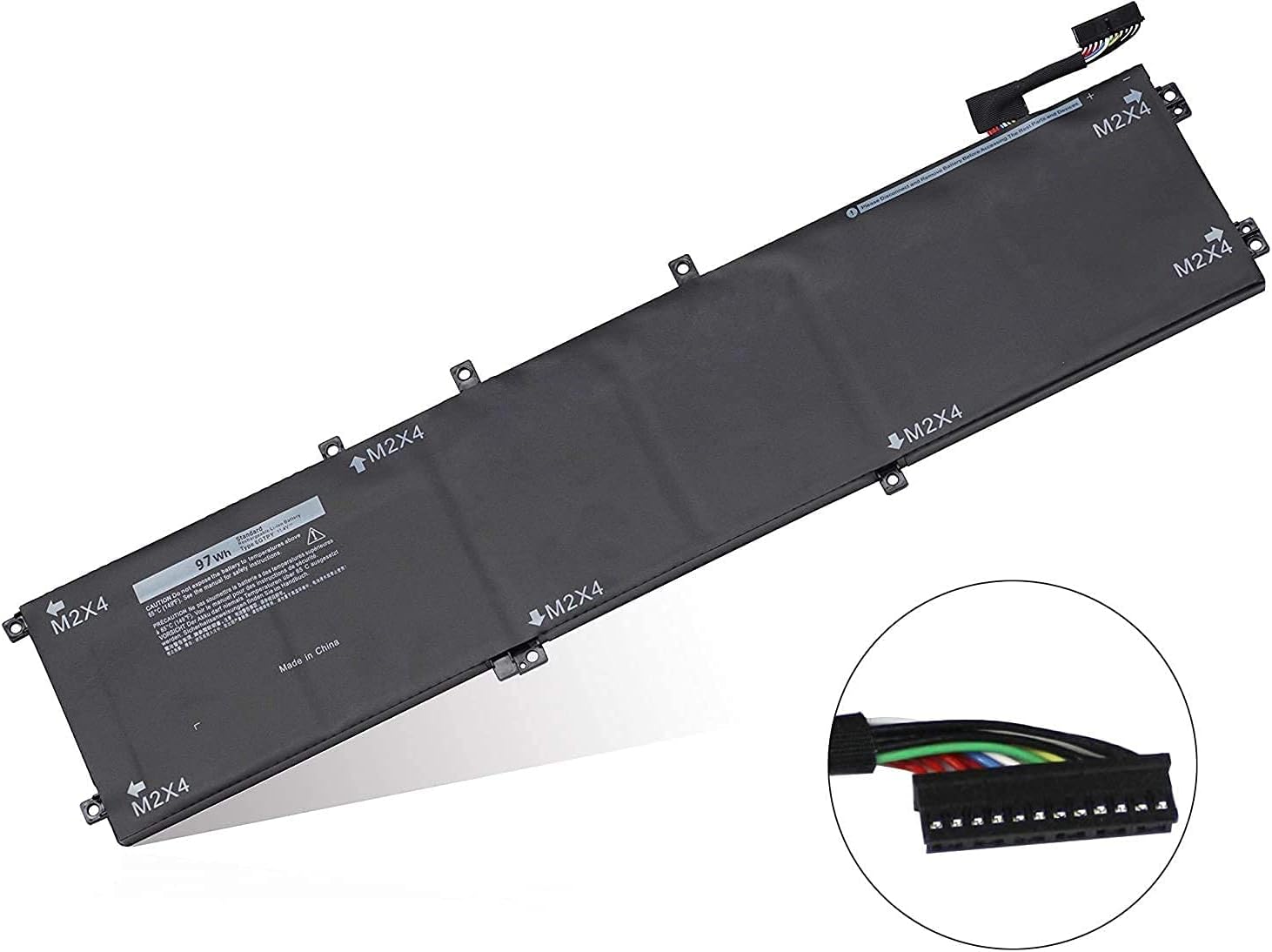
New Compatible Dell XPS 15 7590 9560 9570 Battery 97Wh
Status:
Open Aug 20, 2025 - 09:32 AM
1answer
Answer
Aug 20, 2025 - 09:32 AM
To check the battery capacity on a Dell XPS, open the Dell Power Manager application if it's installed, and navigate to the battery information section to view the health and capacity details. Alternatively, you can generate a battery report by opening Command Prompt and typing `powercfg /batteryreport`, which will save a detailed report in your user directory.
View More Product Details
New Compatible Dell XPS 15 7590 9560 9570 Battery 97Wh
Features and Technical Specifications: Number of Cells: 6Capacity: 97WhVoltage: 11.4VColour: Black Compatible Part #'s: 6GTPY, 06GTPY, GPM03, 5XJ28, 4K1VM, 04K1VM, W62W6 **** Please make sure that you choose the correct battery for your laptop **** This might require that you open the base cover...
See More
View all New Compatible Dell XPS 15 7590 9560 9570 Battery 97Wh Questions & Answers