How to check battery health on XPS 15?
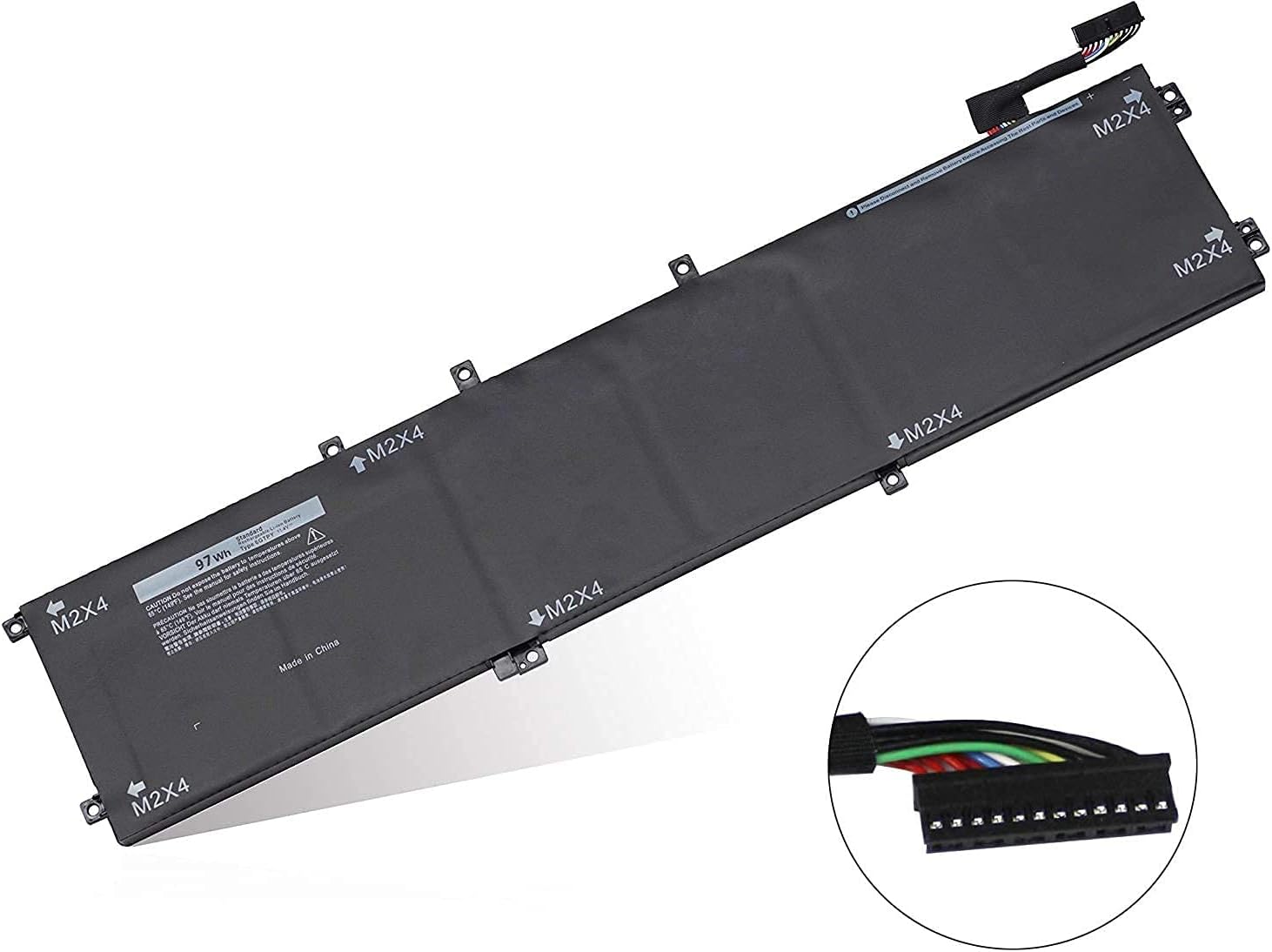
New Compatible Dell XPS 15 7590 9560 9570 Battery 97Wh
Status:
Open Aug 20, 2025 - 09:32 AM
1answer
Answer
Aug 20, 2025 - 09:32 AM
To check the battery health on a Dell XPS 15, you can use the Dell Power Manager application, which provides detailed battery information and health status. Alternatively, you can access the BIOS by restarting your laptop and pressing F2 during boot, where you can find battery health details under the battery information section.
View More Product Details
New Compatible Dell XPS 15 7590 9560 9570 Battery 97Wh
Features and Technical Specifications: Number of Cells: 6Capacity: 97WhVoltage: 11.4VColour: Black Compatible Part #'s: 6GTPY, 06GTPY, GPM03, 5XJ28, 4K1VM, 04K1VM, W62W6 **** Please make sure that you choose the correct battery for your laptop **** This might require that you open the base cover...
See More
View all New Compatible Dell XPS 15 7590 9560 9570 Battery 97Wh Questions & Answers