How to power on Samsung monitor?
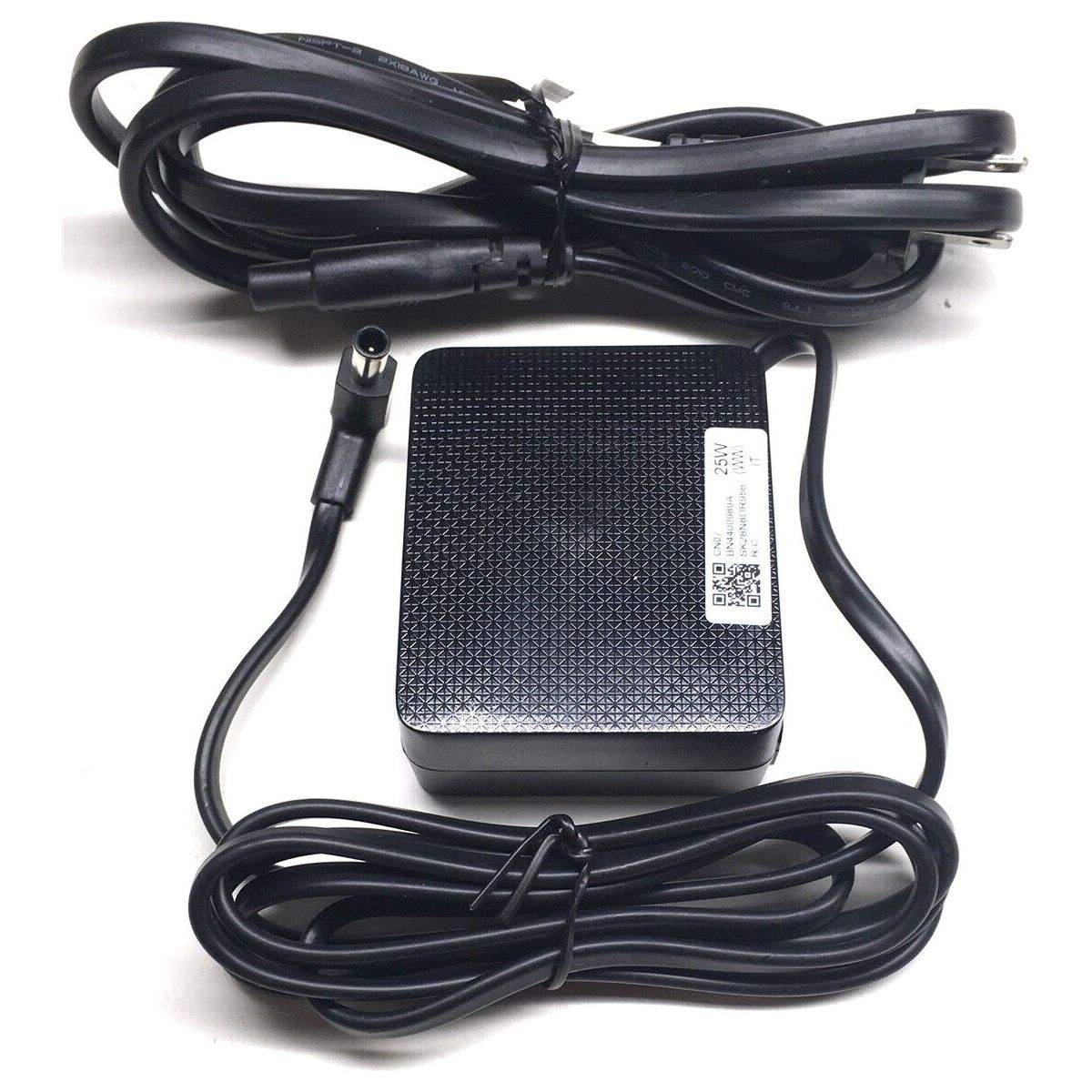
New Genuine Samsung Monitor TV AC Adapter Power Supply A2514_RPN 14V 1.79A 25W BN44-00989A
AC Adapters
Status:
Open Aug 20, 2025 - 09:30 AM
1answer
Answer
Aug 20, 2025 - 09:30 AM
To power on a Samsung monitor, ensure it is properly connected to a power source using the provided power cable. Once connected, press the power button located either on the front, side, or bottom of the monitor, depending on the model. If the monitor does not turn on, double-check the power connections and ensure the outlet is working.
View More Product Details
Browse by Category
AC Adapters
View our complete selection of AC Adapters to find the one that suites your needs.
View All
View all AC Adapters Questions & Answers
View all New Genuine Samsung Monitor TV AC Adapter Power Supply A2514_RPN 14V 1.79A 25W BN44-00989A Questions & Answers