Answer
Aug 20, 2025 - 09:30 AM
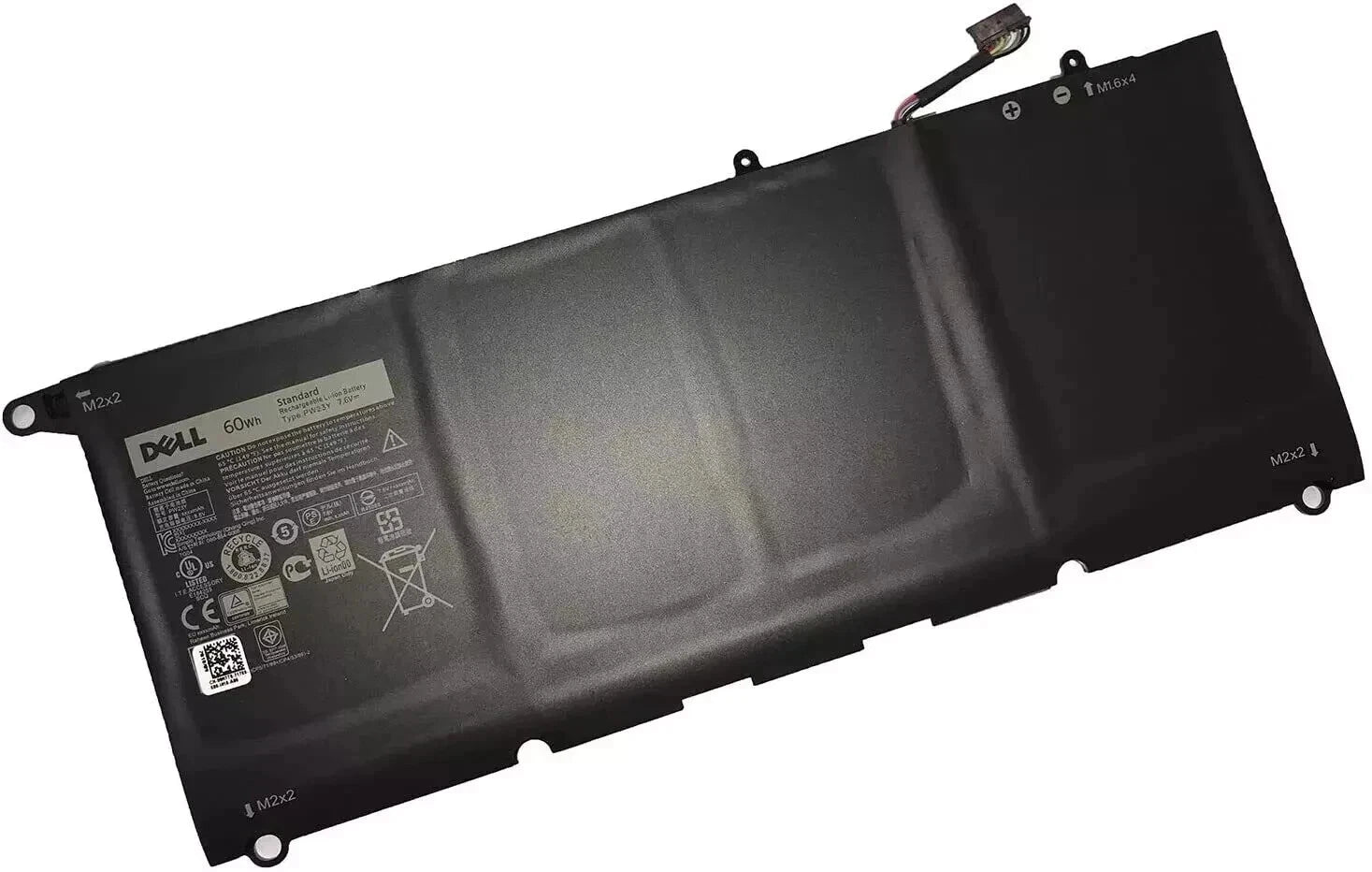
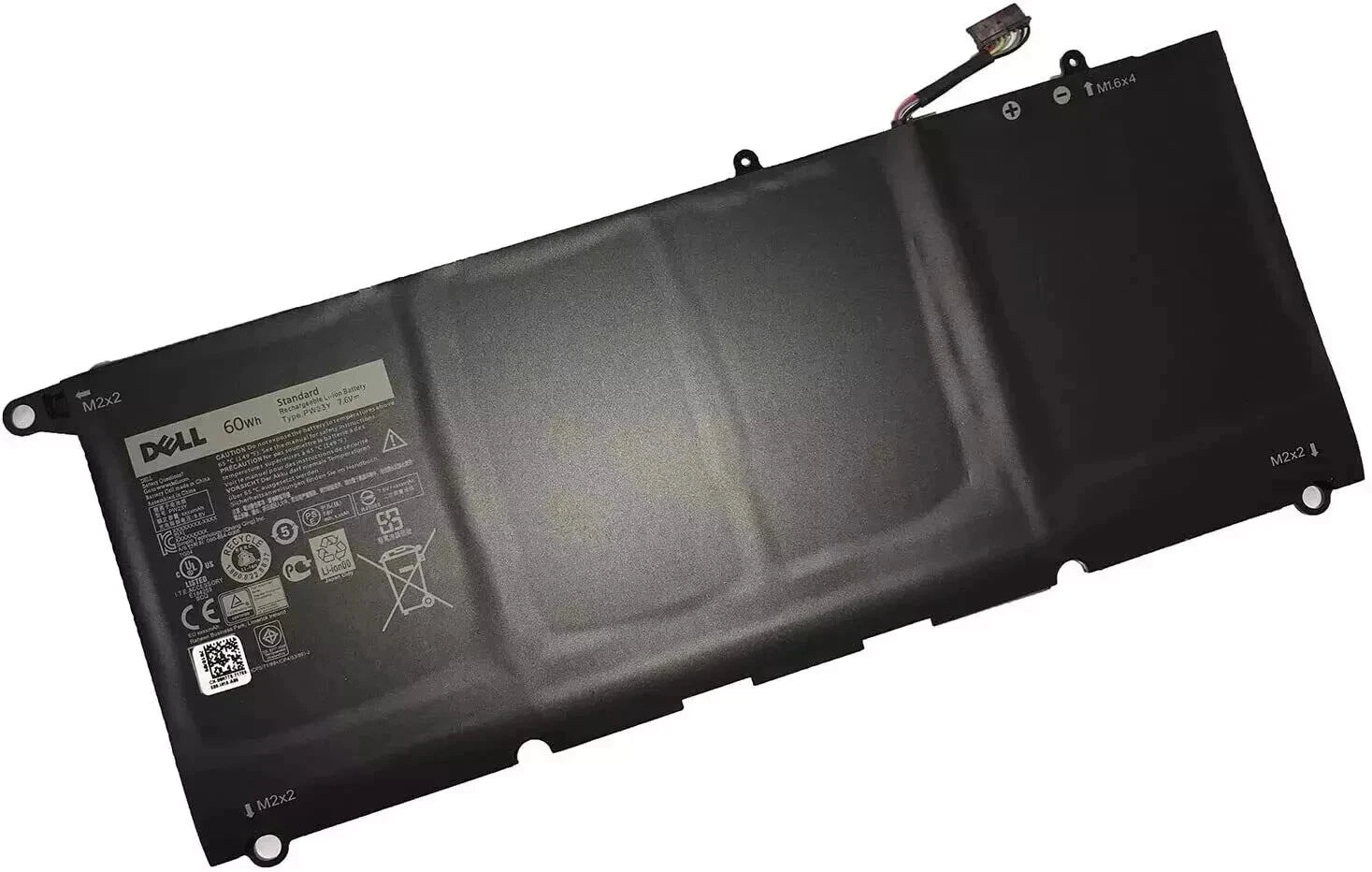
To check the battery health on a Dell XPS 13, you can use the built-in BIOS diagnostics. Restart your laptop and press F2 repeatedly to enter the BIOS setup. Navigate to the 'Battery Information' section to view the battery health status. Alternatively, you can use Dell's SupportAssist application within Windows, which offers a battery health check and other diagnostics.