Answer
Aug 20, 2025 - 09:28 AM
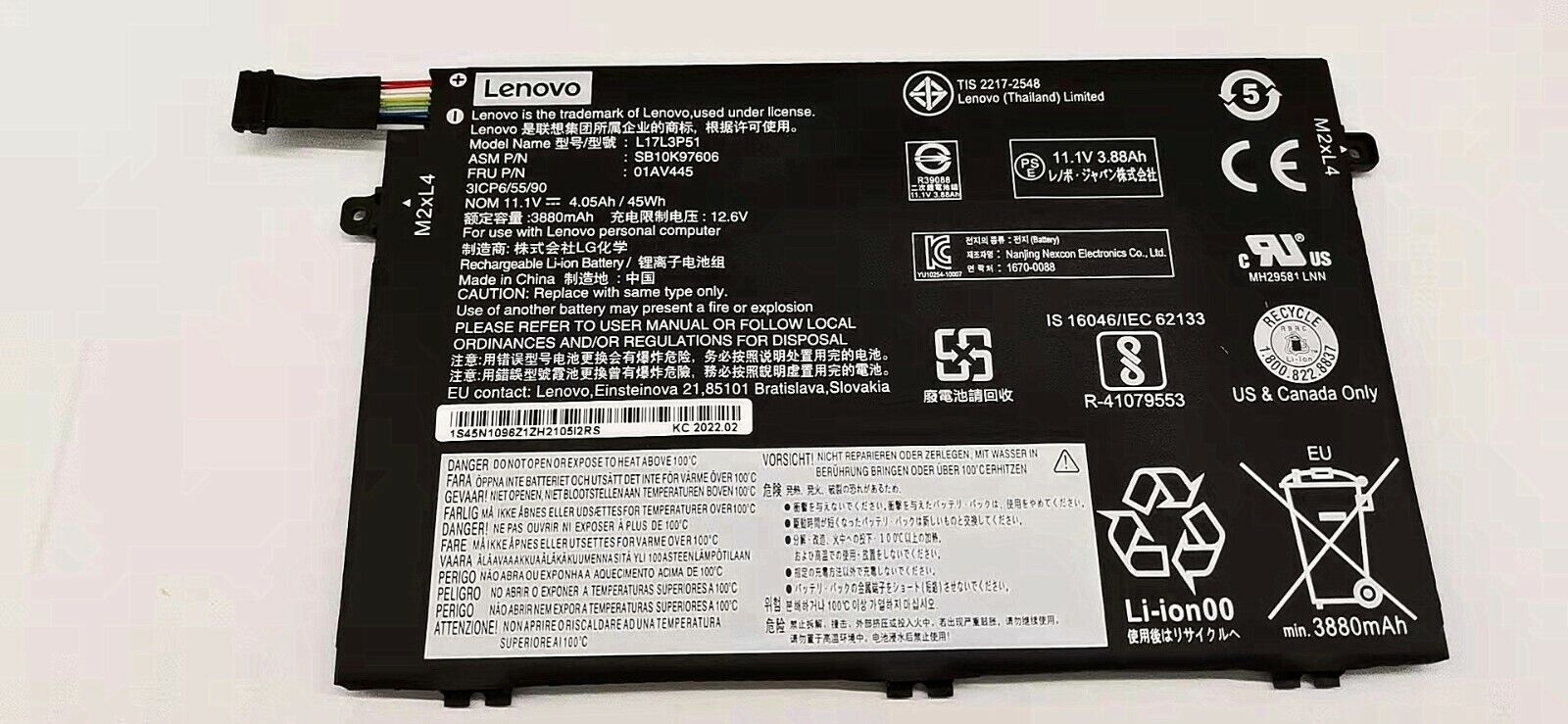
To identify your Lenovo laptop battery, first turn off your laptop and remove the battery if it's detachable. Look for a label on the battery that includes a part number, model number, or serial number, which can help you identify it. If your battery is non-removable, you can often find battery information in the Lenovo Vantage app or by checking the system details in your laptop's BIOS.