Answer
Aug 20, 2025 - 09:27 AM
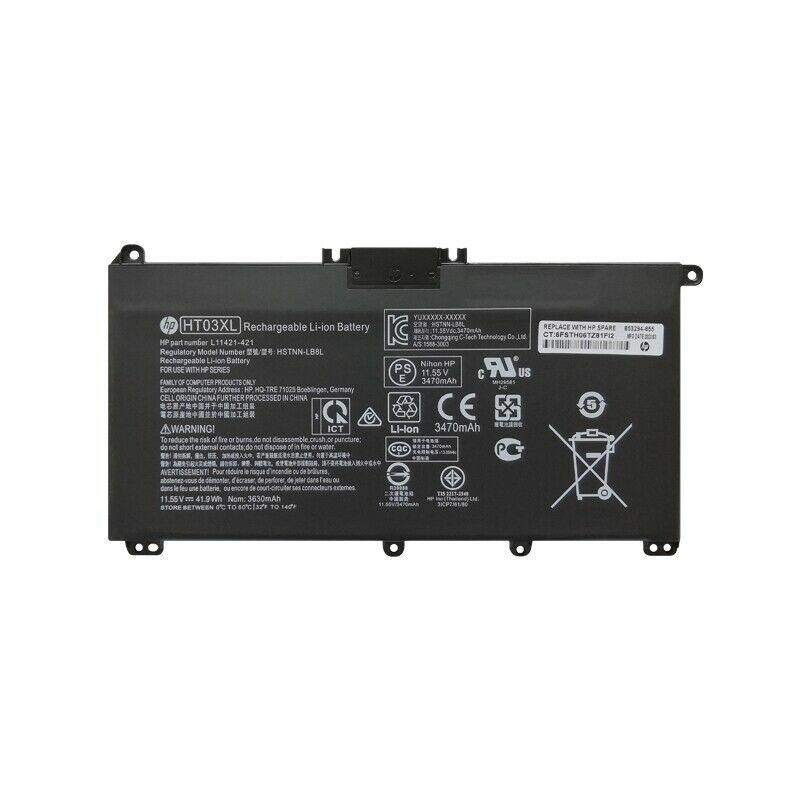
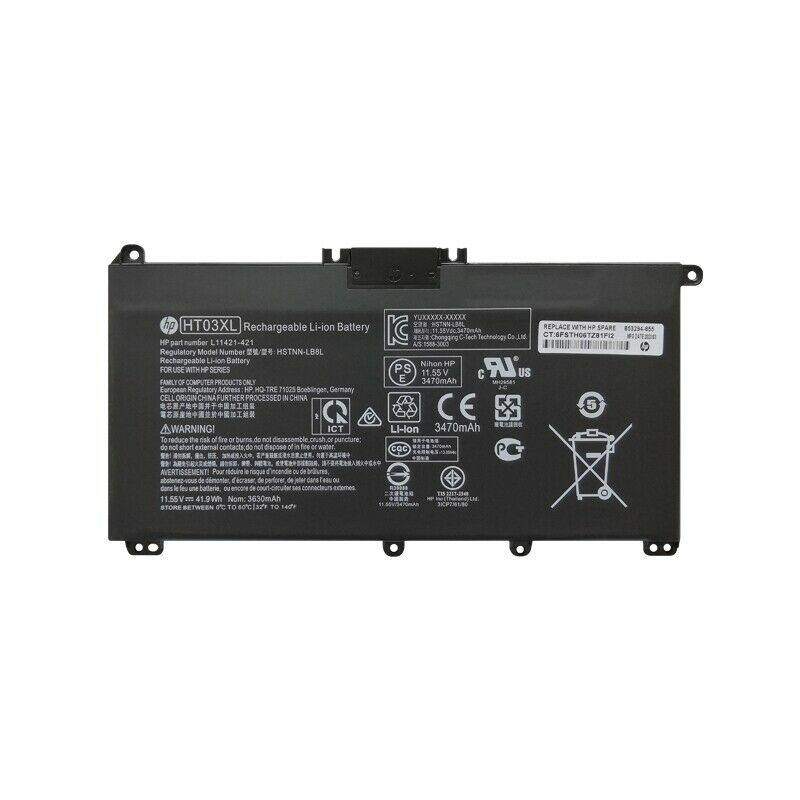
To check battery information on an HP laptop, you can use the built-in Windows feature by right-clicking the battery icon in the system tray and selecting "Battery settings" to view basic information. For a more detailed report, open Command Prompt and type `powercfg /batteryreport`, then press Enter. This generates a comprehensive battery report in HTML format, saved in your user directory.