
How do I figure out what MacBook I have?
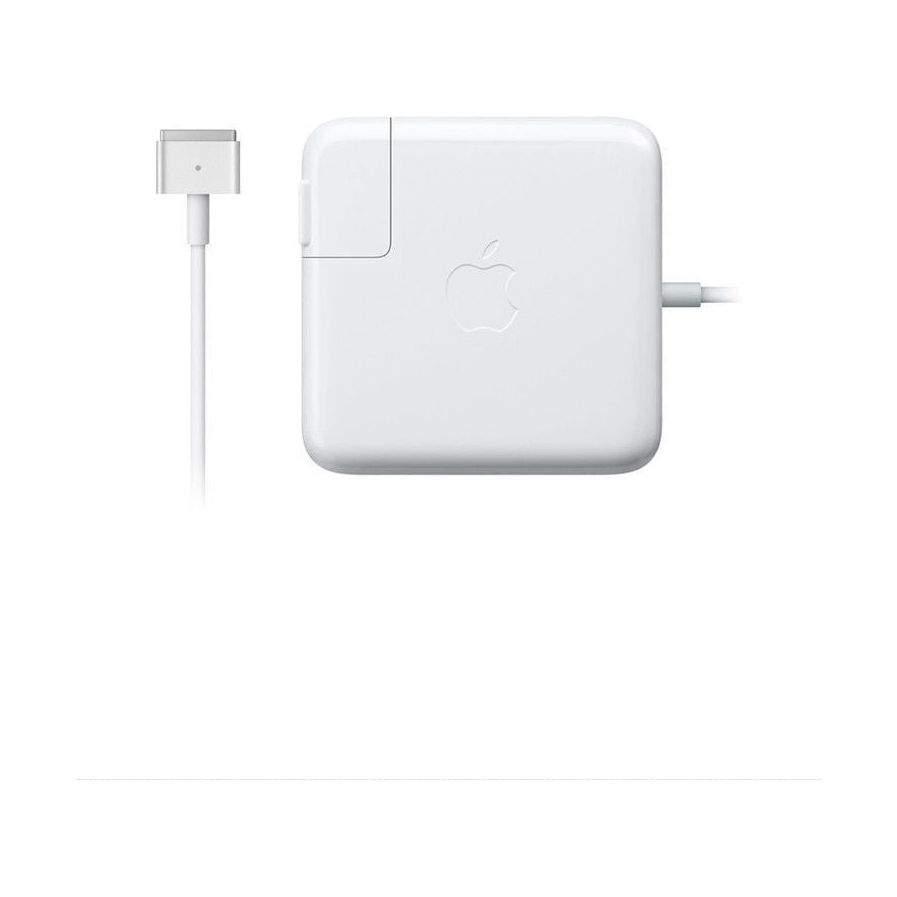
New Genuine Apple MacBook Pro AC Adapter Charger Magsafe 2 60W A1435 A1465 16.5V 3.25A
Ac Adapter Power
Status:
Open Aug 20, 2025 - 09:25 AM
1answer
Answer
Aug 20, 2025 - 09:25 AM
To determine which MacBook model you have, click the Apple logo in the top-left corner of your screen and select "About This Mac." A window will pop up displaying information about your Mac, including the model name and year, which can help you identify the specific MacBook version you own.
View More Product Details
View all Ac Adapter Power Questions & Answers
View all New Genuine Apple MacBook Pro AC Adapter Charger Magsafe 2 60W A1435 A1465 16.5V 3.25A Questions & Answers