Answer
Aug 20, 2025 - 08:35 AM
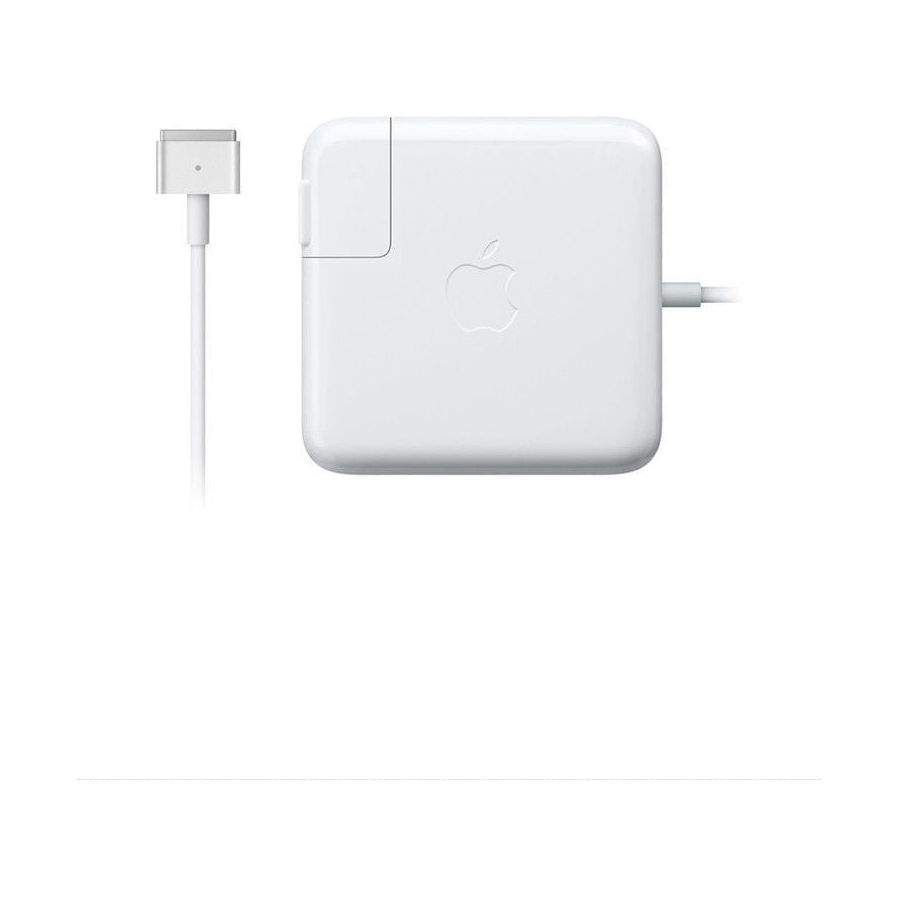
To charge your MacBook A1502, connect the MagSafe 2 power adapter to the charging port on the left side of the laptop. Ensure the adapter is plugged into a power outlet, and the LED indicator on the connector should light up—amber indicates charging, and green indicates a full charge.